SARK
SARKSARK
SARK-
--
-110
110110
110
User’s Manual
Rev 1.2.6 October 3
rd
, 2015 - 47 - © Melchor Varela – EA4FRB 2011-2015
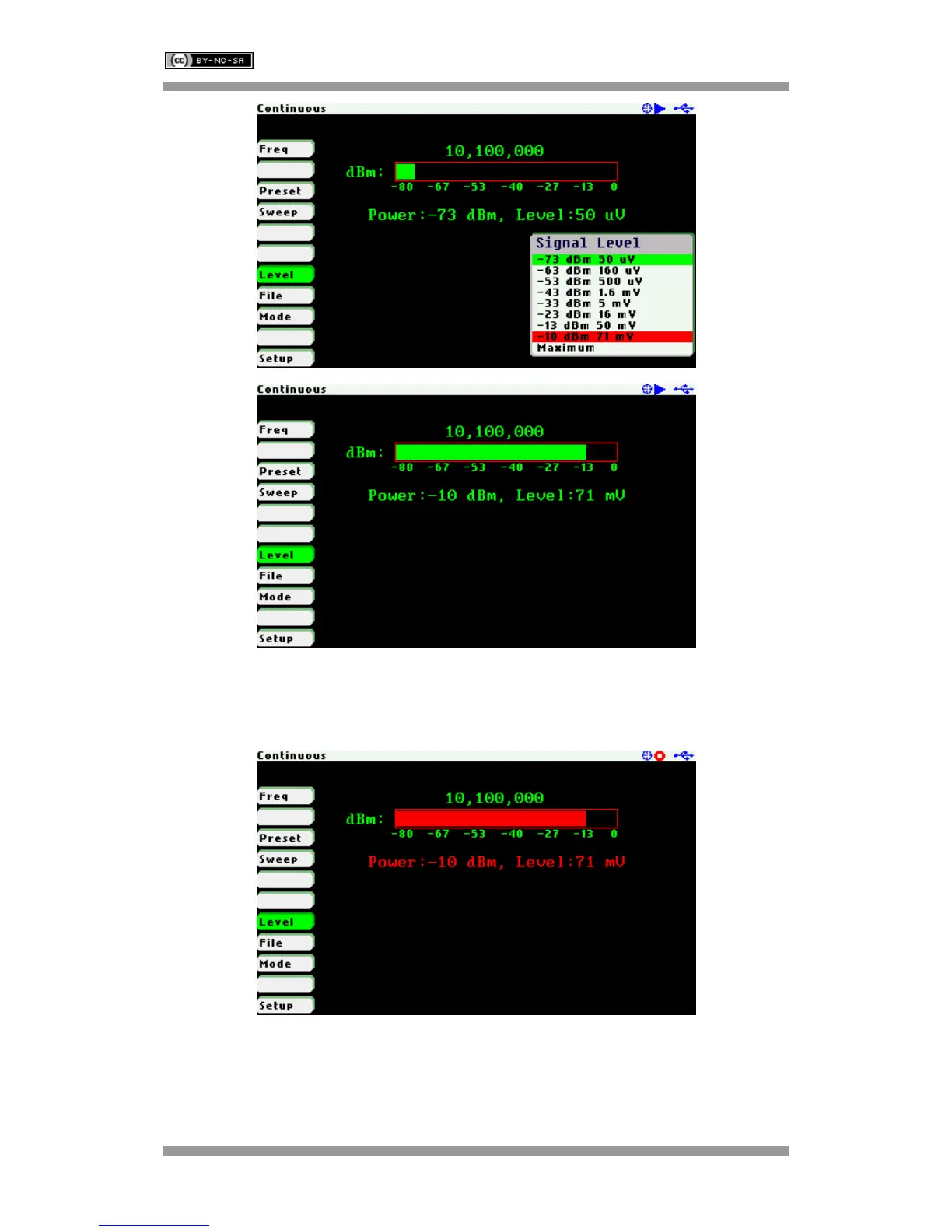
The signal generator outputs continuously unless it is paused by pressing the Run/Hold [►||]
button. In the Hold state the level graph and power level indicators change to red. Signal
generation can be resumed at any time by pressing the Run/Hold [►||] button again.
In frequency sweep mode the signal frequency will sweep between two user-defined
frequencies. To change the sweep parameters, use Navigator A to highlight «Sweep» in the
main menu and press the Select [
■] button to validate the different sweep parameters.



 To Next Page