32
– Press the ) key to store the value for the third linearization weight;
the fourth linearization weight is prompted.
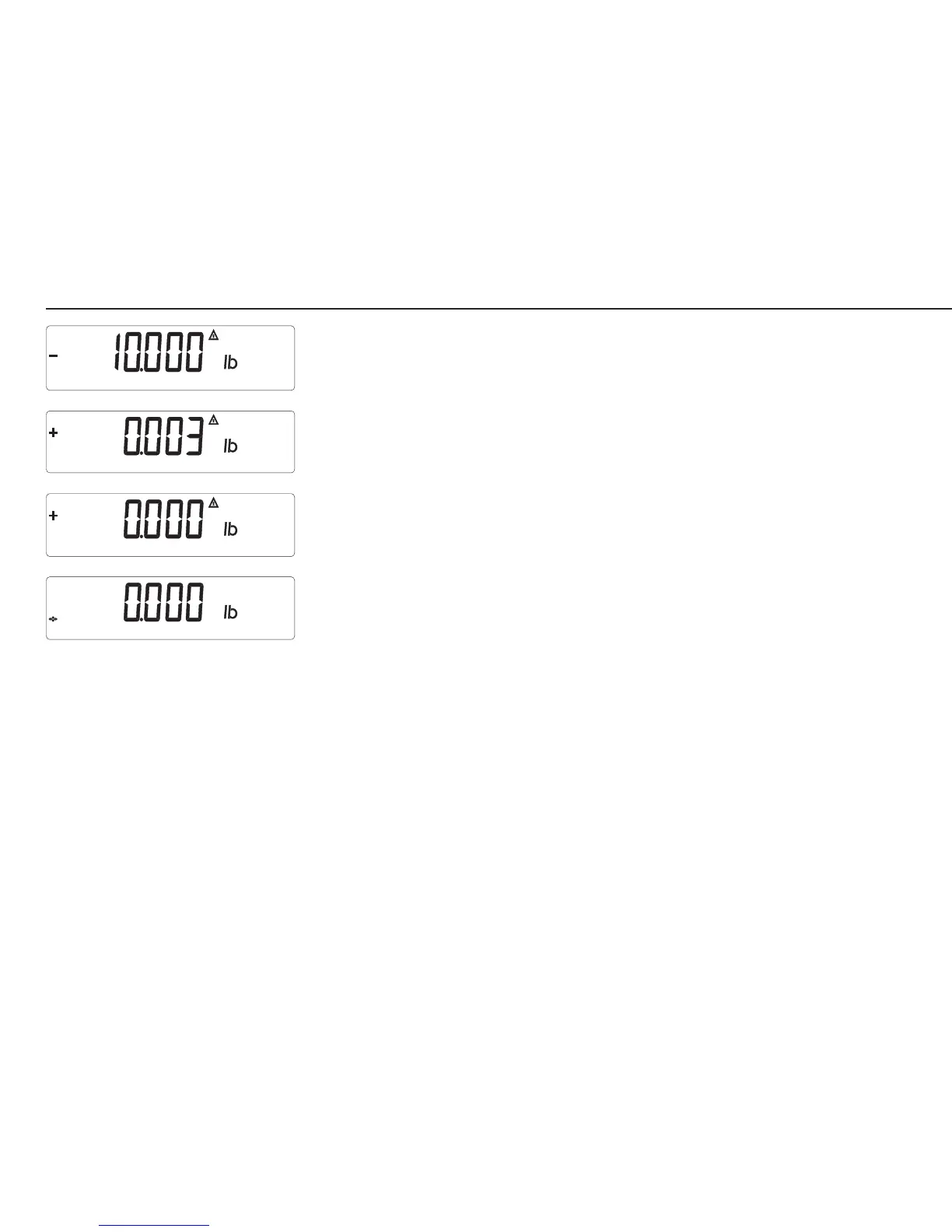
– Place the prompted weight on the scale. After a brief pause, the difference
between the current value and the last adjustment is displayed (calibration).
– Press the ) key to store the value for the fourth linearization weight.
The scale now prompts a requires the zero point (remove all weights from the
load plate).
– Once the zero point is stored, the Combics automatically returns to the
weighing mode.
10Ib.eps
display_serv_06Ib.eps
0kg.eps
display_serv_03lb.eps



 To Next Page