Purpose
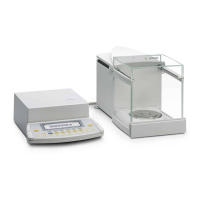
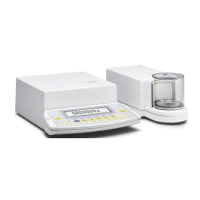
You can configure your Genius balance
to meet individual requirements by
entering user data and setting
parameters in the Setup menu.
The Setup menu is divided into the
following items:
– Balance/scale functions
– Device parameters
– Application parameters
– Printout
– Device information
– Language
– Factory settings
15
Configuring the Balance
Setting the Language
You can choose from 5 languages for
the information display:
– German
– English (factory setting)
– English with U.S. date | time format
– French
– Italian
– Spanish
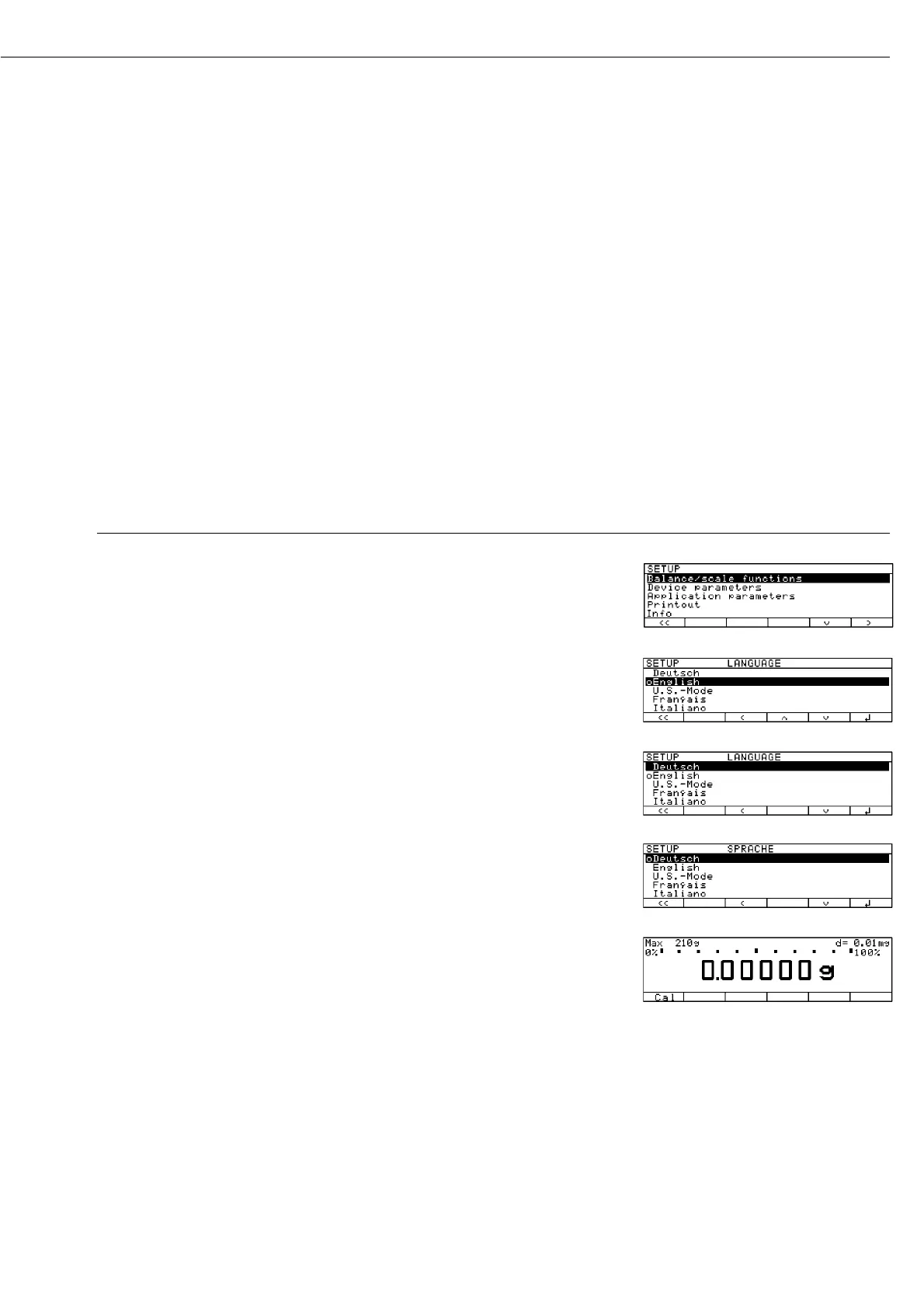
Example: Selecting the Language ”U.S. Mode”
Step Press key(s) (or follow instructions) Display | Printout
1. Select “Setup” menu s
2. Select “Language” Repeatedly
and confirm press
q soft key,
then
O soft key
3. Select “U.S. mode”
q soft key
4. Save language
l soft key
5. Exit the Setup menu
oo soft key



 To Next Page