EasyManua.ls Logo

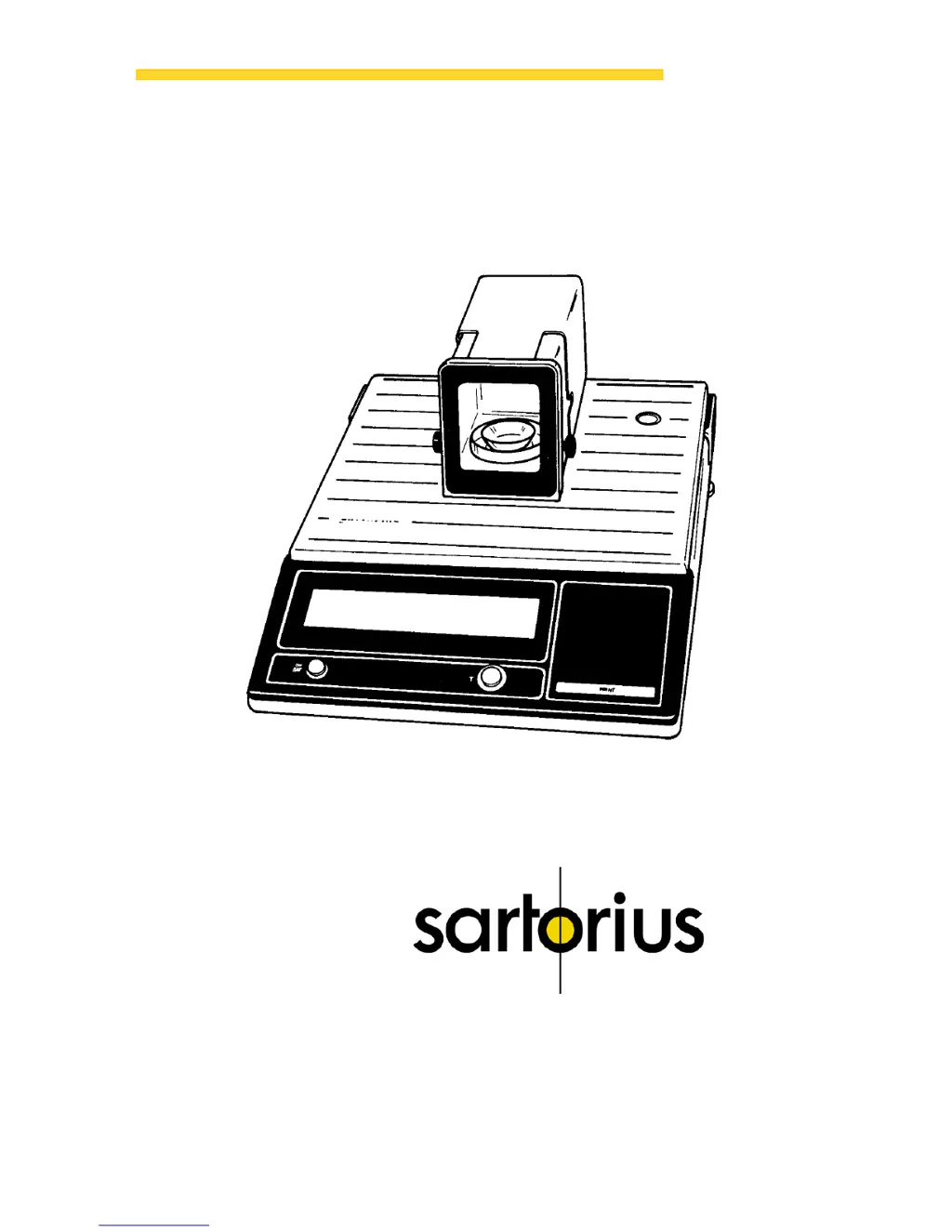
Sartorius Micro M 500 P - User Manual

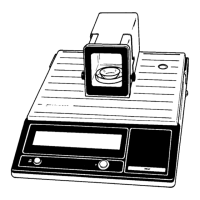
Sartorius Micro M 500 P
22 pages
Print Icon
To Next Page IconTo Next Page
Loading...
Sartorius Micro
M 500 P
Installation and Operating Instructions
98648-000-73

Questions and Answers

  • M
    Mrs. Sharon TownsendAug 12, 2025
    How to fix a wrong weight readout on my Sartorius Micro M 500 P Scales?
    • L
      Leah TateAug 12, 2025
      If the weight readout is incorrect on your Sartorius Scales, it may be because the balance hasn't been calibrated; try calibrating it. Another reason could be that the balance wasn't tared before weighing, so tare it before weighing. Also, check that the air bubble of the level indicator is within the circle; if not, level the balance.
  • J
    James LambertAug 17, 2025
    Why does my Sartorius Scales weight display show only 'L' or 'CH 2'?
    • D
      Duane SchmidtAug 17, 2025
      If the weight display of your Sartorius Scales shows only 'L' or 'CH 2', the weighing pan or the pan support may not be correctly positioned. Ensure that the pan and pan support are properly placed.
  • A
    Amanda PerezAug 23, 2025
    Why does my Sartorius Micro M 500 P weight readout change constantly?
    • K
      Kathleen JacobsonAug 23, 2025
      The weight readout may change constantly on your Sartorius Scales due to several reasons. It could be that the air bubble of the level indicator is not within the circle, in which case you should level the balance. Unstable ambient conditions may also cause this issue, so try setting up the balance in another area. Excessive vibration or drafts could be the reason, so access the menu to adjust the code for your weighing environment. Ensure the doors of the weighing chamber are completely closed. It is also possible that the sample weight is not stable.
  • Q
    qnicholsAug 29, 2025
    What to do if no segments appear on the Sartorius Micro M 500 P Scales weight display?
    • T
      Timothy MorrisAug 30, 2025
      If no segments appear on the weight display of your Sartorius Scales, it could be due to a lack of line current. Check the power supply. Alternatively, the power supply might not be plugged in, so ensure it is properly plugged in.
  • C
    Christopher WilliamsSep 5, 2025
    Why does my Sartorius Micro M 500 P weight display show 'H'?
    • V
      Vicki JonesSep 5, 2025
      If the weight display on your Sartorius Scales shows 'H', it indicates that the sample exceeds the weighing range. Remove some of the sample from the weighing pan.

Sartorius Micro M 500 P Specifications

General IconGeneral
Maximum Capacity500 g
Readability0.001 g
Pan Size90 mm
Linearity±0.002 g
CalibrationExternal
Power Supply50/60 Hz
Repeatability0.001 g
InterfaceRS232
Operating Temperature+10°C to +30°C

Related product manuals