SATEL PERFECTA-T 21
3. Use the or key to hover the cursor over the output you want to control. The
name of the output will be presented in the lower line of the display.
4. Press to activate the output or to deactivate the output.
6.16 Tests
6.16.1 Zone test
The 1.ZONES TEST function allows you to test the system zones and detectors.
You can test the zones for which the installer has programmed other wiring type than
NO DETECTOR.
Zone violation during the test will not trigger the control panel reaction, as
preprogrammed for the zone.
When testing the zones, the keypad does not present the current zone state, but only
indicates whether or not the zone was violated during the test.
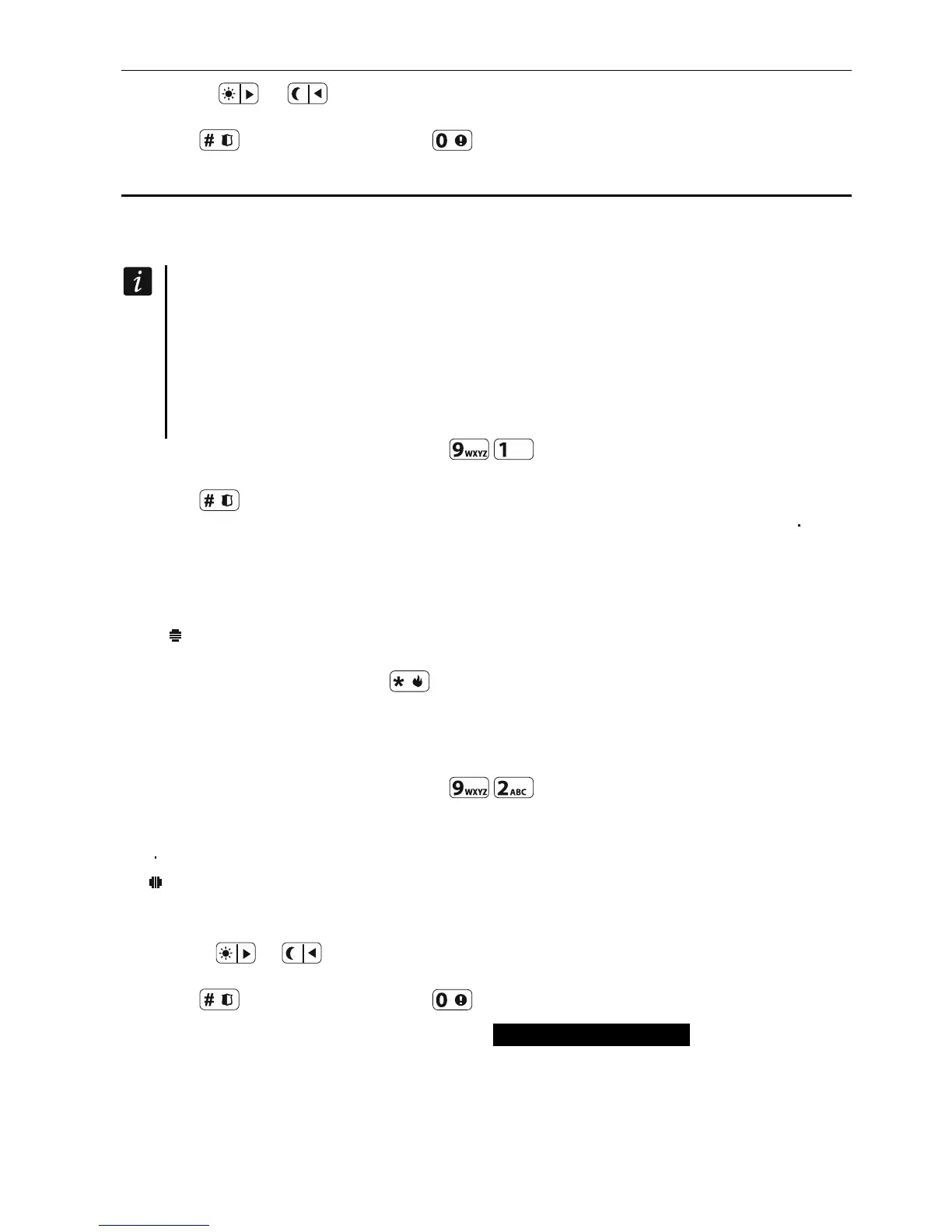
1. Enter the user menu and press in turn to run 1.ZONES TEST function.
2. Define the test duration (from 1 to 99 minutes).
3. Press to start test.
4. The zones that you can test will be presented on the display by the symbol . The
numbers around the display enable identification of the zones.
5. Violate the zone (e.g. walking through the area supervised by the motion detector or
opening the window supervised by the magnetic contact).
6. The keypad should inform you that the zone has been violated (the zone symbol changes
to ). Information on the violation will be presented until the zone test is terminated.
7. The test will be terminated automatically after the defined time has elapsed. You can
terminate it earlier by pressing .
6.16.2 Output test
The 2.OUTPUTS TEST function makes it possible to test the system outputs and sirens or other
devices connected to the outputs.
1. Enter the user menu and press in turn to run 2.OUTPUTS TEST function.
2. Symbols illustrating the status of outputs you can test will be presented in the upper line
of the display:
– output inactive,
– output active.
The numbers above the display make identification of the outputs possible. If no symbol is
displayed below the number, you cannot test the output.
3. Use the or key to hover the cursor over the output you want to test. The name
of the output will be presented in the lower line of the display.
4. Press to activate the output or to deactivate the output.
6.16.3 Checking the level of radio signal PERFECTA-T 32-WRL
Using the 3.SIGNAL LEVEL function you can check:
noise level in the 433 MHz frequency band,
the level of radio signal received by the control panel from 433 MHz wireless devices.













 To Next Page