SATLINK FLEET ONE Installation Manual Ref: SL00-01191 Ver: 001
Page 37 of 38
Proprietary Information Not To Be Disclosed Without Written Authorisation From
Satlink S.L., All Rights Reserved
APPENDIX B GPIO PORT
B-1 Data Connection Switch
The data connection switch is used for enabling / disabling data connection in the Satlink Fleet
One terminal.
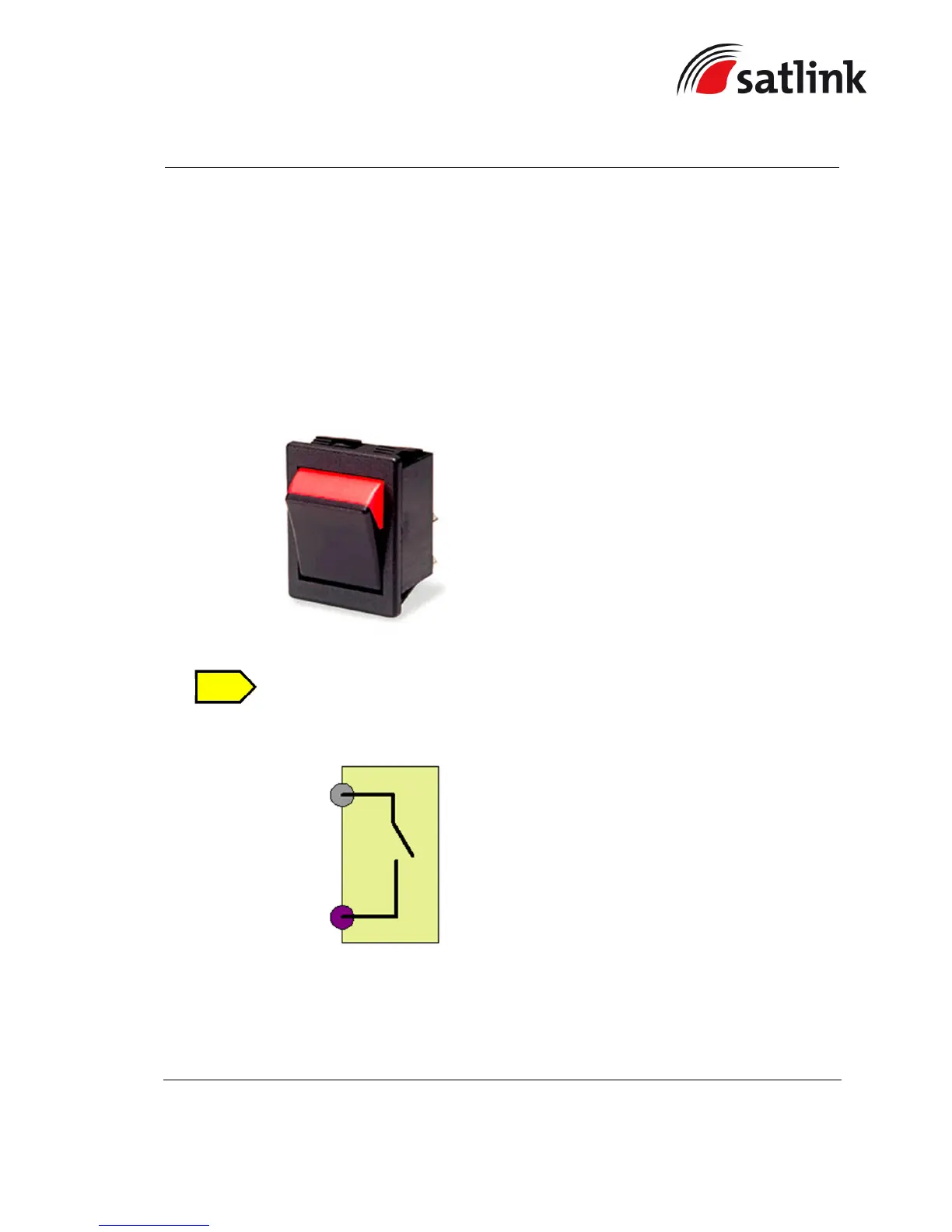
The recommended model and part number of the data connection switch is ACROLECTRIC
SWTICH (P/N: C1350XBAAA), which is a non-illuminated rocker switch.
This item is not included in the packaging list.
The connection diagram is illustrated below:
The steps of the connection are as follow:
1. Solder AWG 24 wires between the rocker switch’s terminal lugs.
2. Mount the rocker switch on the panel according to its cut-out hole dimension.


 To Next Page