Section 2. Installation
Page 2-4 PN 9001101 Rev. A SATO M10e
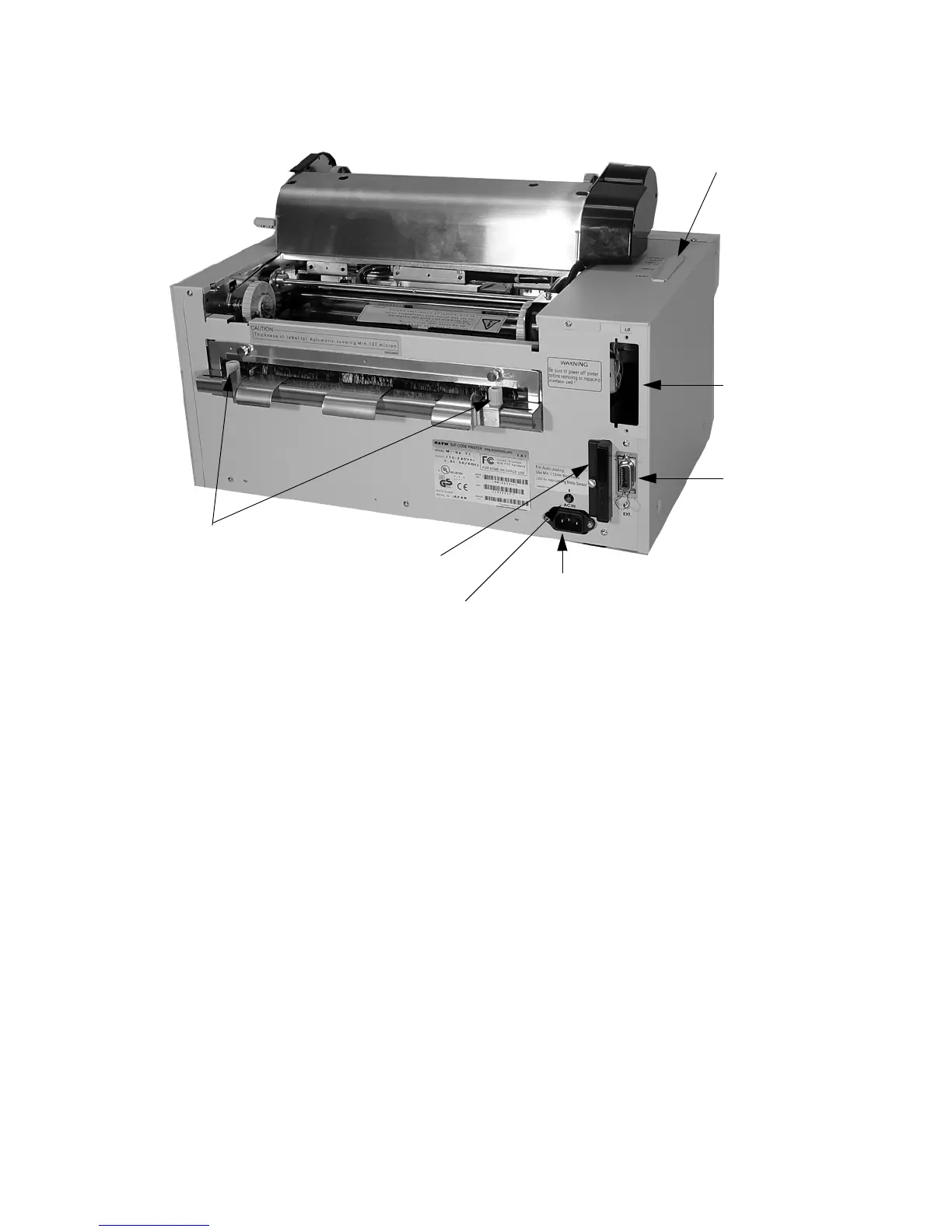
Media Width Adjust Thumbscrews
PCMCIA Card Slot
AC Input Connector
EXT Port
Connector
Interface
Card Slot
Configuration Panel
Media Loaded LED
PowerSwitch To turn power On or Off
Operator Panel To set up the various configurations and to display dispensing
quantity and the various alarms.
Configuration Panel Potentiometers and DIP switches to configure the printer and
make setup adjustments.
AC Input Connector To input 115V 50/60 Hz. Use the power cable provided.
Interface Slot Slot for installation of Plug-In Interface Module.
EXT Connector This is an external signal connector external control of print cycle.
PCMCIA Card Slot Connector for Optional PCMCIA Memory Card.



 To Next Page