Various Scan Settings
106
6
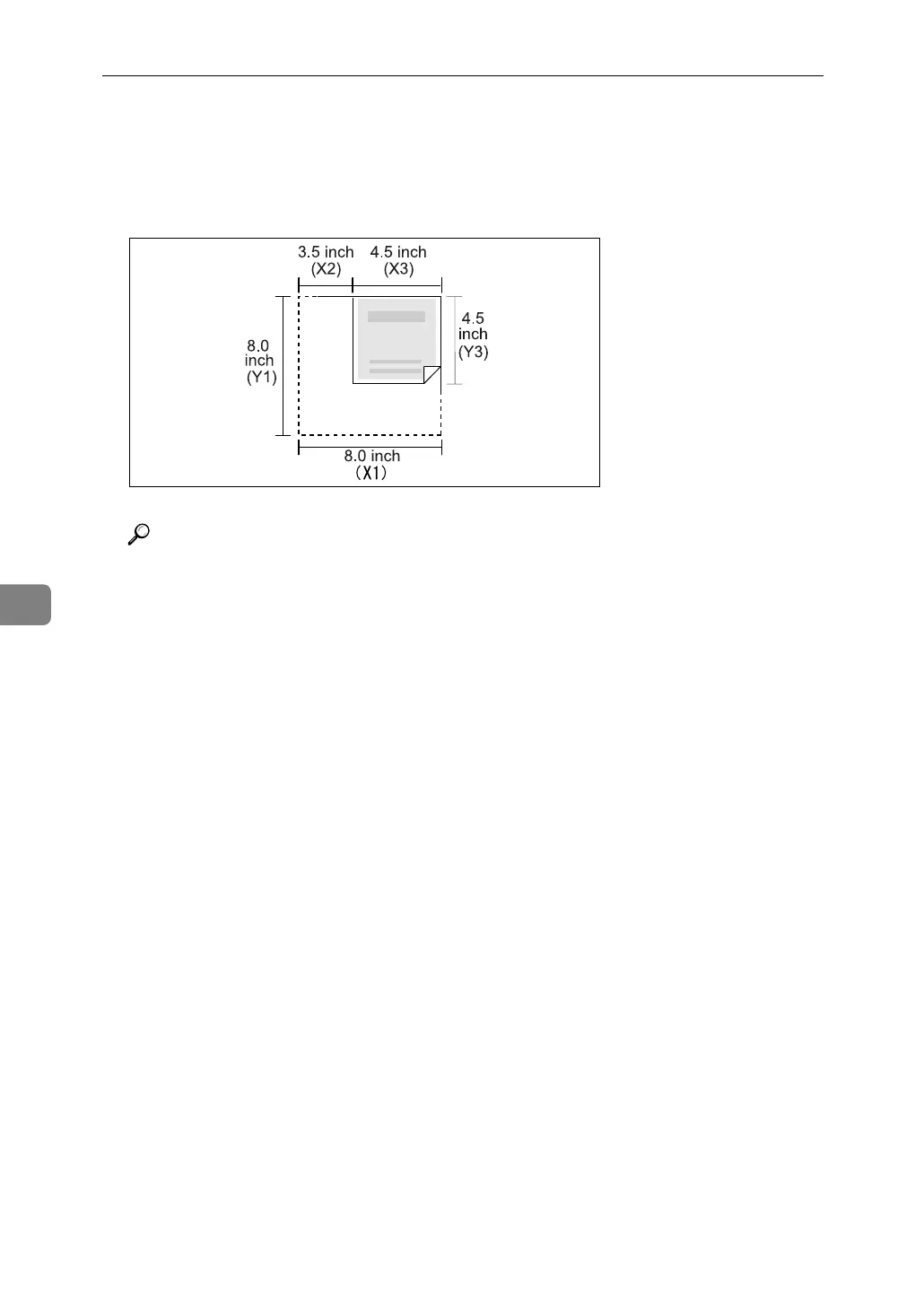
❒ To scan an original that is smaller than 5.5 inch, make settings as though
you were scanning a section of an original that is larger than 5.5 inch. For
example, to scan a CD label on the exposure glass, specify a size according
to the chart below. For details about scanning procedures, see “Setting pro-
cedure of custom size when scanning part of an original”.
Reference
p.107 “Setting procedure of custom size when scanning part of an original”
ARE013S



 To Next Page