Page 35/70 May 2015 I 2.0
5. Settings
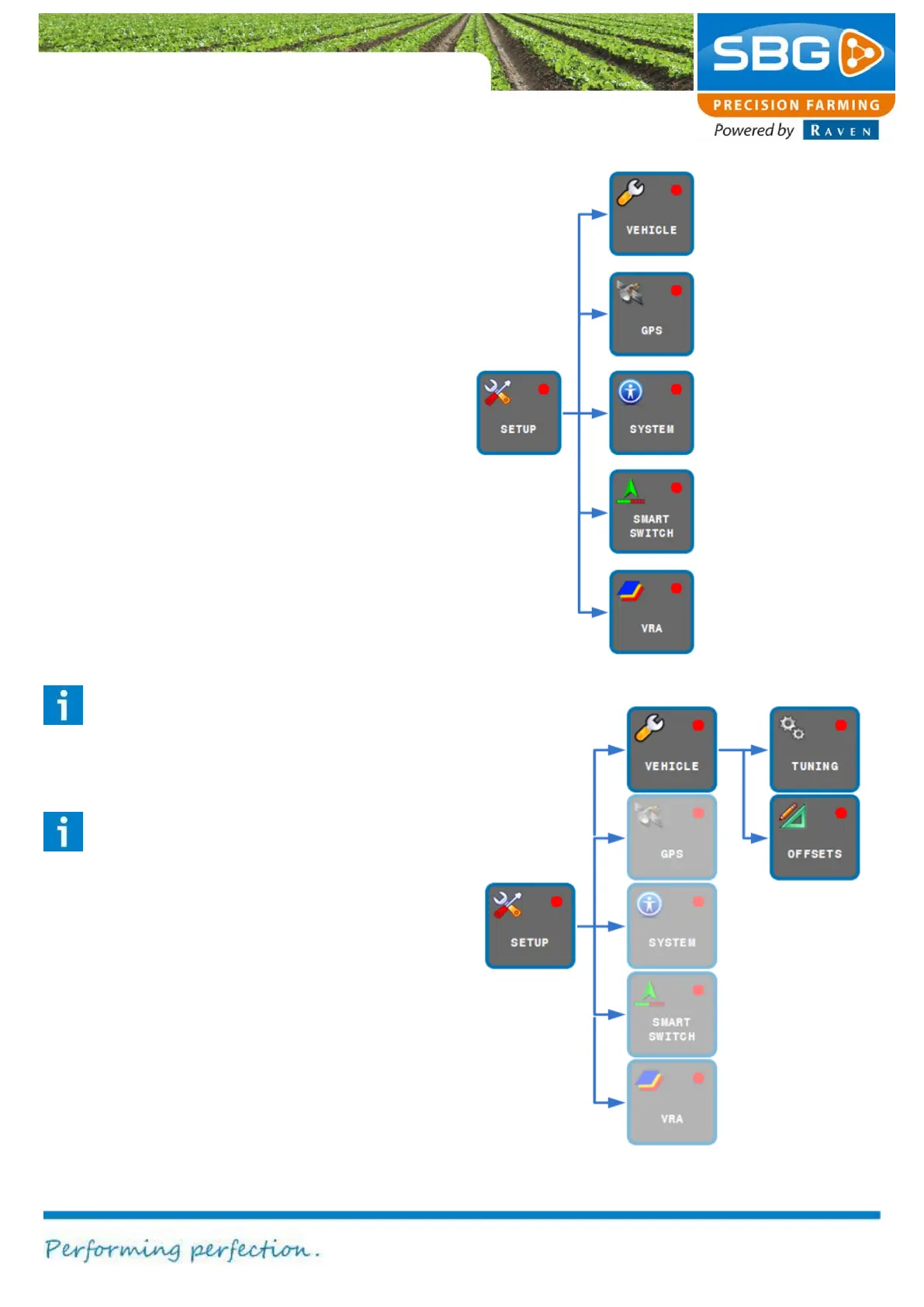
Figure 41 shows which functions are invoked after
selecting the SETUP key.
The main menu can be reached again by tapping
on BACK at the top left of the screen.
5.1. Vehicle settings
Press the VEHICLE key. The options TUNING
and OFFSETS (top right) are used to change the
vehicle settings (Figure 42).
As a default, the TUNING window is displayed at
the bottom of the screen. This window can be
used to change the parameters for the steering
system of the tractor and/or implement. The
different steering systems will be discussed in the
following sections in more detail.
Tip!
The correct tuning parameters will depend
on the field conditions and the operation to
be performed.
Please note!
Changes made to the tuning of the machine
may result in incorrect steering of the
machine. Therefore, always write down the
initial value on paper, before making any
changes.
Changing the CAN
module settings.
settings for
variable metering.
display and
language.
and modem
settings like
machine offsets
Figure 42 Settings vehicle



 To Next Page