Page 64/70 May 2015 I 2.0
6.4. Internet info
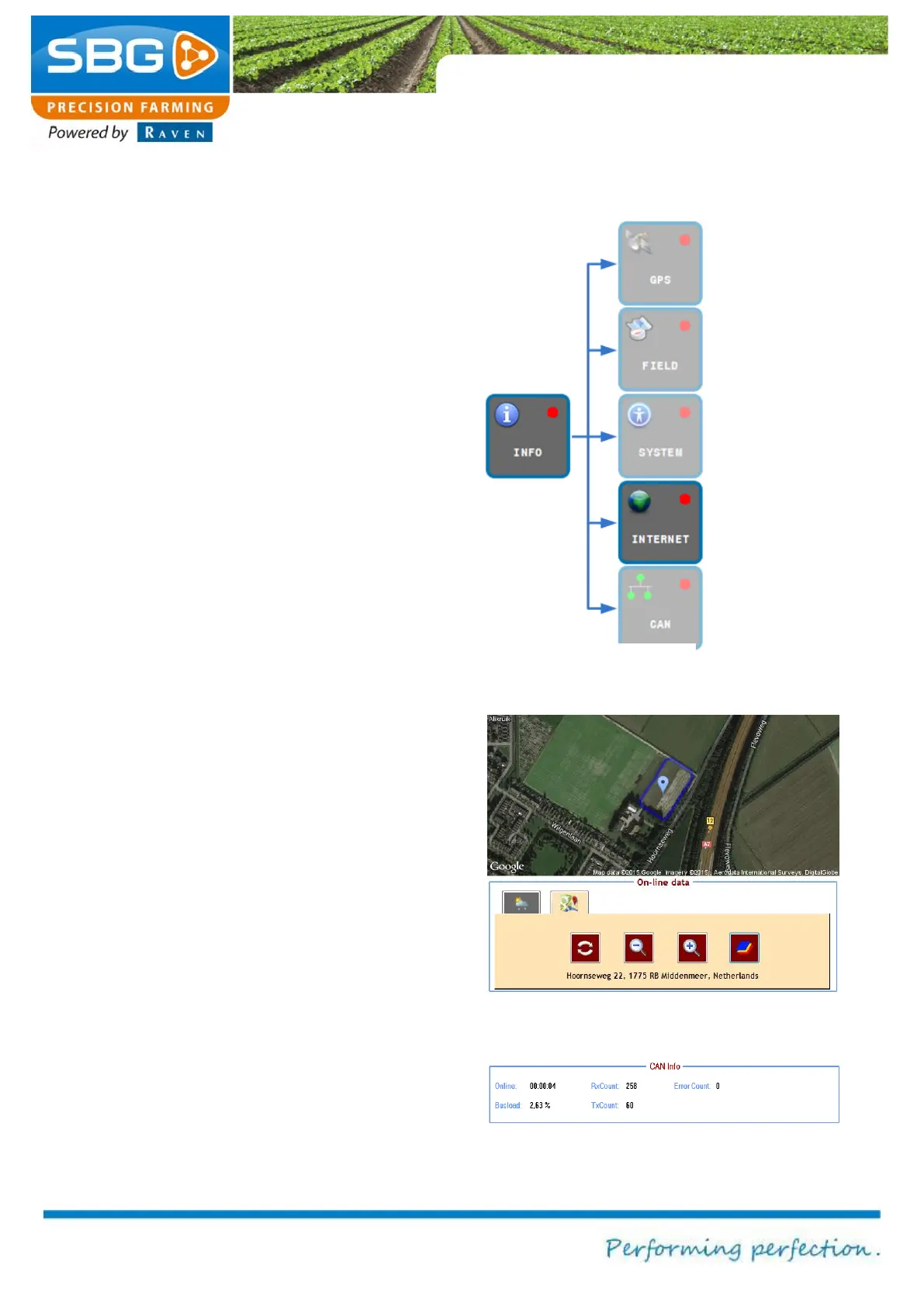
The INTERNET key (Figure 104) can be selected
to display information from the Internet.
Tap on the WEATHER tab to display the weather
forecast.
Tap on the MAPS tab to display the current
position on Google Maps (Figure 105). The
closest address will be displayed at the bottom of
the screen. The map on the screen can be
updated by tapping on the update symbol. The
plus (+) and minus (-) symbols can be used to
zoom in and out. The map symbol can be selected
to change between the road map and the satellite
display.
6.5. CAN info
The CAN key can be used to display information
on the CAN bus communication (Figure 106).
Figure 105 Online data maps



 To Next Page