Page 33/70 May 2015 I 2.0
4.3. Loading fields
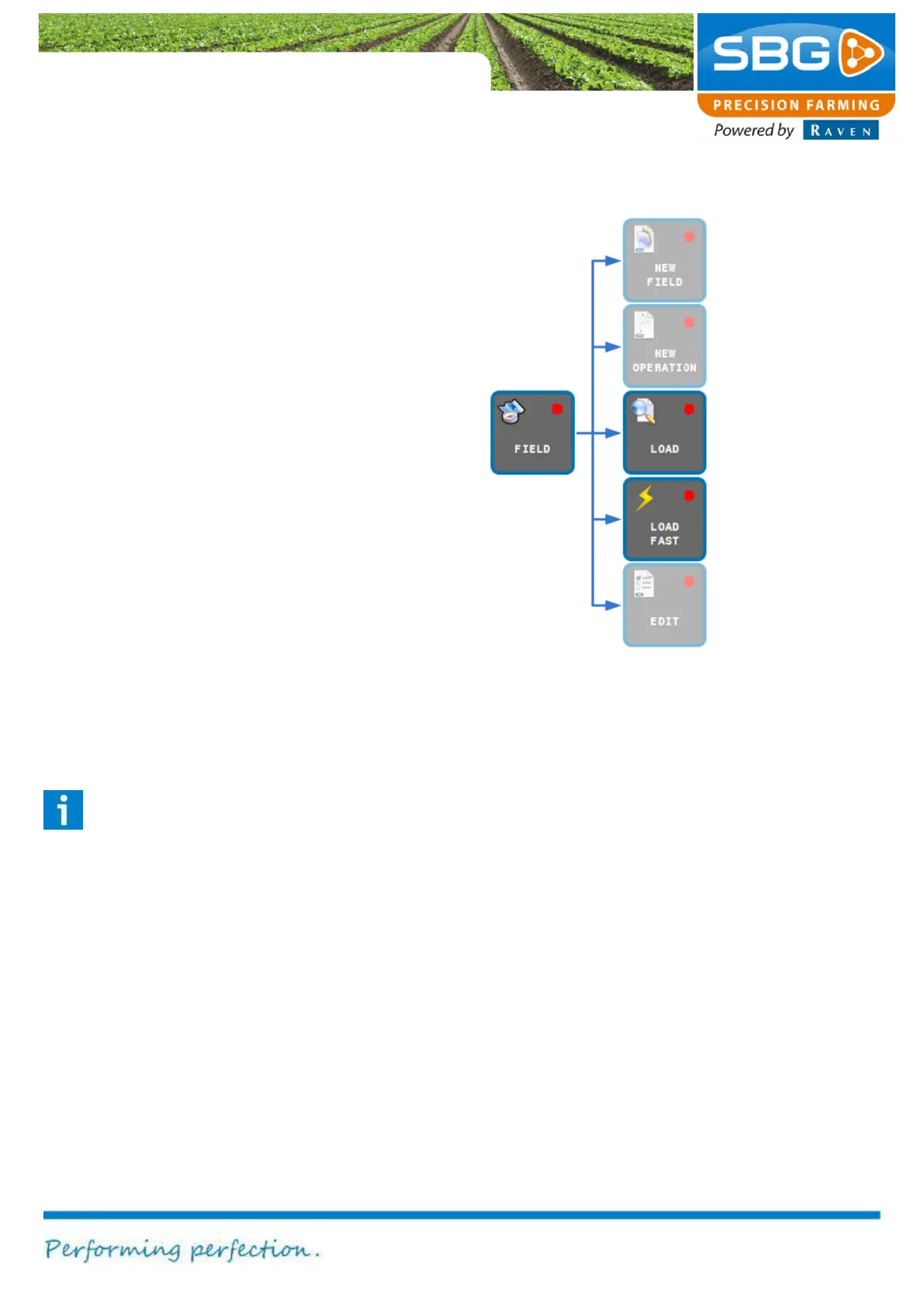
Select FIELD and then LOAD (Figure 37).
Select the desired field.
Tap on Next step and then select the desired
operation.
Confirm the selection by tapping on READY at the
top left of the screen.
The selected fields and operation will now be
loaded.
4.4. Load fast
After loading a field it is possible to switch fast
between saved operations. Tap on FIELD, then on
LOAD FAST. Thereafter, the OPERATION menu
will be visible.
Tap on the arrows in the menu to switch between
the different saved operations under the loaded
field. It is even possible to activate the auto
steering (GO) from this menu.
Tip!
Use this function to switch quickly between
the different operations while working on
the headlands.



 To Next Page