Page 68/70 May 2015 I 2.0
7.3. Height
The SBGuidance software enables the user to
define height measurements on a field. These
height maps can be used with the SBGuidance
Grader software when performing levelling
operations. Height measurements can be taken
whilst performing operations on fields. A contour
field is required.
This is created as follows:
Load a field and an operation.
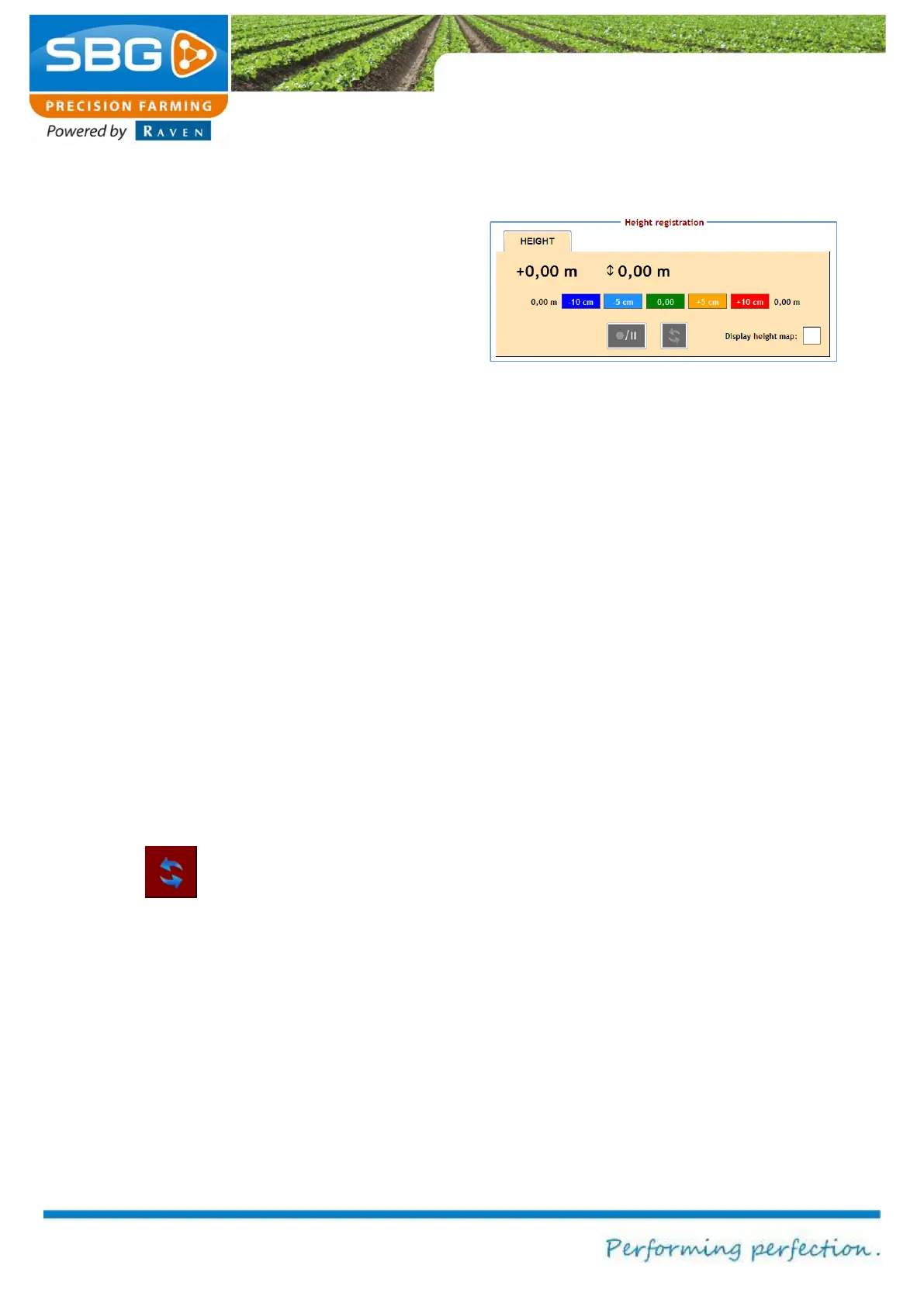
Go to REGISTRATION >> HEIGHT in the
activate height recording menu (Figure 116)
and check the box next to Display height
map.
You will then be asked if a new height
measurement should be created. Select
YES if a new height map needs to be
created or NO if height data already
recorded should be added.
Tap on the symbol for RECORD/PAUSE in
order to record or to interrupt the recording
of the height data.
The menu can always be exited whilst the
data is being recorded.
The symbol is used to update the
information. The defined height is automatically
saved to the active field after exiting SBGuidance.
Select Show elevation chart in order to display
recorded elevation data in the main menu during
field operations.
Figure 116 Activate the height recording



 To Next Page