↓
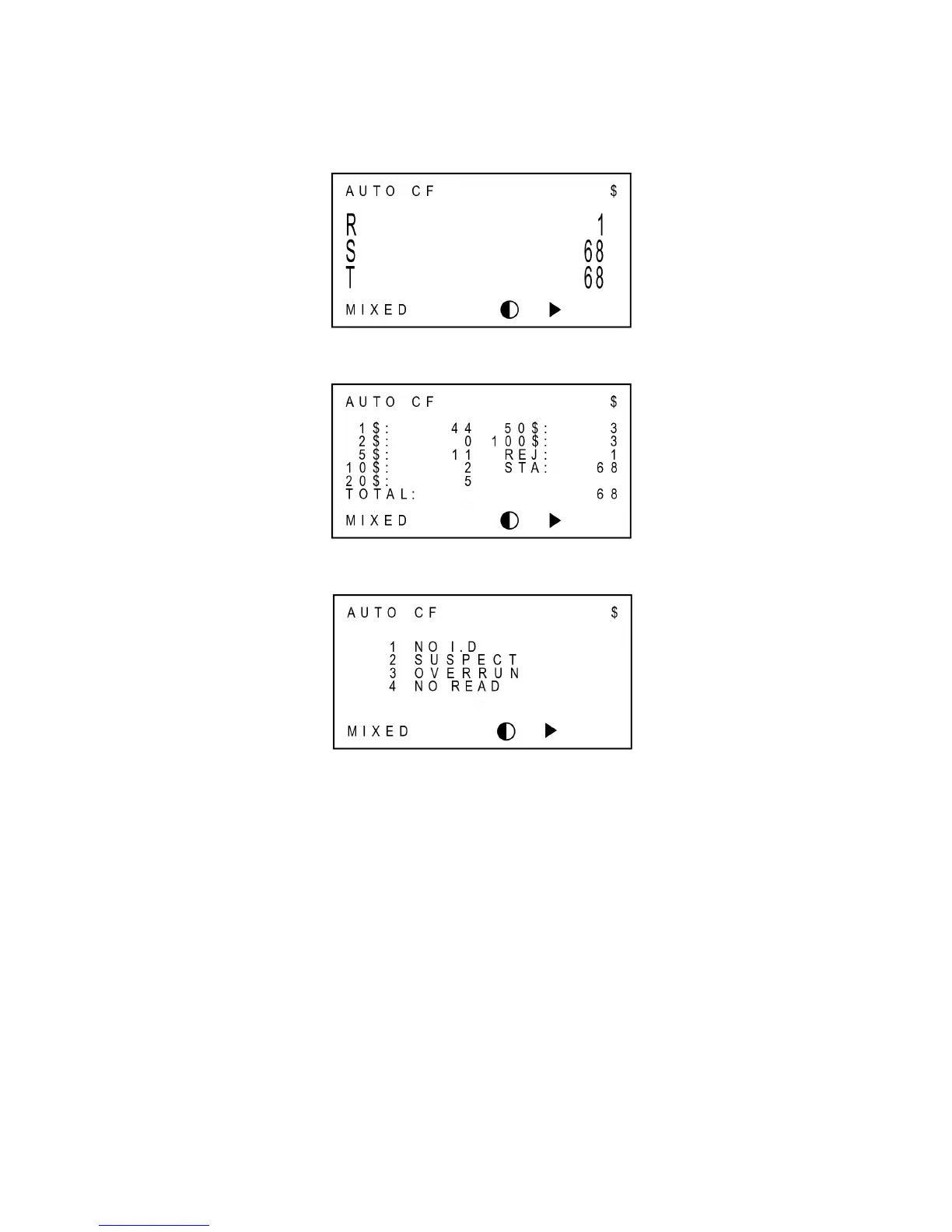
Count Display (Large View)
↓
Count Display (Detail View)
↓
Reject Reason View
In the last example, the picture shows that several notes were rejected. The first note from the
bottom of the Reject Pocket was rejected by the reason of NO I.D and the second note was
rejected by the reason of SUSPECT, etc. The “Down” arrow in the picture means that there are
more lists, and you can see the rest lists by pressing DOWN key.



 To Next Page