(O)
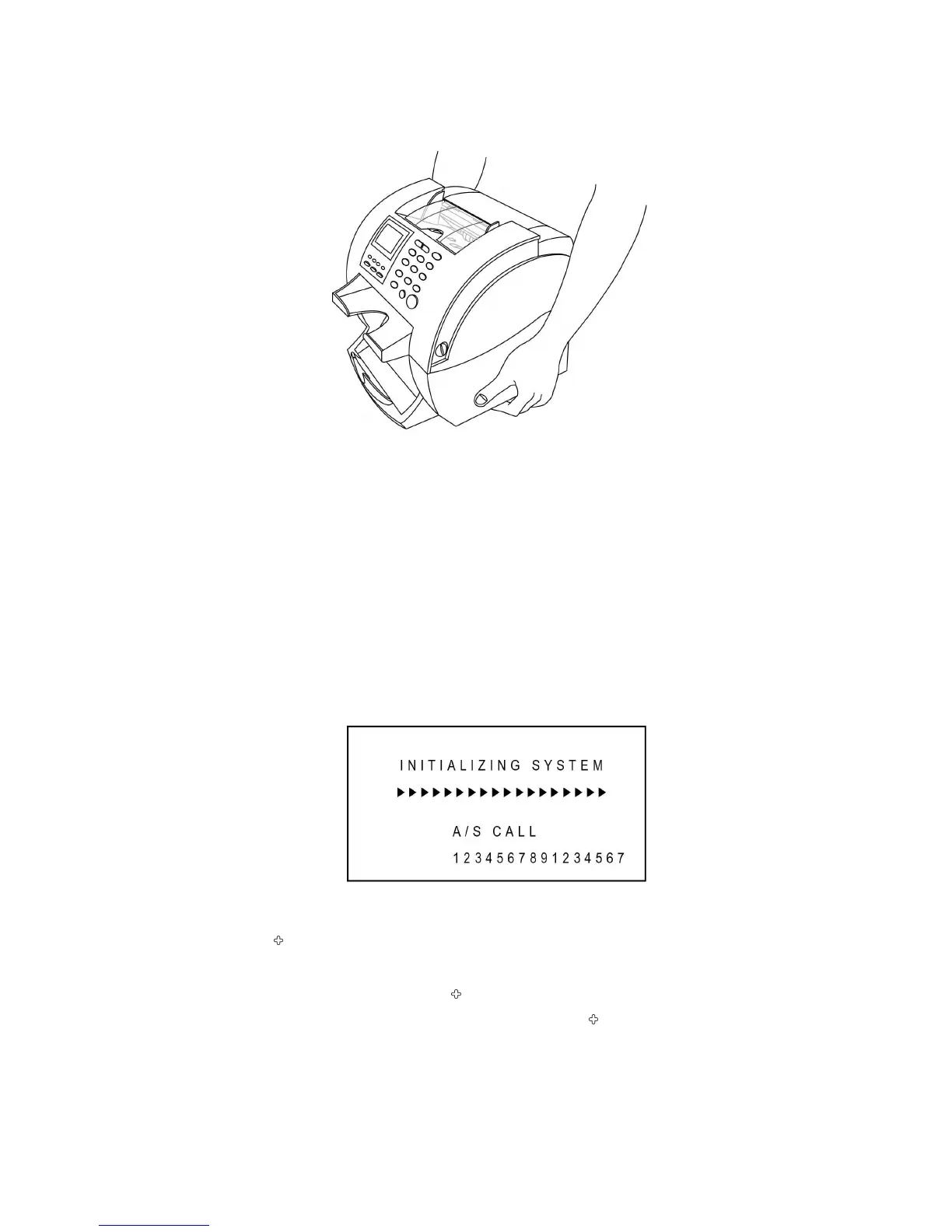
Correct way to lift the
machine
Setting Up Your Machine
Power Cord
Plug one end of the cord into the back of the machine and the other end into a standard AC
power outlet.
If you turn on the power switch, the machine will display initializing process. If there is Service
Call number saved by a service provider, the Call number will be displayed as below:
Printer
Your SB1000 /SB-1100 has a serial interface port, which allows you to connect the printer to
print out counting result. To connect the printer to the machine, follow the steps below:
1. Make sure that both the SB1000 /SB-1100 and the printer are turned off.
2. Plug the cable of printer into the serial port of SB1000 /SB-1100.
3. Set parameters referring to the “Ch 7. Set Function and its Parameters -> Interface”.



 To Next Page