EasyManua.ls Logo

Scalarider FREECOM 4 - Page 13

Scalarider FREECOM 4
39 pages
Print Icon
To Next Page IconTo Next Page
To Previous Page IconTo Previous Page
Loading...
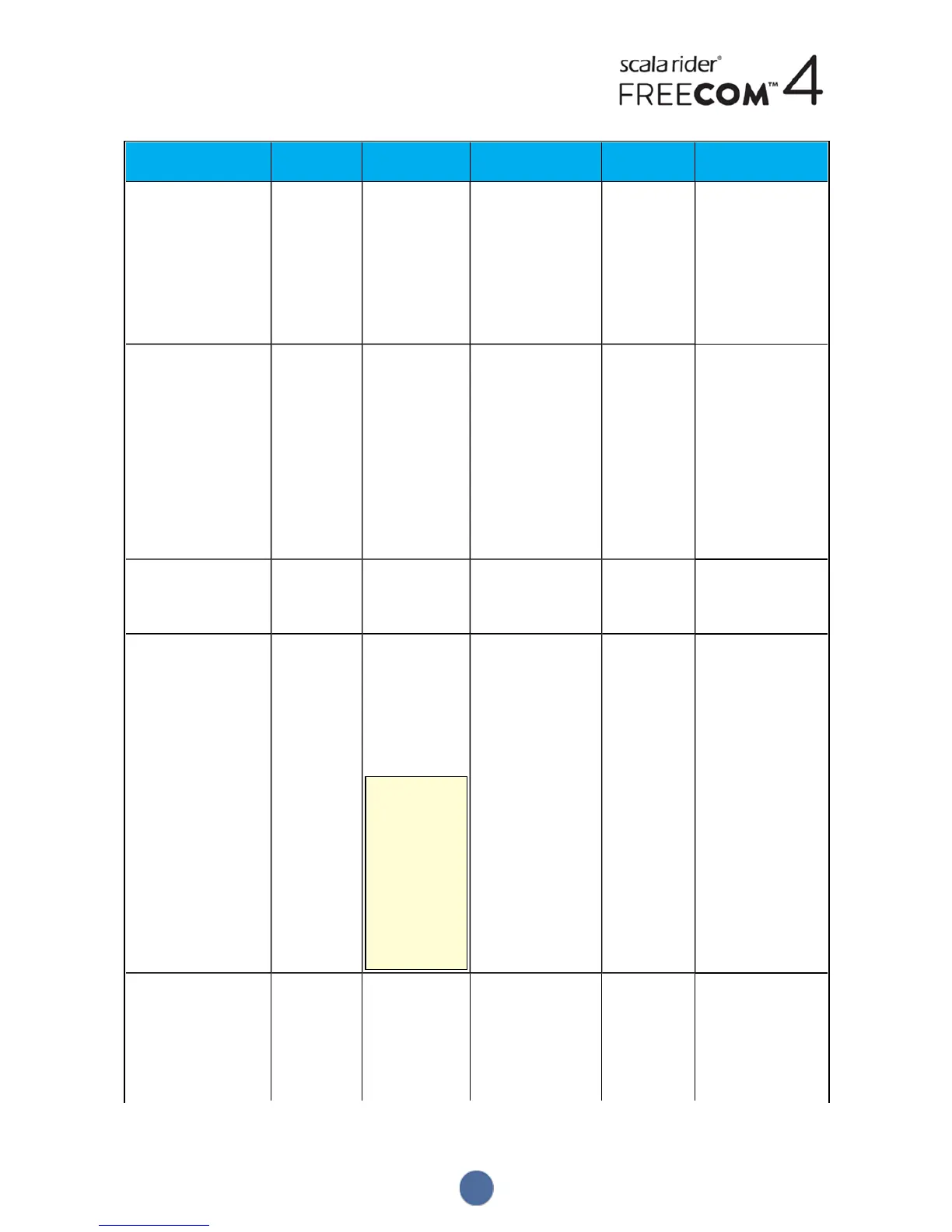
Object
Default Value Description
SmartSet App
(iOS/Android)
Cardo
Community
Configuration Voice
Menu
Click-to-Link settings
(Enable/Disable)
Enable Spontaneous way
to instantly
initiate one-on-
one intercom
calls with another
Cardo
passenger/rider,
without being
paired.
ü ü ü
Download the latest
firmware upgrade
N/A Stay up-to-date
by downloading
software updates
whenever a new
version is
available (, see
Configuring Your
FREECOM4 Basic
Settings through
Cardo
Community on
page 19.
û ü û
FMBand
According to
Your Region
If you are in
Japan, select
Japan. Otherwise,
select Worldwide.
ü ü û
Language
According to
Your Region
Voice
announcements
and voice-
assisted menus
language (see
"Spoken Status
Announcements"
below).
To select a
language that
is not in your
region, you
must first
change your
region
through
Cardo
Community.
ü ü ü
Mobile priority
Mobile 1 If you paired your
unit to two
mobile phones,
you must set one
of them as the
default phone for
outgoing calls.
ü û û
13

Table of Contents