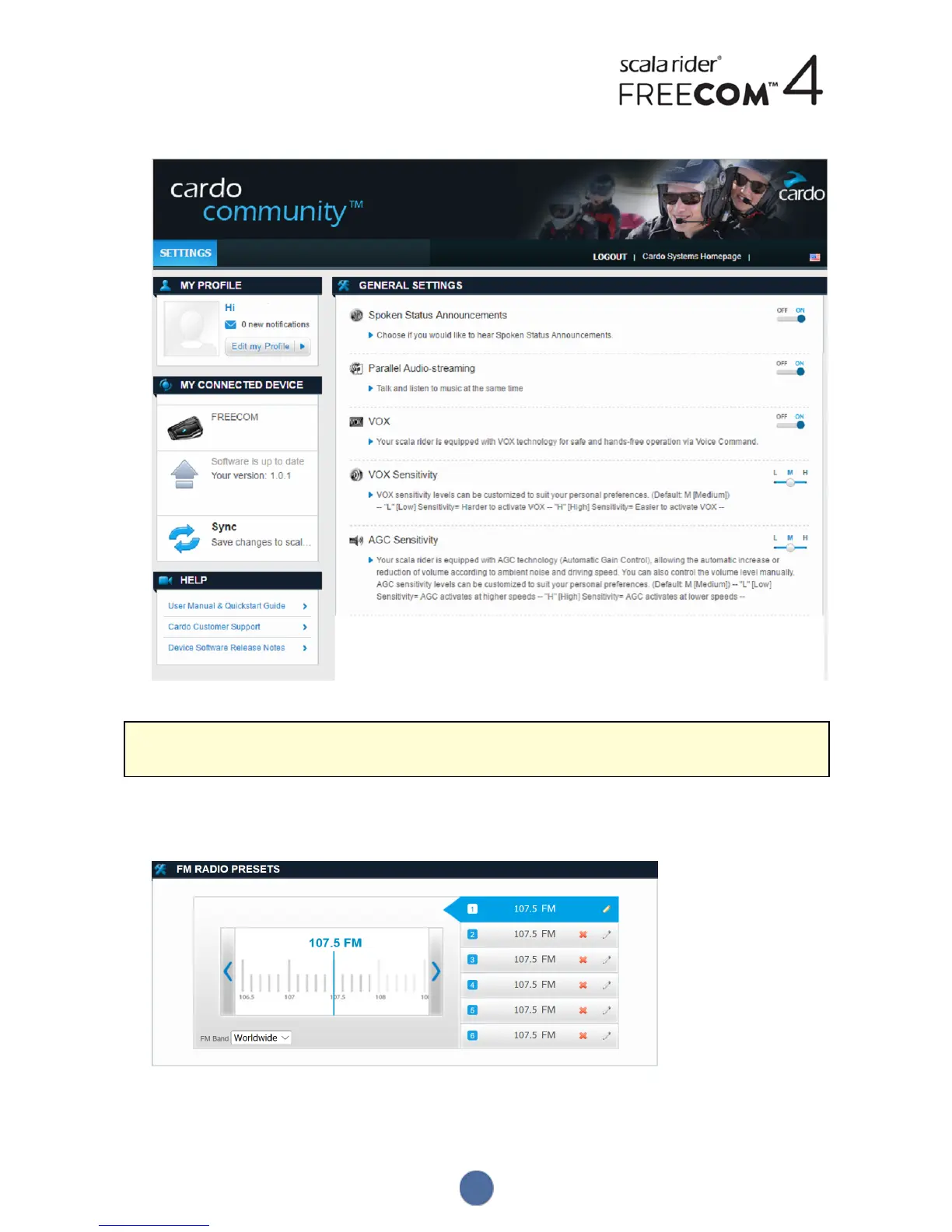
4. The GENERALSETTINGS window appears:
5. Set your preferred options for each feature and refer to the provided explanations as a guide.
If a new firmware version is available, follow the instructions on the screen to update your FREECOM4 with the
latest features.
4.2.3 CONFIGURING YOUR FM RADIO THROUGH CARDO CARDO COMMUNITY
To configure the six FMradio preset radio stations using Cardo Community:
1. Scroll down to FMRADIOPRESETS section.
2. On FMBand:
● If you are in Japan, select Japan.
20


 To Next Page