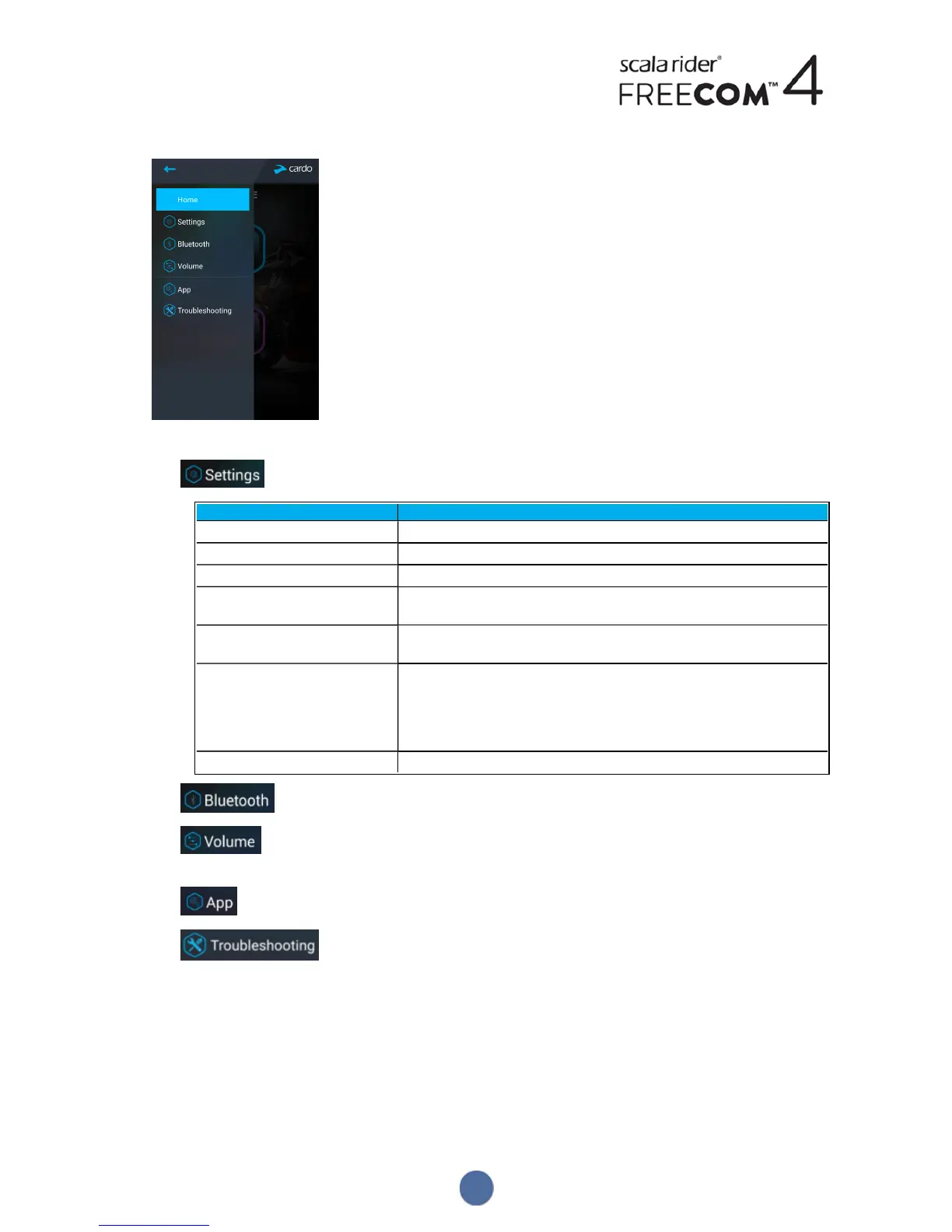
3. The following screen appears.
4. Use the appropriate menu to configure your FREECOM4 settings:
● - FREECOM4 features:
Group Description/Options
MY DEVICE
● Change Device Name.
LANGUAGE
● Set Language.
Spoken Status Announcements
● Enable/disable.
VOX
● Enable/disable VOXActivation.
● Set VOX Sensitivity (low, medium, or high).
AGC
● Enable/disable AGCActivation.
● Set AGCSensitivity (low, medium, or high).
FEATURES
● Enable/disable Click-to-link.
● Enable/disable IC to Phone.
● Enable/disable Parallel Audio Streaming.
● Set A2DP/IC Priority (A2DP or Intercom).
● Set FMBand Region (Worldwide or Japan).
Reset to Factory
● Resets the unit to factory defaults.
● - manage devices and passengers/riders.
● - sets the level for each audio source (mobile phone, intercom, music, FM, announcements,
parallel audio streaming).
● - SmartSet app preferences and general information.
● - FAQ, email Cardo SUPPORT, FEEDBACK.
4.1.2 CONFIGURING YOUR FM RADIO
Your FREECOM4 includes a built-in FM radio with six presets and Radio Data System (RDS), as described in the
following sections.
4.1.2.1 SETTING THE FM BAND
The FM Band Frequency is set to Worldwide FM frequencies by default. In Japan, you must change the FM Band.
16


 To Next Page