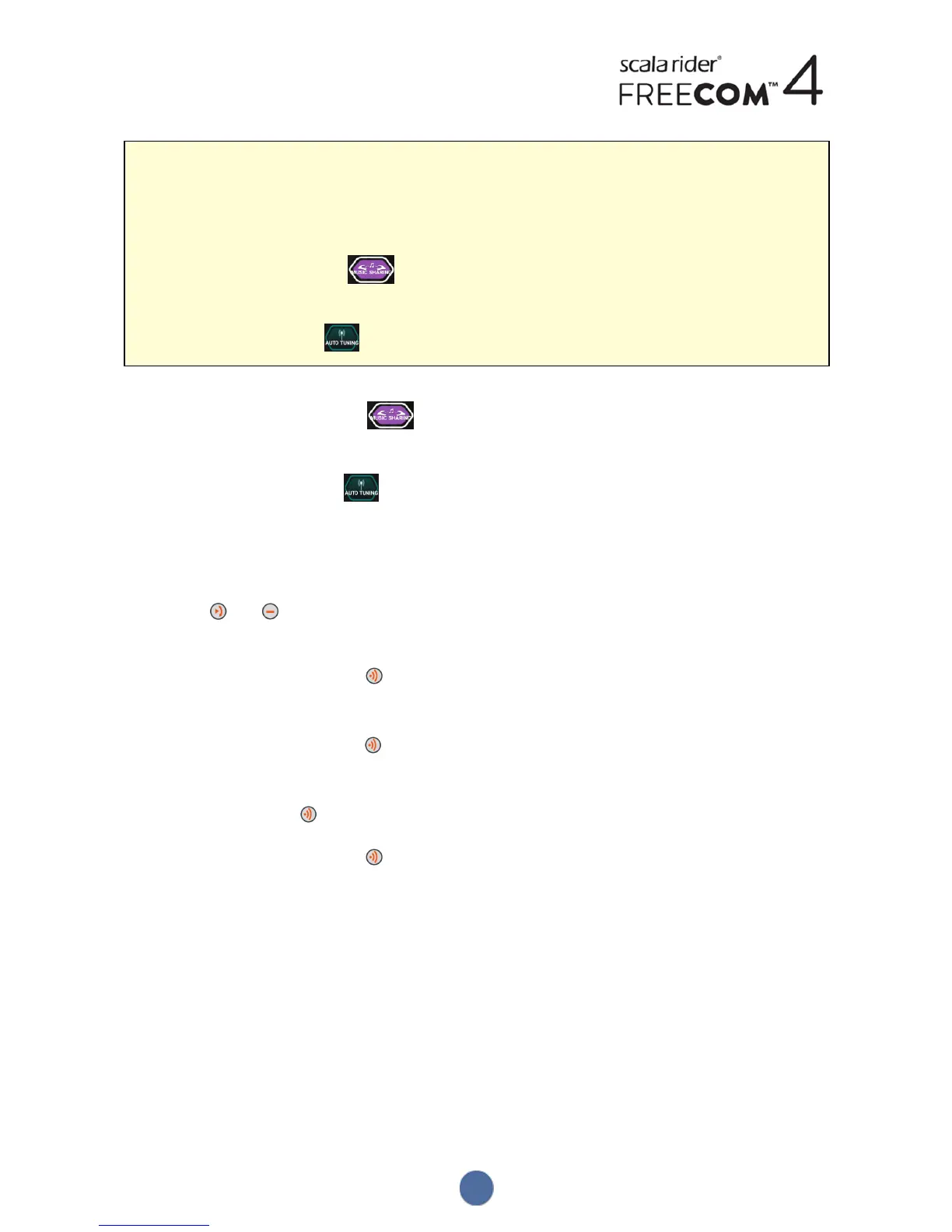
To share music or radio on other channels:
1. Start playing music or the FM radio.
2. Start a Bluetooth intercom call on the desired channels (A, B or C).
3. Either:
● on the MUSIC screen, tap
or
● on the FM screen, tap .
d. To stop sharing, either:
● on the MUSIC screen, tap .
or
● on the FM screen, tap .
● To use the voice-assisted menu (applicable only for Channel A):
a. Confirm your FREECOM4 is in Standby mode (LED flashes slowly).
b. Start playing music or the FM radio.
c. Tap and .
d. When the voice-assisted menu reaches:
● "Start Music Sharing", tap or use VOX.
or
● "Start Radio Sharing", tap or use VOX.
e. To stop sharing, do one of the following:
● FM radio - tap . The Bluetooth intercom call ends.
● FM radio or music - press for 2 seconds. If FM radio was shared, the Bluetooth intercom call remains
on.
34


 To Next Page