24 © Scania Industrial & Marine Engines 1997-11:2
AIR CLEANER
8. Daily:
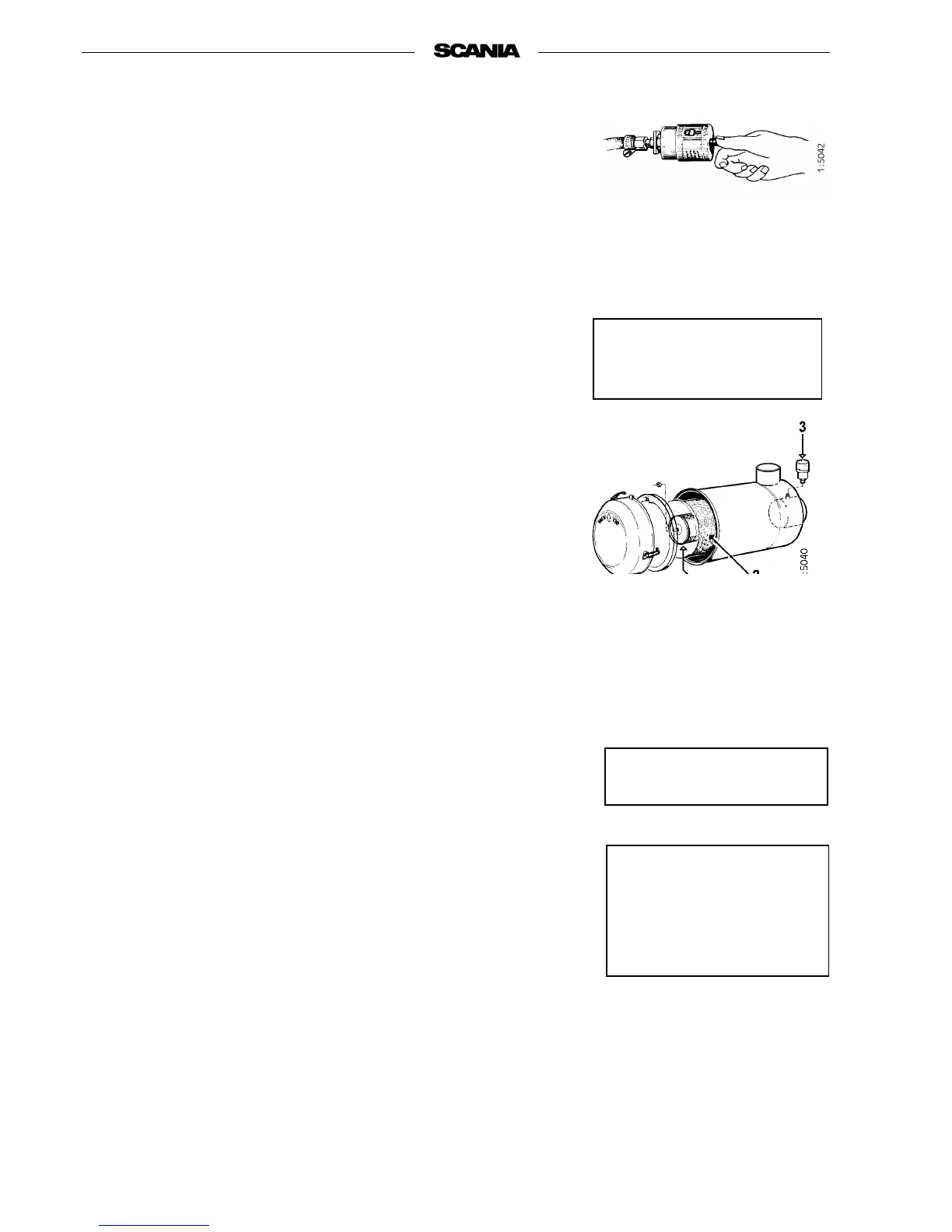
TEST READING
LOW PRESSURE INDICATOR
If the indicator’s red plunger is fully visible, change or clean the air cleaner
filter insert, point 10.
9. Every 200 hours:
CLEANING THE AIR CLEANER
COARSE CLEANER
1. Detach the eccentric catch and remove the coarse cleaner.
2. Remove the plastic cover from the coarse cleaner and clean the parts.
3. Check that the plastic cover is intact and that it makes a seal against the
air cleaner housing during assembly.
4. Assemble the air cleaner.
1. Pre-filter with cover
2. Filter insert
3. Low pressure indicator
4. Safety cartridge
Air cleaner with pre-filter
The coarse cleaner should be
fitted with the marking
”TOP” facing up.
10. Every 1,200 hours
CLEANING OR CHANGING
FILTER INSERT
Note! Earlier if low pressure indicator shows red
Dismantling
1. Remove and clean the coarse cleaner, see point 9.
2. Undo the nut securing the filter insert and remove it.
3. Change or clean the insert.
Note! Cleaning the insert always means a risk of damage. The insert
may only be cleaned no more than four times. After cleaning, it
has a lower dust capacity than a new insert.
4. Mark the filter when it has been cleaned.
Cleaning insert
- Carefully blow the filter insert clean using dry compressed air from the
inside.
Note! This insert must not be washed using water.
Use only Scania genuine
air filter.
Change damaged filter
inserts.
Major risk of engine
damage if the filter insert is
damaged.



 To Next Page