2003-10:1 © Scania Industrial & Marine Engines 39
Checking
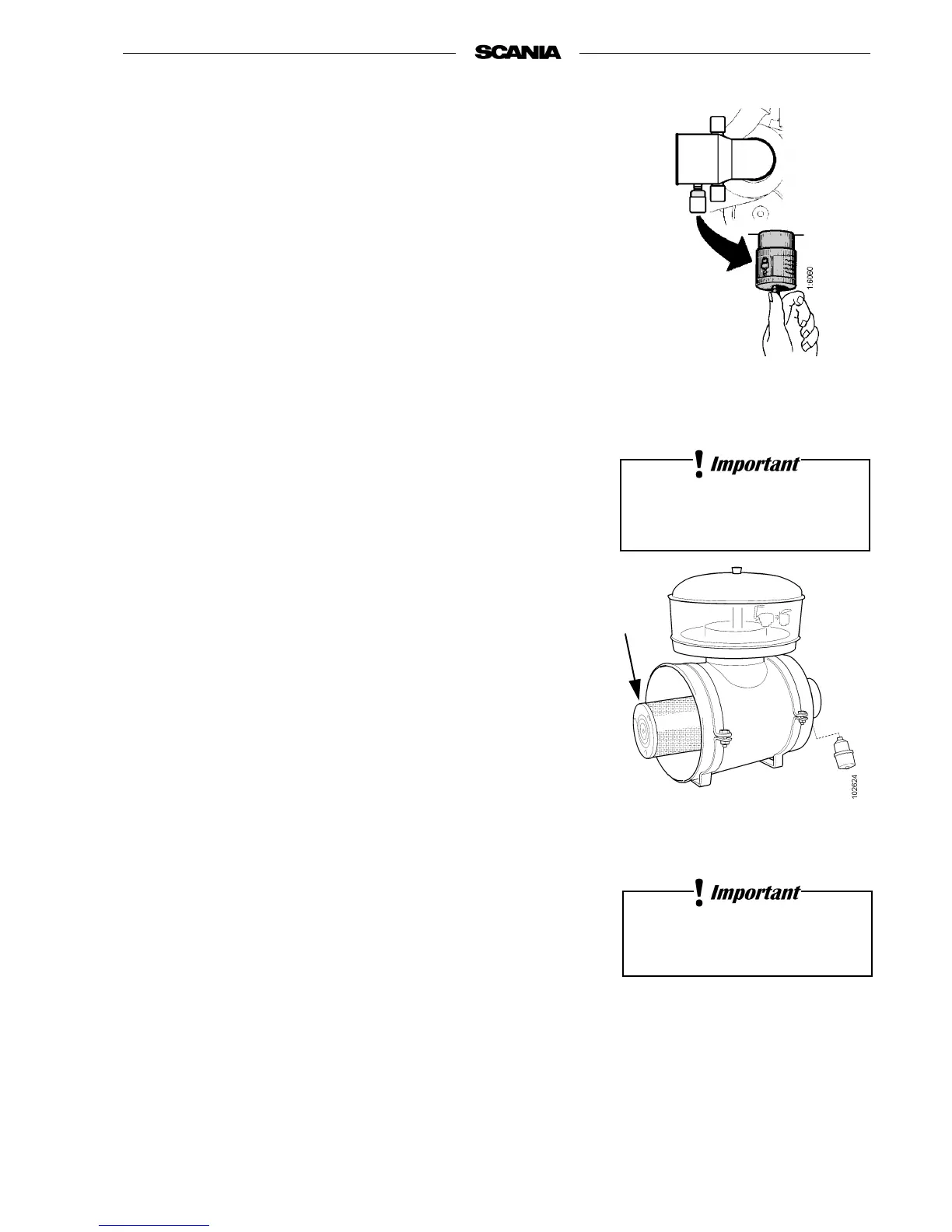
- Insert a torch into the element and check from the outside that there are
no holes or cracks in the filter paper.
- Change the filter element if it has the slightest damage. Danger of
engine damage.
Assembly
1. Assemble the air cleaner in reverse order.
2. Reset the red plunger in the vacuum indicator by depressing the button.
11. Every 2400 hours:
CHANGING THE SAFETY CARTRIDGE
Note: Not all filters are equipped with a safety cartridge. When
changing the safety cartridge, take great care to ensure that no
dirt or other impurities can get into the engine.
1. Remove the side cover from the air cleaner.
2. Remove the filter element.
3. Remove the safety cartridge.
4. Fit a new genuine Scania safety cartridge.
5. Change or clean the filter element, see point 10.
6. Assemble the air cleaner.
1. Safety cartridge
Air cleaner with safety cartridge
1
Do not remove the safety
cartridge unnecessarily.
Never clean the
safety cartridge



 To Next Page