44 © Scania Industrial & Marine Engines 2003-10:1
19. Every 1200 hours:
CHECKING THE TEMPERATURE
MONITOR
1. Drain the coolant, allowing the temperature monitor to be removed.
2. Remove the temperature monitor cable(s).
3. Unscrew the monitor.
4. Refit the cable(s) on the monitor.
5. Submerge the monitor sensor body in water. Heat the water slowly
(about 1° per minute) using an immersion heater, for example.
6. Set the control switch to "ON". Use a thermometer to check that the
warning lamp comes on or that an alarm is initiated at the correct
temperature.
The correct temperature is stamped on the hexagonal part of the
monitor.
The monitor tolerance is ± 3°.
CHECKING THE TEMPERATURE
SENSOR
1. Drain the coolant, allowing the temperature sensor to be removed.
2. Remove the temperature sensor cable(s).
3. Unscrew the sensor.
4. Connect an ohmmeter to the temperature sensor.
5. Submerge the sensor body in water. Heat the water slowly
(about 1° per minute) using an immersion heater, for example.
6. Check the resistance at the temperatures given below.
7. The sensor should give the following readings:
At
temp.
°C
Resistance
Ω
Tolerance
°C
60 134 ± 13,5
±4
90 51,2 ± 4,3
±3
100 38,5 ± 3
±3
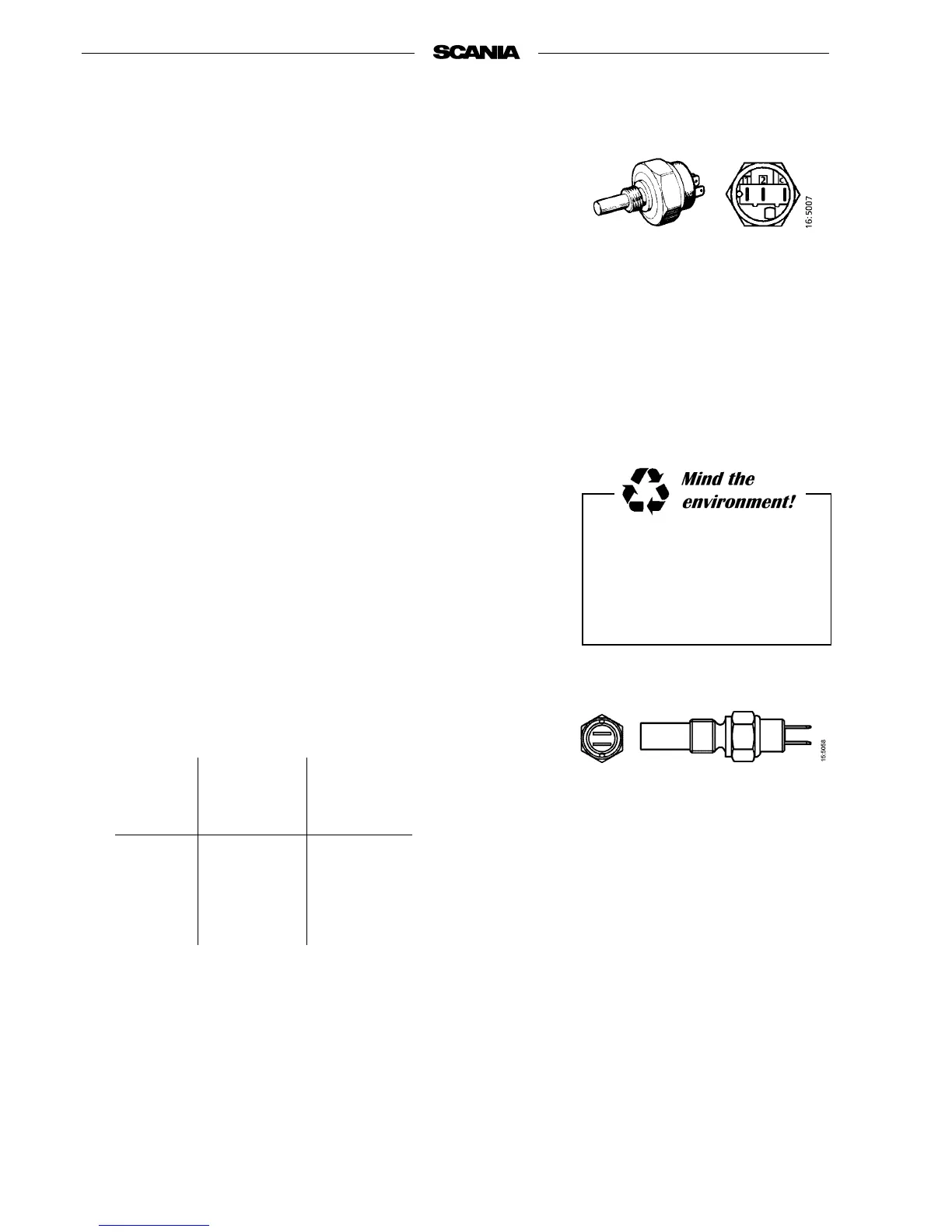
2-pin temperature sensor
C = Common connection
1 = Connection C -1 closes at the
stamped temperature
2 = Connection C -2 switches off
at the stamped temperature
2-pin temperature monitor
Use a container to avoid spillage
when draining the coolant.
Dispose of used coolant through
an authorised waste disposal
contractor.



 To Next Page