Users manual Coffee on the Spot
Scanomat A/S Vibe Allé 3. Postboks 131 DK-2980 Kokkedal (Copenhagen) Reg.nr. 236.990
Tel: (+45) 49 18 18 00. Fax: (+45) 49 18 01 18
12
Normal use
Brewing cups:
During normal use, a cup is dispensed by placing a cup or a mug under the outlet spout and press the
appropriate selection key. If the coffee brewer is equipped with more than one outlet spout, there will be an
indication showing which selection goes to which spout.
Pre-selections:
Brewing carafes:
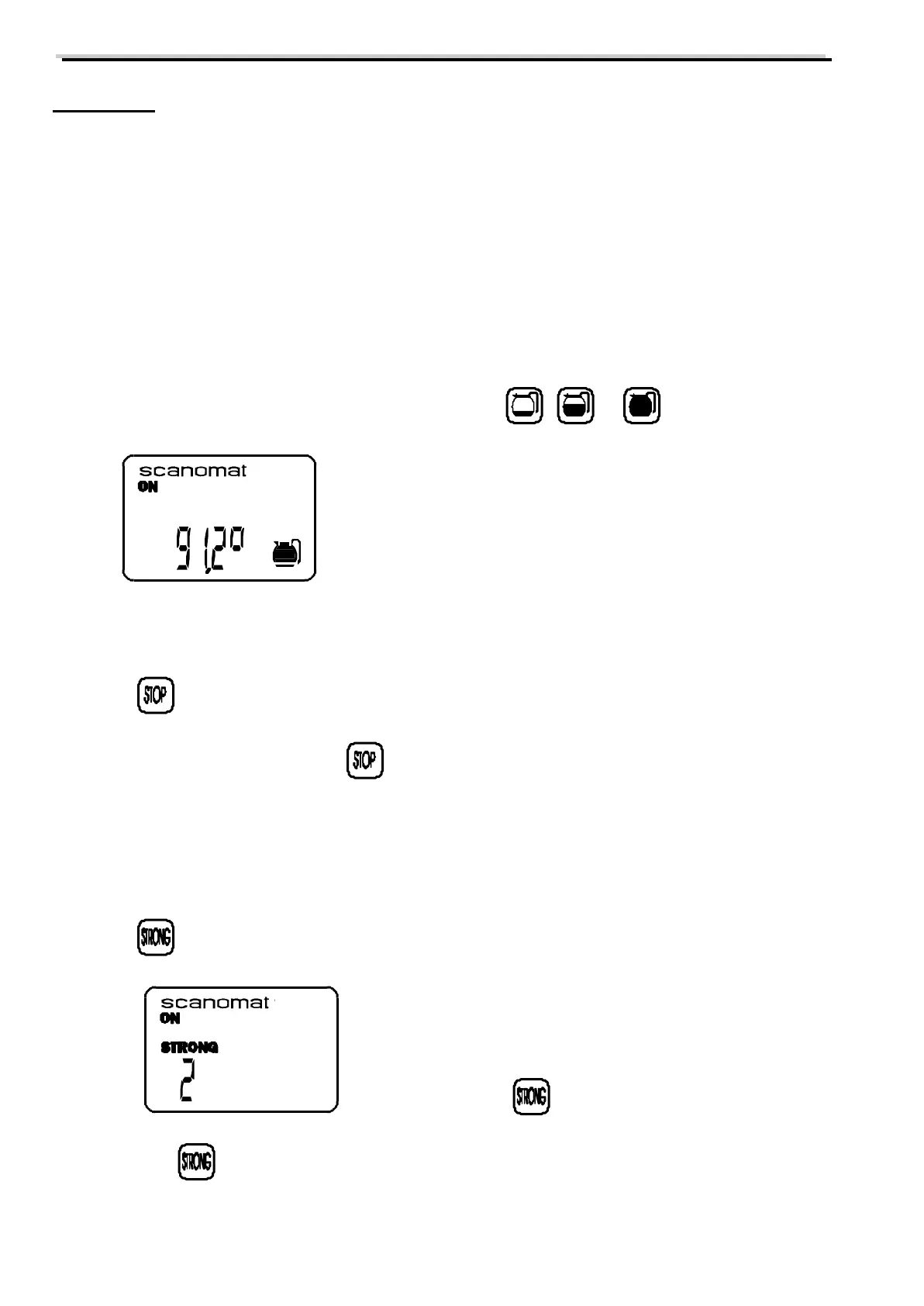
When brewing carafes first select the desired size by pressing , or . The display will show:
Pressing a selection key will now cause the dispensing of the number of cups programmed for the selected
carafe size.
Pressing will cause the coffee brewer to stop the carafe brew after completing the ongoing cup.
The pre-selection carafe is cancelled if is pressed.
The pre-selection carafe is cancelled automatically after 15 seconds if no selection key is pressed.
The pre-selection carafe is cancelled automatically after the brewing.
Strong:
Pressing will activate the pre-selection STRONG. The display will show:
(after 2 times pressing )
The following drink will now be made 2 steps stronger than normal. The function STRONG is in 5 steps.
Each press on will increase the value by 1, which will be indicated in the display.



 To Next Page