Users manual Coffee on the Spot
Scanomat A/S Vibe Allé 3. Postboks 131 DK-2980 Kokkedal (Copenhagen) Reg.nr. 236.990
Tel: (+45) 49 18 18 00. Fax: (+45) 49 18 01 18
8
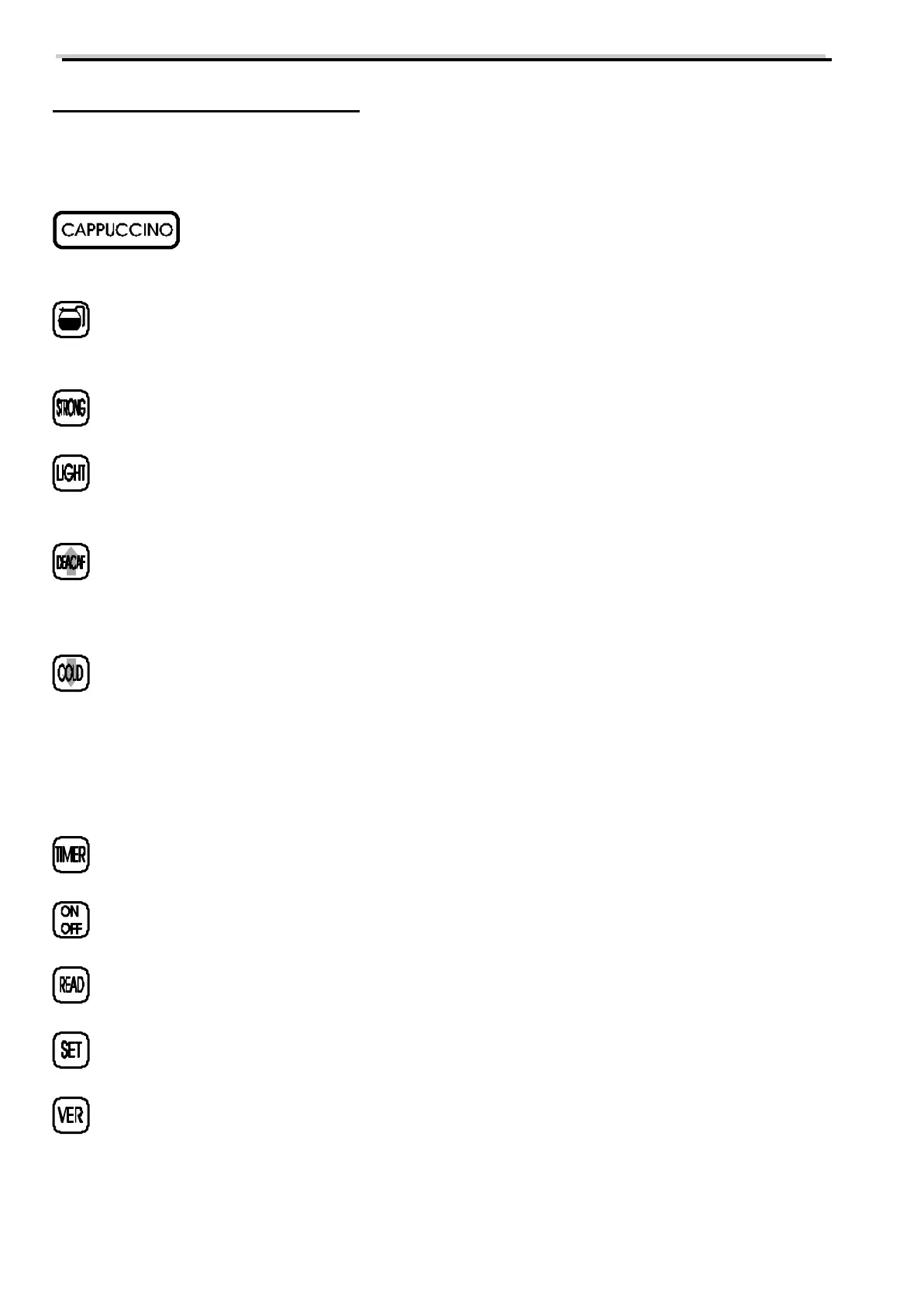
The keyboard of the coffee brewer
Explanation of the individual keys:
Selection key.Pressing this when the coffee brewer is in normal operating state will cause
this to make a brew.
Carafe pre-selection. Pressing this will cause the following selection to made in a multiply
according to setting of this carafe.
Will activate the pre-selection STRONG. This will make the following selection stronger
than standard.
Will activate the pre-selection LIGHT (mild) . This will cause the following drink to be
milder than standard.
Will activate the pre-selection DECAF. This will cause the following drink to be made
with DECAF coffee in stead of normal. During programming this key is used to increase
values.
Will activate the pre-selection COLD: This will cause the following drink to be made
with cold water in stead of hot. During programming this key is used to decrease values.
The two above mentioned keys have during programming an automatic repeat function.
This means that keeping one of these pressed during adjusting a value, this will change
automatically.
Will display the watch of the coffee brewer.
Used to switch the coffee brewer on and off.
Used to read out information from the coffee brewer.
Used to confirm settings during programming of the coffee brewer.
Used to adjust the active recipe version of the coffee brewer.



 To Next Page