Users manual Coffee on the Spot
Scanomat A/S Vibe Allé 3. Postboks 131 DK-2980 Kokkedal (Copenhagen) Reg.nr. 236.990
Tel: (+45) 49 18 18 00. Fax: (+45) 49 18 01 18
15
b) Press and to adjust the amount for this product up and down respectively. The range
for each product is 0 through 31. The size for each step for each product can be seen in the print out
of the recipes. Press to accept the new value, and the program will proceed to the next
adjustable product until no more in this drink.
Price:
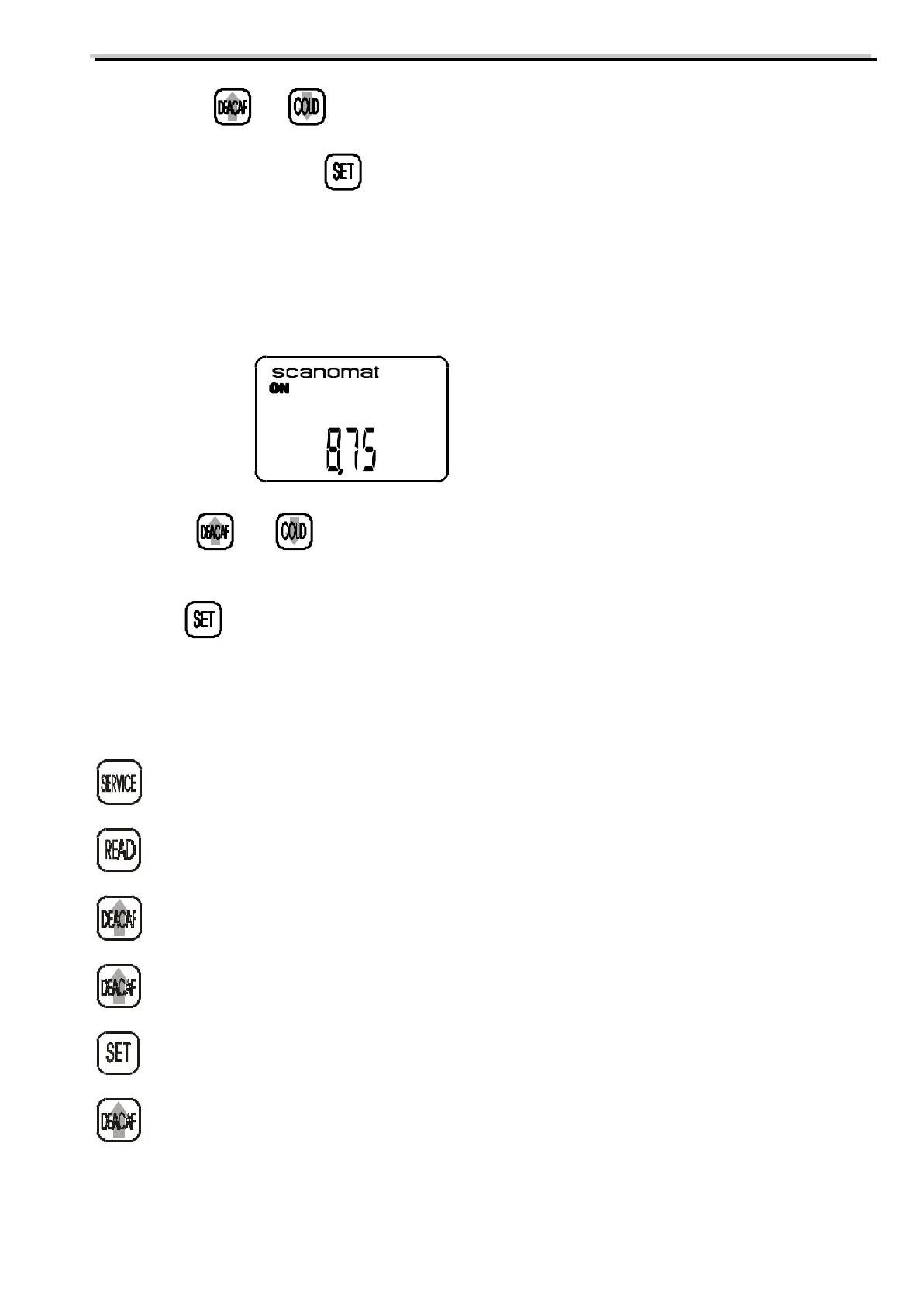
If the coffee brewer is set to run with a payment or accounting system the display will after making the
above mentioned adjustments show:
8,75 being the current price for this selection
a) Press and to adjust the price up and down respectively. The steps for the price will
normally the smallest available coin. If the price is set to 0, the coffee brewer will dispense this selection
for free.
b) Press to accept the new value.
All adjustments concerning this selection is now done.
Read-out of coin mech. data:
Will put the machine into service programme. The service button is installed on the inside of
the door of the machine.
Display will show total number of cups dispensed.
Display will show total amount inserted (volume of trade).
Display will show number of free drinks dispensed, either by means of tokens or external
“free drinks”-button. The letter “F” will appear in front of the number.
Re-sets this counter.
Display will show number of drinks dispensed in SERVICE mode. The letter “S” will appear
in front of the number.



 To Next Page