Users manual Coffee on the Spot
Scanomat A/S Vibe Allé 3. Postboks 131 DK-2980 Kokkedal (Copenhagen) Reg.nr. 236.990
Tel: (+45) 49 18 18 00. Fax: (+45) 49 18 01 18
21
Reading out the not erasable counters.
With the erasable counters in the display - press , and the display will now show the total counter for
the not erasable counters. The symbol CUPS will be flashing to indicate that it is the not erasable counters.
Pressing the individual selection keys will display the not erasable counters for these. Pressing will
return to the SERVICE program.
Print out of the counters:
It is possible to print out the cup counters of the coffee brewer by means of a HP82240 printer using the
infrared connection on the inside of the door of the coffee brewer.
a) Position the printer in a place where it can “see” the infrared window on the inside of the door.
Maximum distance approximately 50 cm.
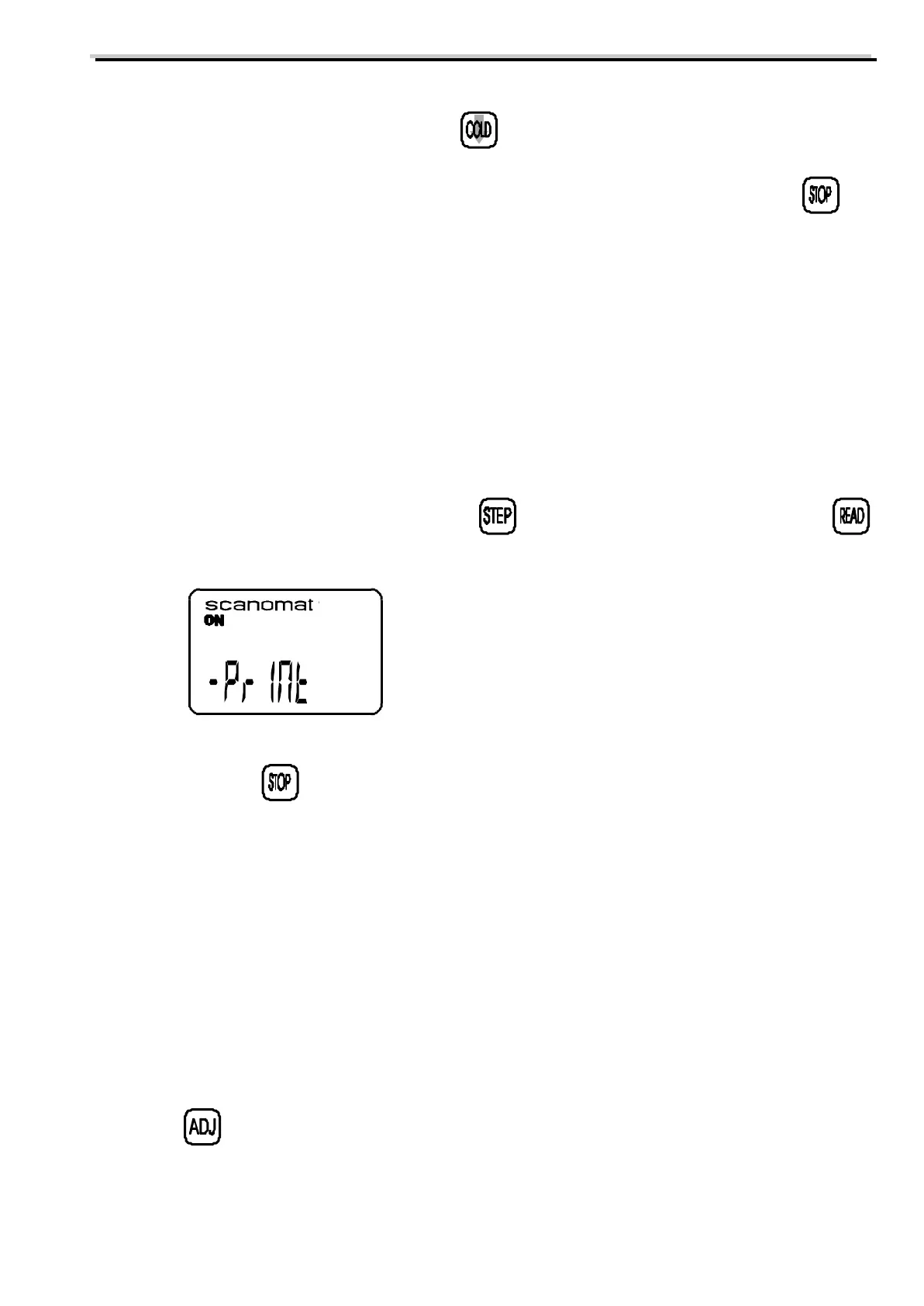
b) While the SERVICE program is active - press keep this pressed and press simultaneously
and the display will show:
and the counters of the coffee brewer will be printed out. Selections with the counter value 0 will not be
printed. Pressing at any point will interrupt the print out.
Product weighing:
It is possible to weigh the gram throw of the individual products in the individual selections. This is done by
activating a function where only products will be dispensed by activating a selection key (no water or
whipping). This function is useful for controlling that the coffee brewer actually dispenses the desired amount
of each product in the individual selections after adjusting the cup sizes and the strength(s). To make an
easy collection of the products, it is recommended, that the mixer system is removed during the process and
the products can then easily be collected in a disposable cup.
a) Press while the SERVICE program is active. The display will show:



 To Next Page