Schaeffler Technologies
BA 68
59
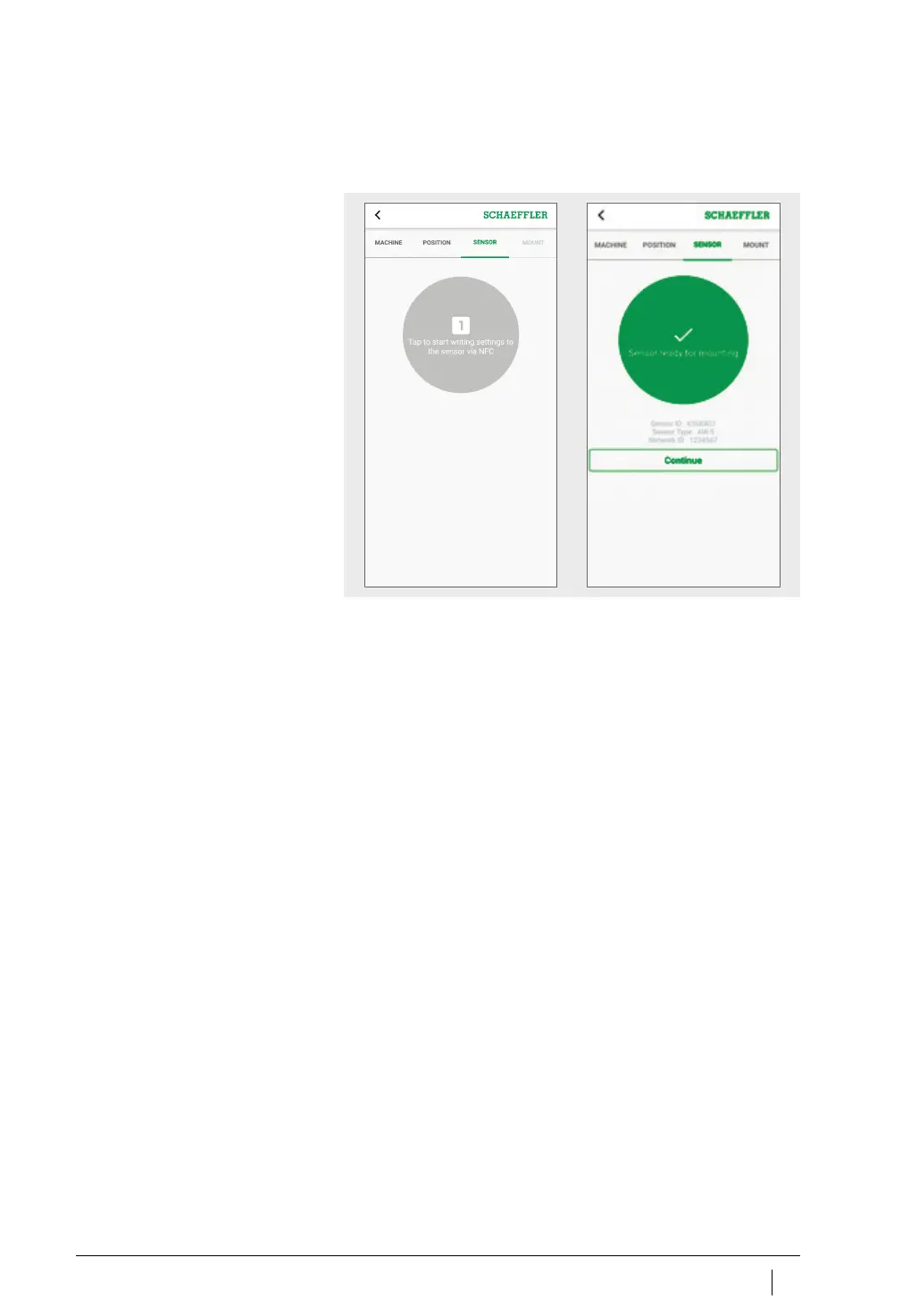
The [
SENSOR
]tab is displayed.
Hold your mobile device to the sensor when prompted to do so
by the OPTIME app, to activate the sensor by NFC.
Activation takes place in two steps; the sensor is switched on
first, then the network parameters are transferred. As final confir-
mation, the user is requested to save the settings. Depending on
the mobile end device used, each separate NFC contact is
acknowledged, e.g. through vibration.
The sensor is activated.
The [
MOUNT
] tab is displayed.
The sensor can be fixed to the machine.
Figure 39
Activate sensor



 To Next Page