64
BA 68
Schaeffler Technologies
Schaeffler OPTIME
Registration, login and logout
The Administrator account is created automatically as part of
the order process. Other users are managed by the administrator.
All new users created by the administrator receive their login details
by e-mail.
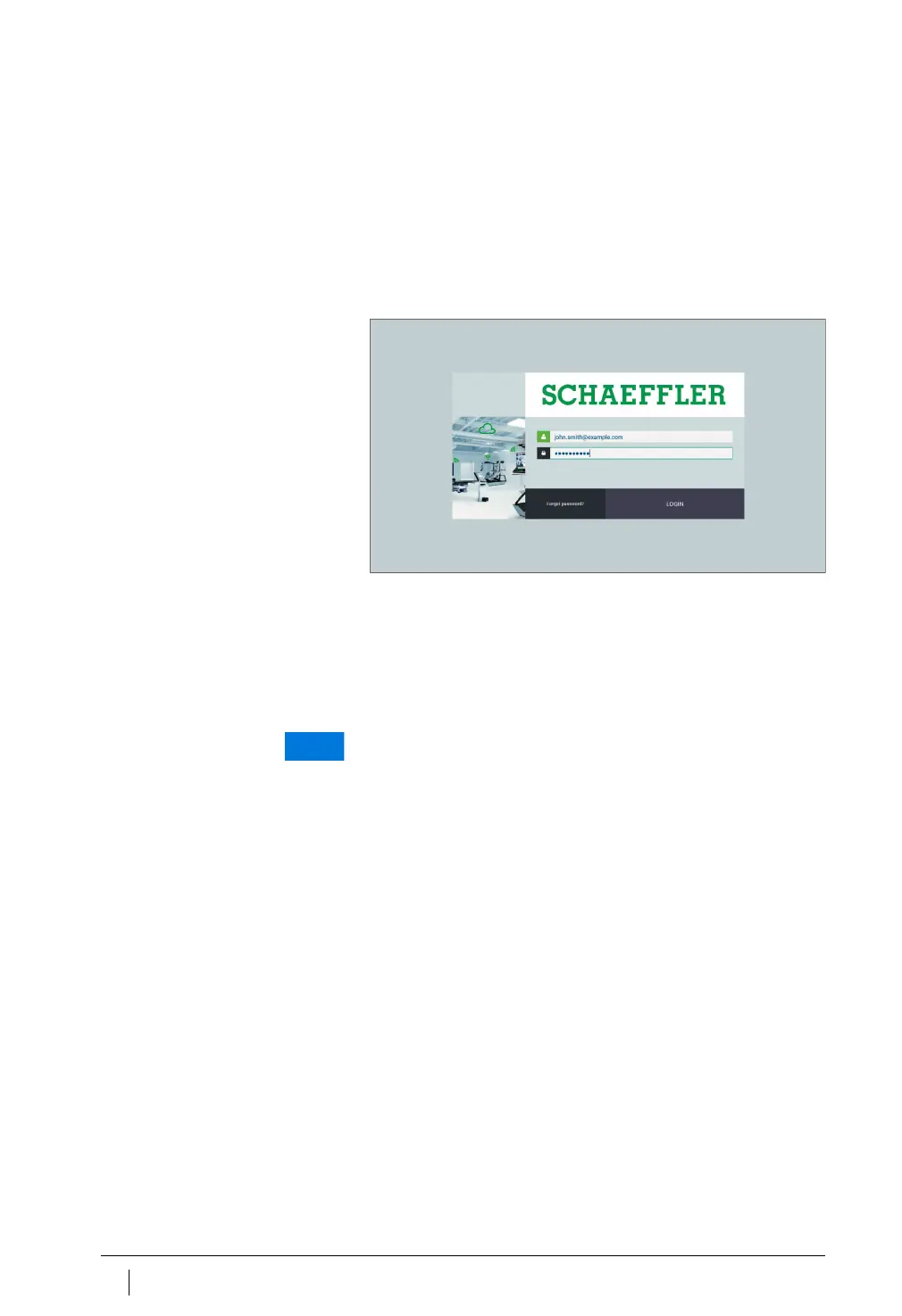
Login
To log in:
Go to the OPTIME customer portal at:
https://schaeffler-optime.com/dashboard
Enter your user name and click on [
Continue
].
Enter your password and click on [
Continue
].
If you have forgotten your password click on “Forgot password?”
to reset your password. Your new login details will be sent to you
by email.
Your new login details will be sent to you by e-mail.
Any unauthorised use of the OPTIME system can result in substantial
damage to other material assets. A new, secure password must be
created for the initial login. Make a note of your user name and pass-
word, as you will need these to log onto both the OPTIME app and
the OPTIME dashboard.
Figure 42
Login



 To Next Page