Schaeffler Technologies
BA 68
41
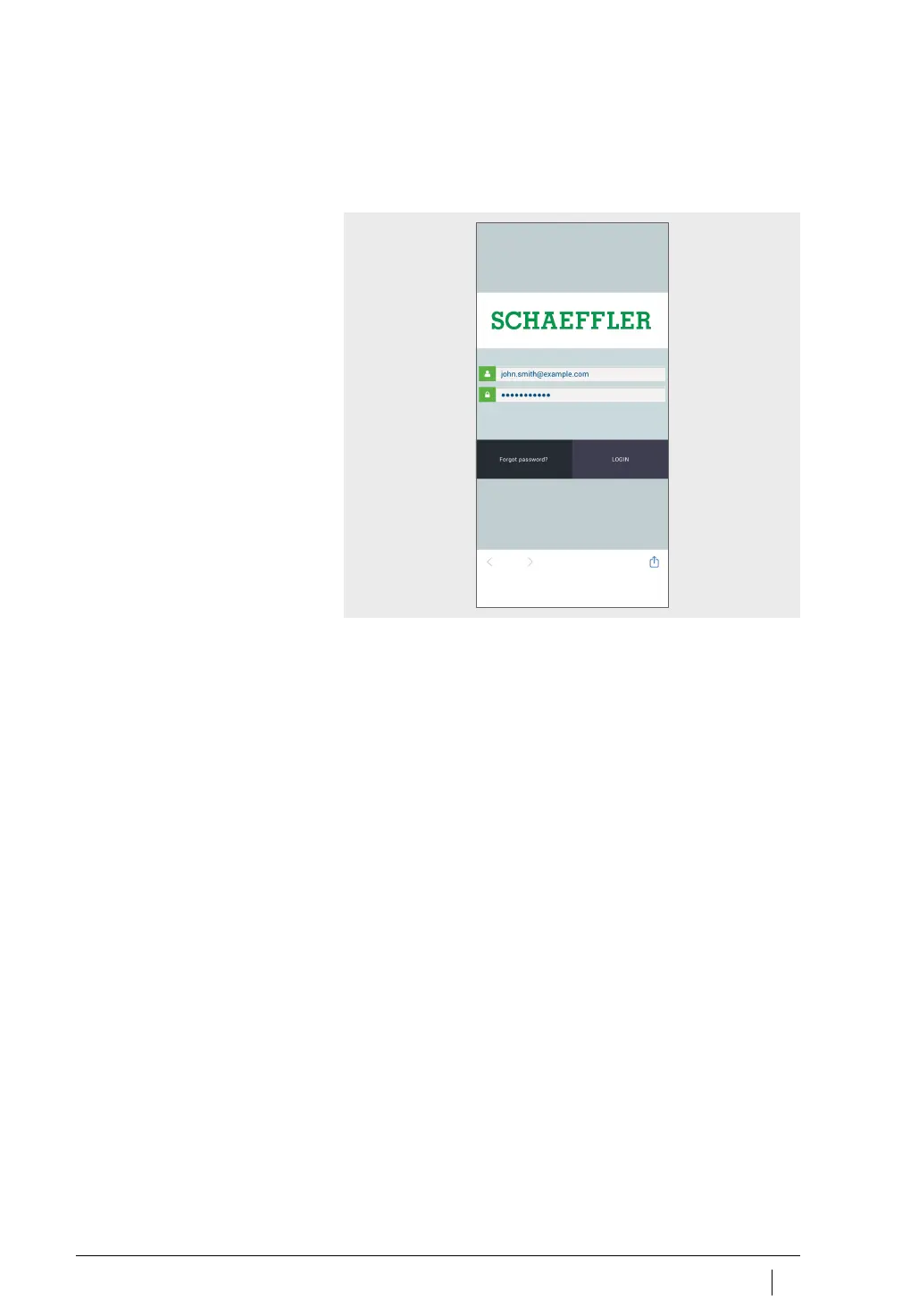
Login
To log in:
Start the OPTIME app.
Enter your login data.
After you have logged in successfully the start screen appears.
Tap the [
Login
] button.
Logout
To log out:
Go to the [
Menu
] symbol and tap on the [
Logout
] button,
Figure 26
, page 42.
General navigation
There are central navigation elements and setting options for
running the OPTIME app, which can be found in the various screens.
The following areas can be accessed in the OPTIME app, to enable
targeted monitoring of the machines in the asset.
■
group
■
machine
■
sensor.
User roles
The OPTIME app has the same structure for each user. Depending on
the user role, different permissions may apply.
Languages
The language of the app depends on the language of the operating
system. At the moment German and English are supported.
Figure 25
Log into the OPTIME app



 To Next Page