Schaeffler Technologies
BA 68
81
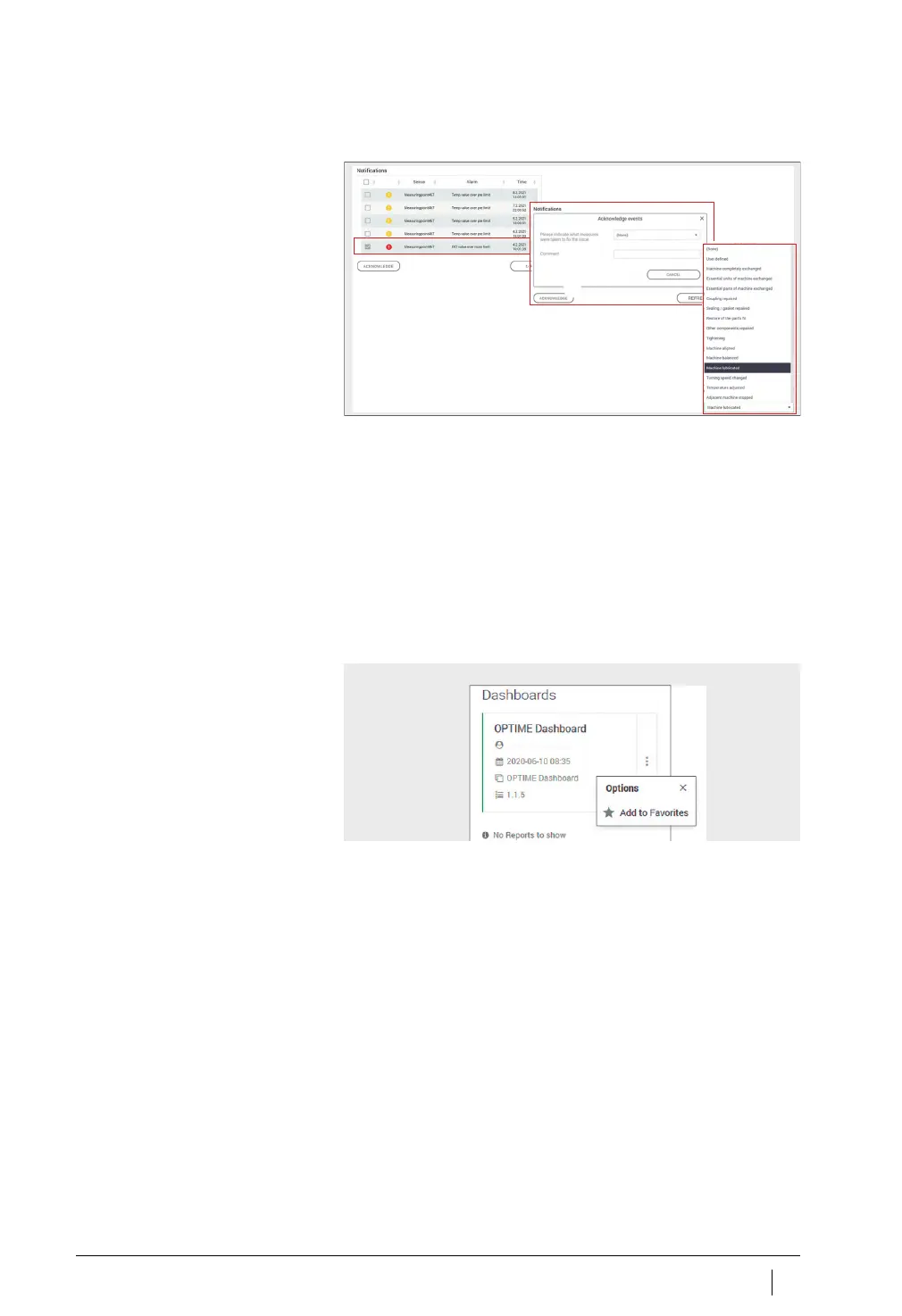
Another available option is to acknowledge alarms at [
Machine
]
level.
Click on the checkbox to select the alarm notification.
Click on the [
ACKNOWLEGDE
] button.
Select the action from the drop-down menu.
Enter further information in the Comments field.
The alarm notification is saved with a time stamp and details
on the user.
Other dashboard options
Using the vertical ellipsis (more options) menu, further settings can
be performed depending on the user’s role and permissions.
Figure 57
Acknowledge alarm notifications
at [
Machine
] level
Figure 58
Vertical ellipsis menu
(more options menu)



 To Next Page