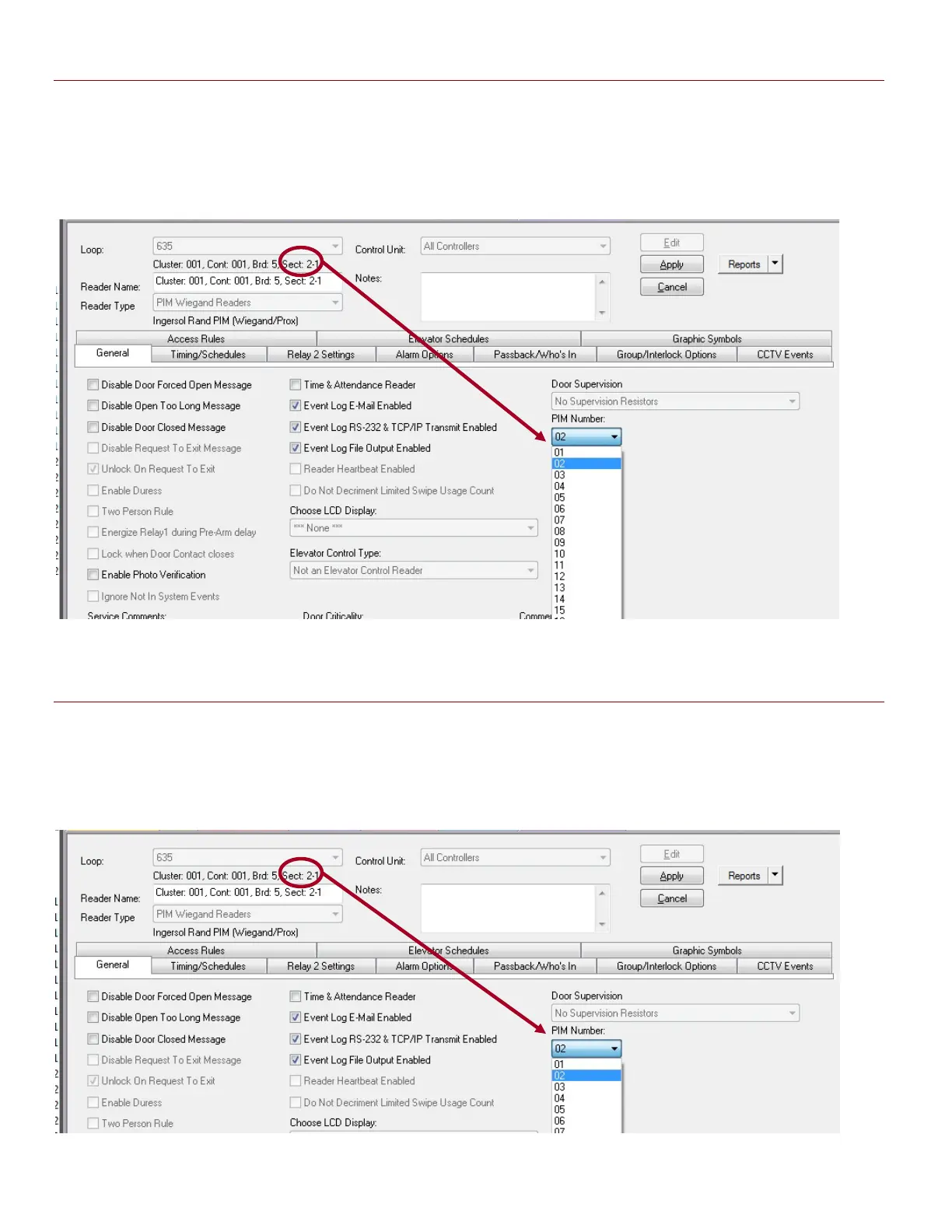
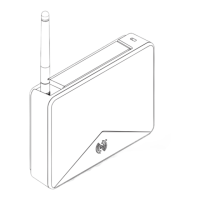
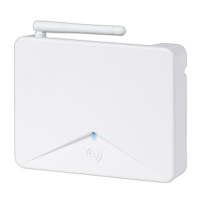
Figure 15 – Reader Properties: Configuring the PIM Number AD400 ONLY (WIRELESS)
In this screen shot, notice that the PIM Number must be configured by the installer.
PIM number set here must match the actual PIM number that this reader is really linked to. USE
THE MAPPING TABLE IN THE BACK OF THIS GUIDE TO ASSIST YOU WITH RECORDING YOUR ACTUAL
PROGRAMMING SO YOU KNOW WHICH PIM TO CHOOSE
Figure 16 – Reader Properties: Configuring the PIM Number AD300 & 400 (MIXED NETWORK)
In this screen shot, notice that the PIM Number must be configured by the installer.
For an AD400 Reader, the PIM number must match the PIM number that this reader is linked to.
For an AD300 Reader, the PIM number must match the actual Reader Address.
System Galaxy Integration to Schlage AD400/AD300 Page 35



 To Next Page