Operation ProLab 2000
78
ba75577e03 11/2009
Calibration via a
Comparison meas.
For this calibration procedure, the Comparison meas. setting must be
set to On in the measuring menu.
Note
Before calibrating via a comparison measurement, the sensor should
be calibrated in the air calibration vessel.
Proceed as follows to calibrate the meter:
8 You have the following options:
z Accept the new calibration values with <MENU/OK>.
Subsequently, the calibration record is displayed and
downloaded to the interface at the same time.
z To switch to the measured value display without
accepting
the new calibration values, press <MODE> or <ESC>.
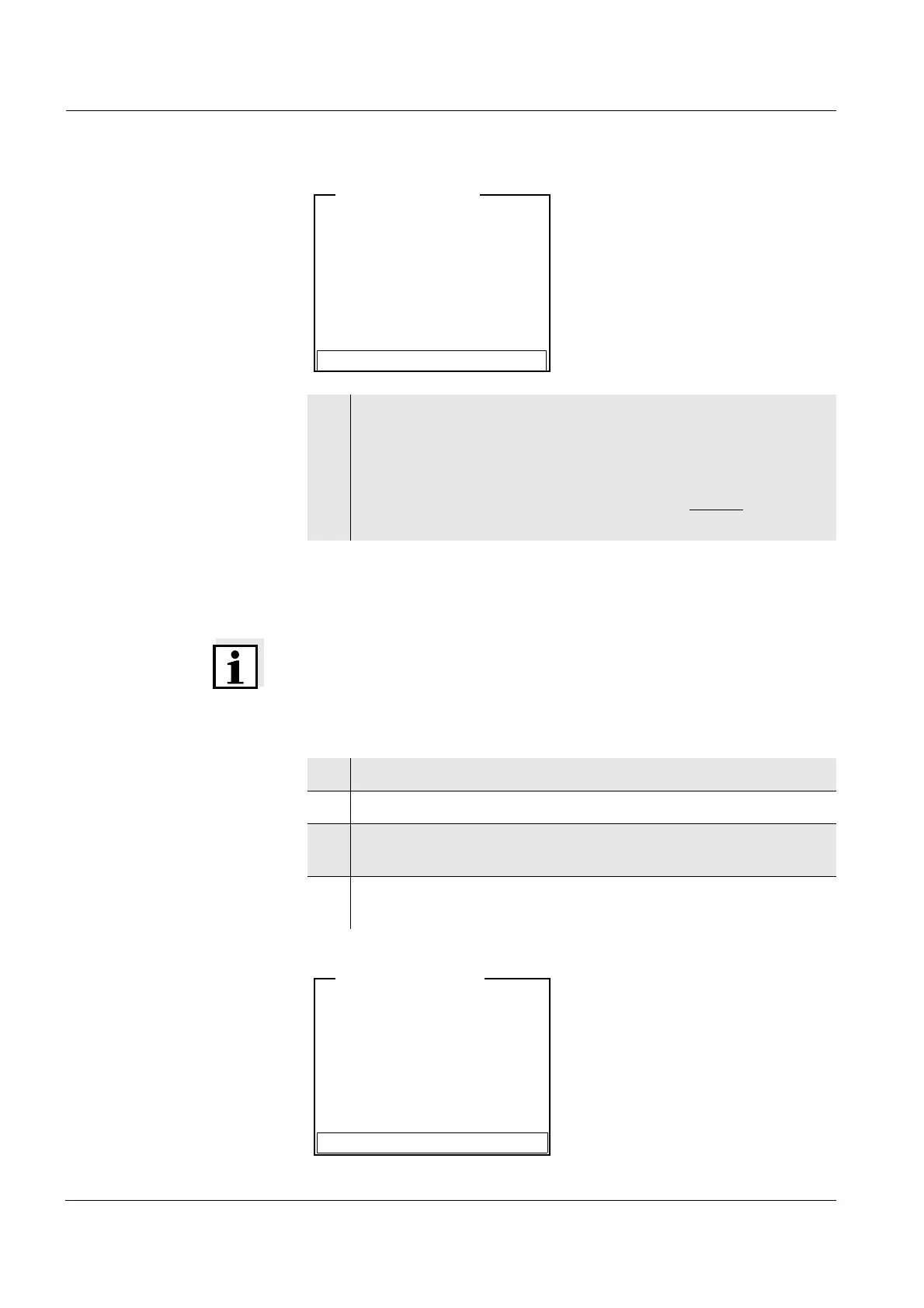
i Relative slope = 0.98
i Sensor+++
Accept
LFOx1400-ID <CAL>
1 Connect the D.O. sensor to the meter.
2 Immerse the D.O. sensor in the reference solution.
3 In the measured value display, select the D.O. measuring
window with <▲><▼> and <MODE>.
4 Start the calibration with <CAL>.
The calibration display appears.
i Immerse sensor in ref. sol.
Continue
LFOx1400-ID <CAL>


 To Next Page