5 Using your STATIM
5.4 STATIM 2000 / 5000 G4 — Running a Cycle
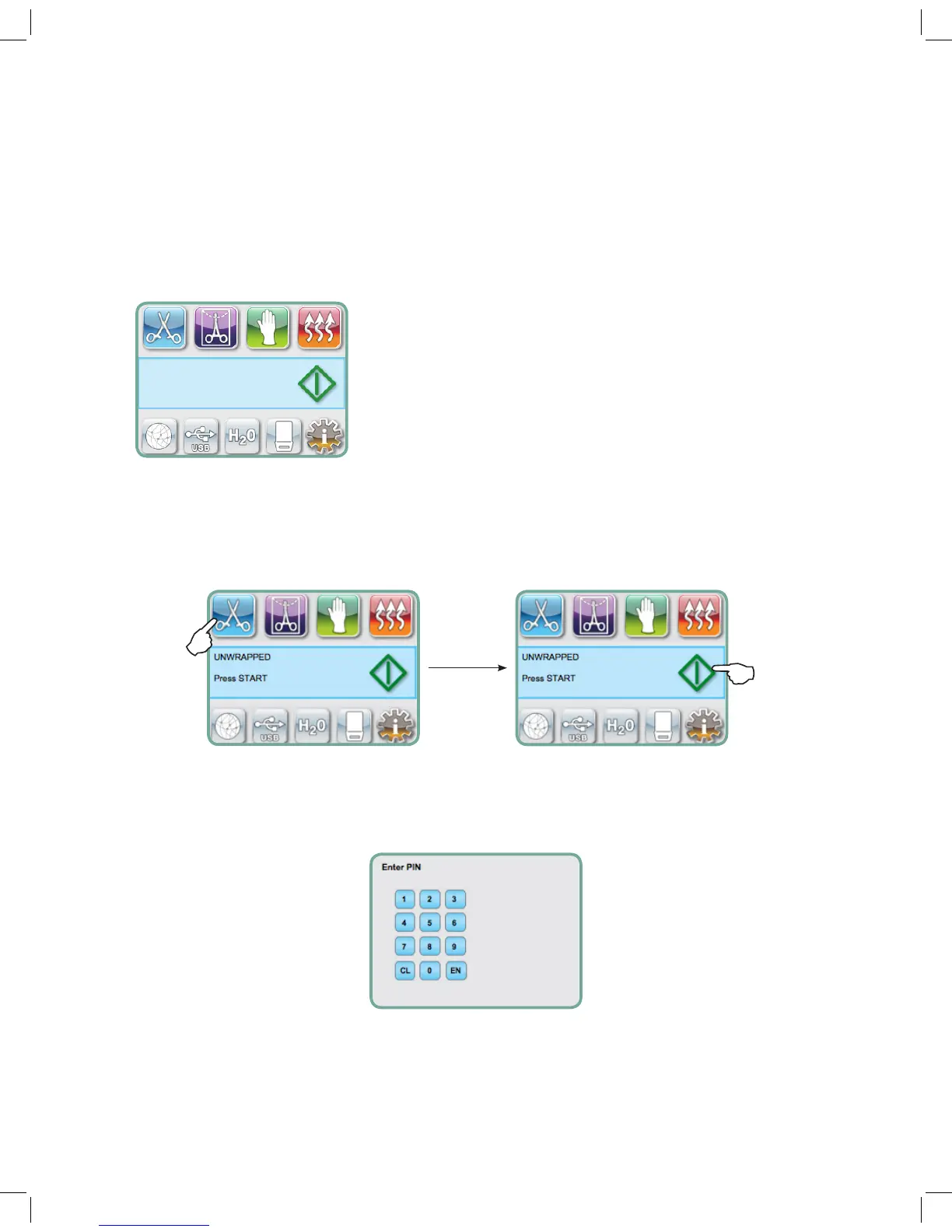
To operate each cycle, follow these steps.
1. Turn the power switch at the back of the unit to ON.
At start up, the unit will display the main menu.
2. Press the appropriate cycle button on the touchscreen. The display will show the cycle name and
parameters.
3. Press the START icon.
NOTE: If Process Enforced usage is enabled, a PIN screen will appear after you have pressed START.
Enter your PIN to start the cycle.



 To Next Page