Suggested External
Printers by SciCan
End of Line CR/LF Serial Port Bitrate Printer user ° char
Epson
TM-U220D (C31C515603)
CR/LF 9600 248 [0xF8]
Citizen
IDP-3110-40 RF 120B
CR 9600 N / A
Star Micro
SP212FD42-120
CR 9600 210 [0xd2]
Star Micro
SP216FD41-120
CR/LF 9600 210 [0xd2]
Star Micro
SP512MD42-R
CR/LF 9600 210 [0xd2]
8 Printing Cycle Information
The STATIM G4 is equipped with an RS232 serial port to allow you to connect it to an external printer.
(For a list of recommended printers, see the table below.)
8.1 Connecting to a Printer
To connect the printer, follow these steps:
1. Connect the external printer to the STATIM G4’s RS232 port using the serial printer cable supplied
with your printer.
2. Power on the printer.
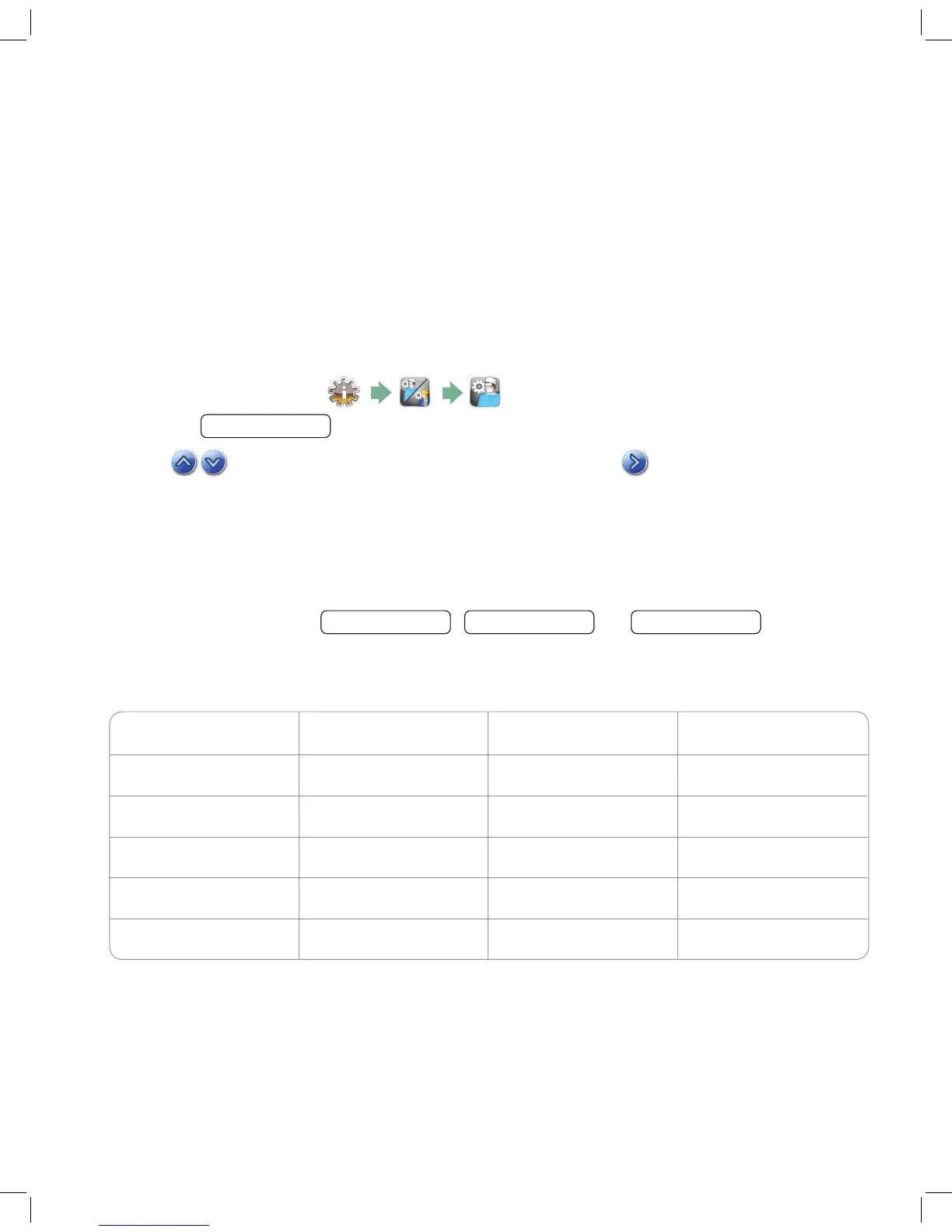
3. On the STATIM G4, select
4. Scroll to
Printer Type
and select.
5. Use
to toggle to the Serial Printer option and select. Press to save and move back to
the Setup menu.
8.2 Adjusting your Printer Settings
The STATIM G4 allows for several printer adjustments. You can access these settings from the user setup
menu (see instructions above). Use the table below or your printer’s operator manual to make the correct
adjustments to your printer’s
Baud Rate
,
End of Line CR/LF
and
Printer User Char
.
8.3 External Printers and Specifications
95-113364 US EN R4 STATIM 2000 G4 5000 G4 OpMan.indd 40 2017-01-18 11:01 AM



 To Next Page