5 Using your STATIM
5.4 STATIM 2000 / 5000 G4 — Running a Cycle
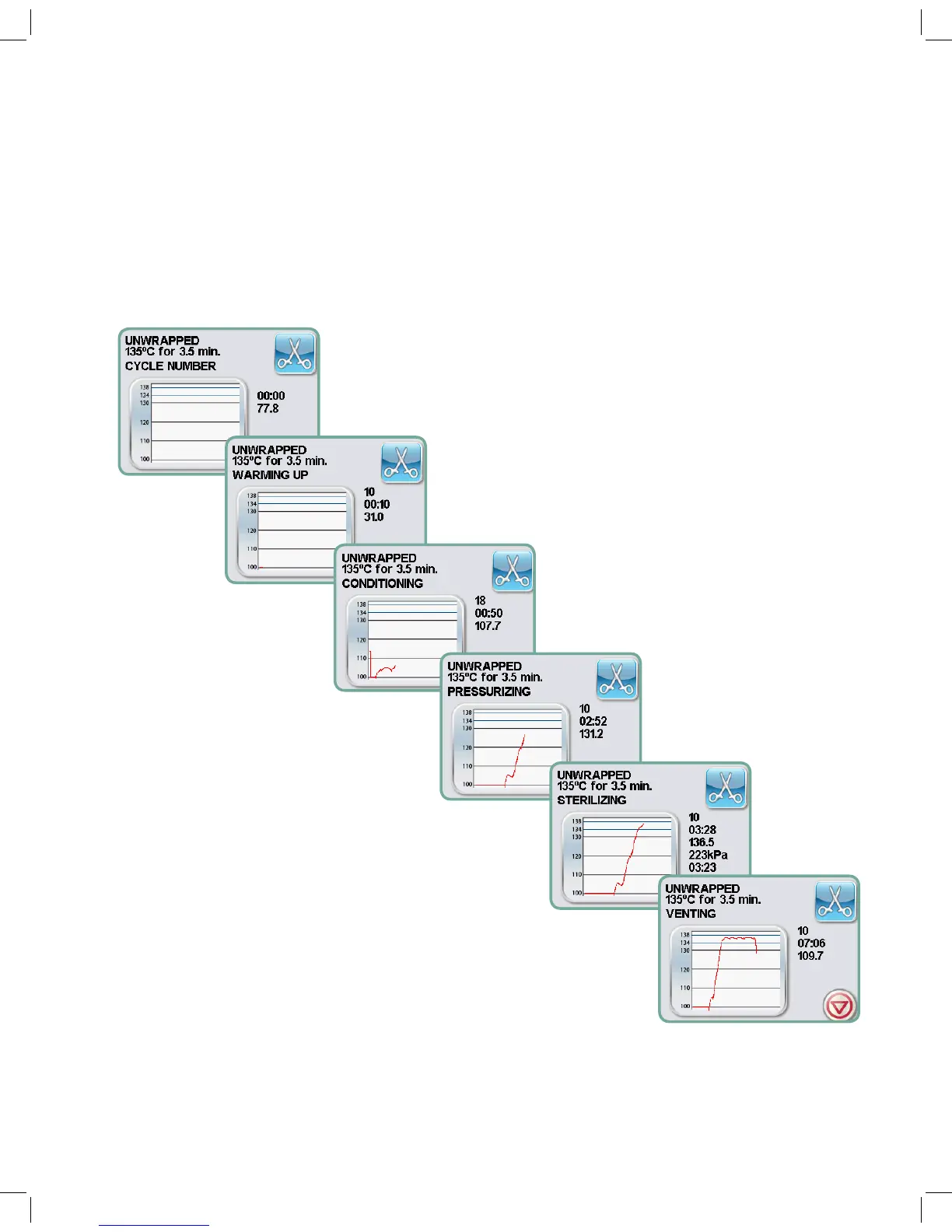
When the cycle starts, the cycle parameters are displayed at the top of the screen. Below it is the current
phase. The unit’s cycle counter is displayed at right. A graph charts the progress of the cycle while
current cycle information is displayed at right. As the cycle is running, various sounds will be heard. This
is the normal functioning of the unit.
Example of sterilization cycle phases in STATIM 2000 G4:
95-113364 US EN R4 STATIM 2000 G4 5000 G4 OpMan.indd 34 2017-01-18 11:01 AM


 To Next Page