RADIO TRANSMITTER SELF LEARNING
WITH RECEIVER ON BOARD OF CONTROL UNIT
USER 1 - 24V DG
1 2 3 4
0
1
2
3
4
5
6
7
8
9
10
11
12
13
14
15
16
17
18
19
20
15
WARNING: Make the radio transmitters programming before you connect the antenna and insert the receiver into the
special CMR connector (if available) with turned off control unit. (The control unit automatically recognizes if the receiver is a RF, RF
Roll or RF Roll Plus module).
With RF Roll or RF Roll Plus module it will be possible to use only Coccinella Roll or Coccinella Roll Plus radio transmitters.
With RF UNI module it will be possible to use both Coccinella Roll Plus transmitters and radio transmitters with fixed code. The first
memorized radio transmitter will determine the type of the remaining radio transmitters.
Select through the display and press OK, now select with the UP and DOWN buttons, the command to which you want to associate the
button (it is possible to associate max. 2 commands) and press OK to confirm the choice, now press the button of the radio transmitter which
you want to associate. If the storage is successful, the display will show .
If the receiver is a Rolling Code, press twice the button of the radio transmitter that you want to program to memorize the first TX.
In the MENU it is possible to select Strt (to associate a Start command), StPd (Pedestrian Start ), (To activate the LIGHT contact),
StoP (To associate the STOP command to the TX), dEL (To delete all TX).
Notes:
- Enter radio transmitters learning only when the working cycle stops and the gate is closed.
- If the radio transmitters are Rolling Code it’s possible to memorize up to 800 codes (buttons).
- If the radio transmitters are with fixed code it will be possible to memorize up to max. 30 codes (buttons).
- You can store max. 2 of the available 4 functions. If the control unit receives a code which was already associated to another function it will be
updated with the new function.
DELETE TRANSMITTERS FROM THE RECEIVER
With modules different from RF UNI, it will be possible to delete only the entire memory of the receiver.
Proceed as follows: select from the menu DEL and hold the OK button until the display shows the message DONE.
With the RF UNI module, it will be possible to also delete the single button of the transmitter.
It can be done in two ways:
1) If you have the transmitter, or if you are using transmitters with fixed code, the cancellation can be executed by simply retransmitting the
code. Ex. Button 1 of the transmitter memorized as START; access the menu press OK, select STRT, press OK.
Send a STRT command from the transmitter and on the display will show DEL.
At this point the single button results deleted.
2) If you do not have a transmitter, or you are using a Roll Plus transmitter, you can delete the transmitter selecting the serial number of the
transmitter to be deleted.
Procede as follows: Access the menu , press OK, select DELS, press OK, choose the memory location to be deleted through the UP and
DOWN buttons, press OK, check on the display if the serial number of the transmitter to be deleted is the right one, press OK, on the display
shows SURE, if the transmitter to be deleted is the right one press OK, otherwise press the DOWN button to return to the menu .
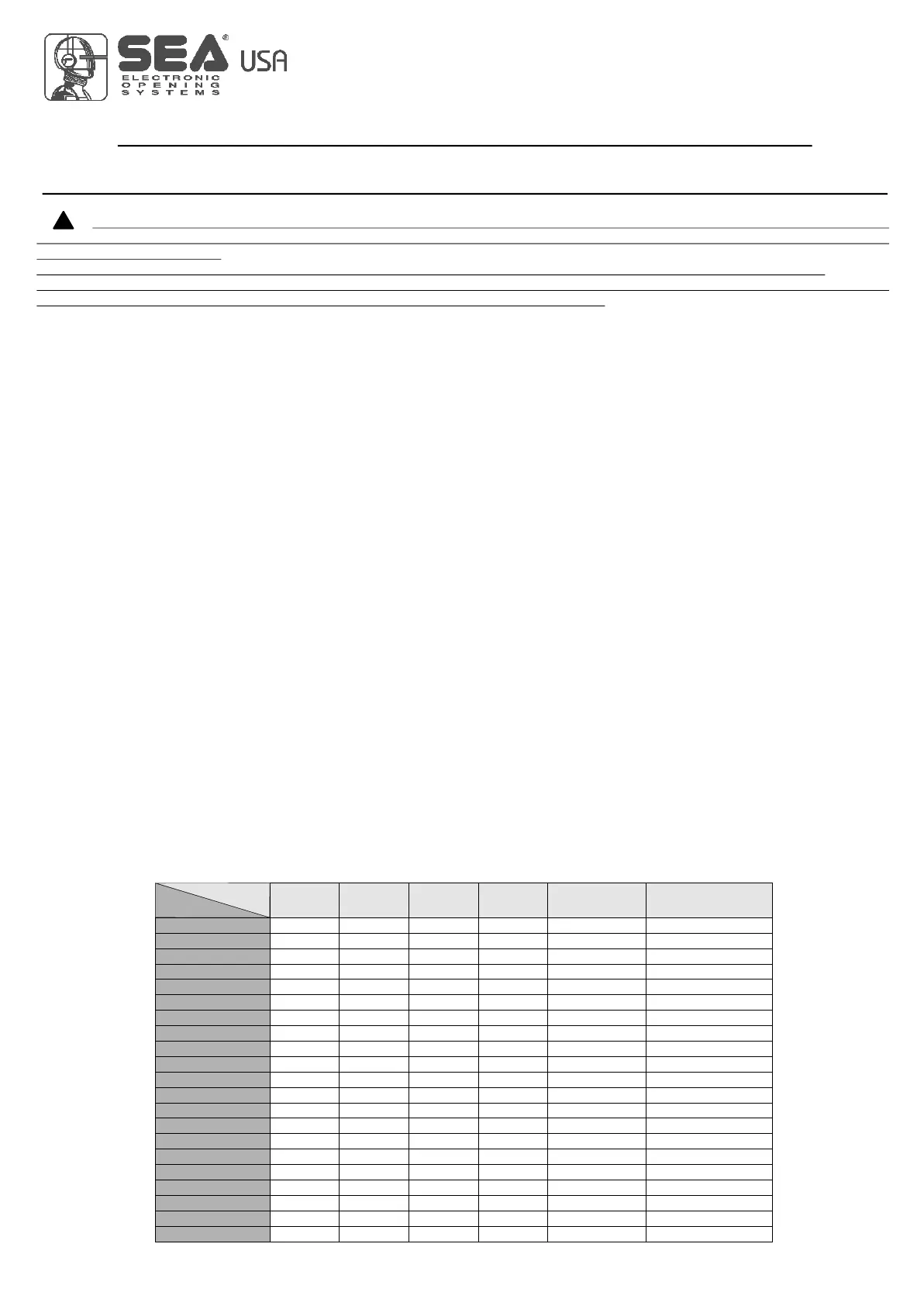
Note: When using Roll Plus transmitters, it is recommended to record on a table similar to the below example, the serial number associateding
it to the memory location where it was stored.
!!
U
TrS
U
E
U
U
TrS
U
.Est
U
TrS
U
TrS
U
TrS
U
TrS
Transmitter
button
Memory
location
Serial number Customer
TABLE
EXAMPLE
International registered trademark n. 2.777.971
67411535 REV 03 - 05/2013



 To Next Page