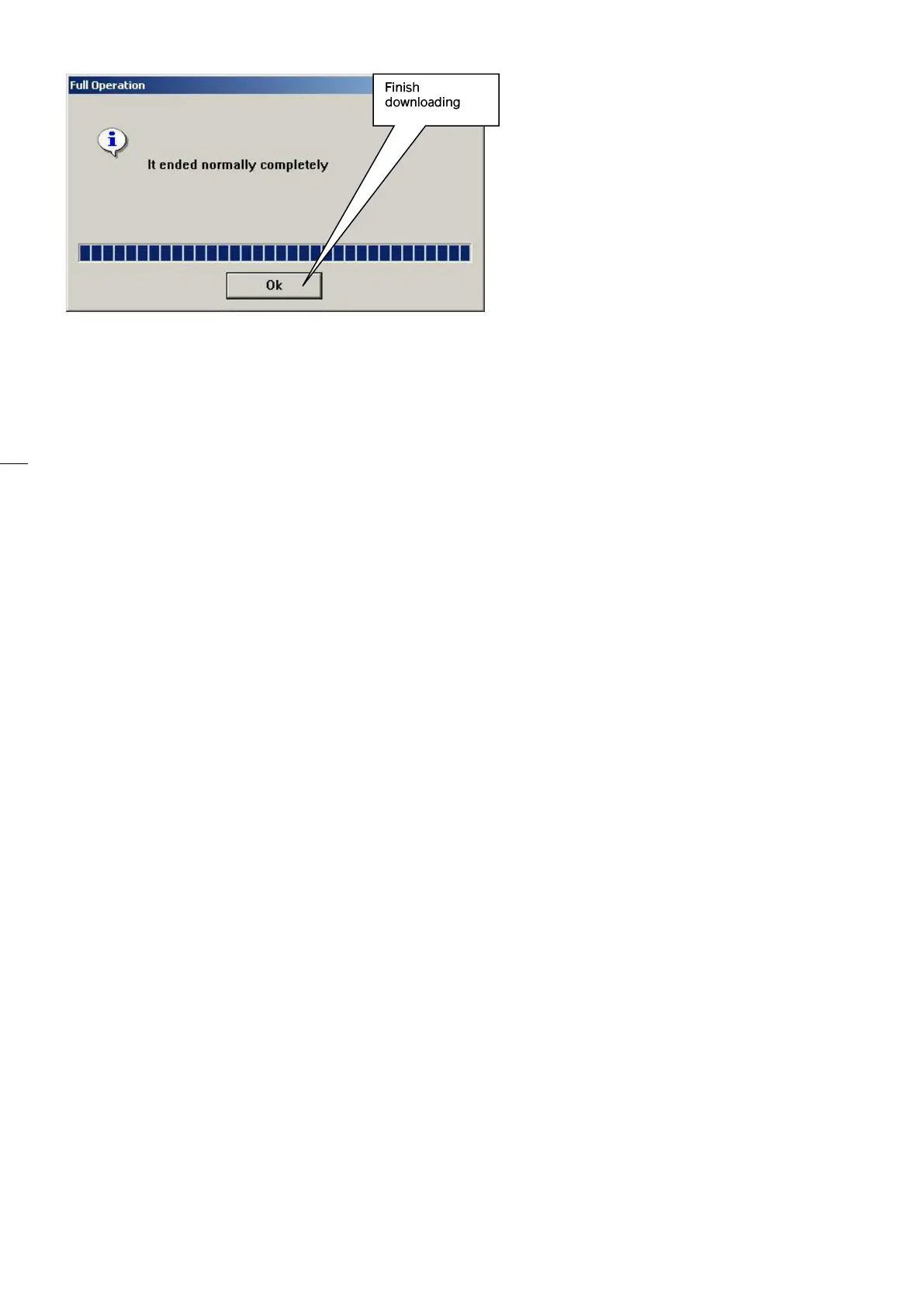
follows: IM_SEC3_02.01_en.docx
69/70
10. While pressing the RESET button set the board dip switches SW1 as follows:
• WD = ON
• RS = ON (if present)
• PRG = OFF
11. Set all default parameters (param. 98.02 = Yes)
12. Exit and save (param. 00.01 – Save changes - ok)
13. Enter programming again, check ALL parameters and set them according to installation.
SOFTWARE UPDATING by USB memory stick
1. Switch OFF the mains, insert the USB key on the SEC-3Q board
2. Switch ON the mains
3. When finished the board go to normal mode automatically.
a. If necessary load the default parameter set (param. 98.02 = Yes)
b. Save and exit (param. 00.01 - Save changes - ok)
4. Enter programming again, check ALL parameters and set them according to installation.
SAVING PARAMETERS on USB key
1. Set lift reference number to parameter 01.10 (e.g. 12345), save and exit programming
2. Switch OFF the controller. With no power in the controller insert the USB key
3. Switch ON the controller. A new file, named with the lift reference number will be generated into
the USB key (e.g. sn012345.sec)
LOADING PARAMETERS from USB key
1. Switch OFF the controller. With no power in the controller insert the USB key containing the
parameter file to be uploaded
2. Press button (S2) and while keeping it pressed switch ON the controller
3. Parameters will be copied from the USB key to the SEC-3Q board


 To Next Page