Universal Radiographic System
Service Manual
SM-0524R4
36
13. For the Manual Version, if the SID value calculated is out acceptance
limits, it will be necessary to readjust the SID Scale position of the Manual
Universal Radiographic System.
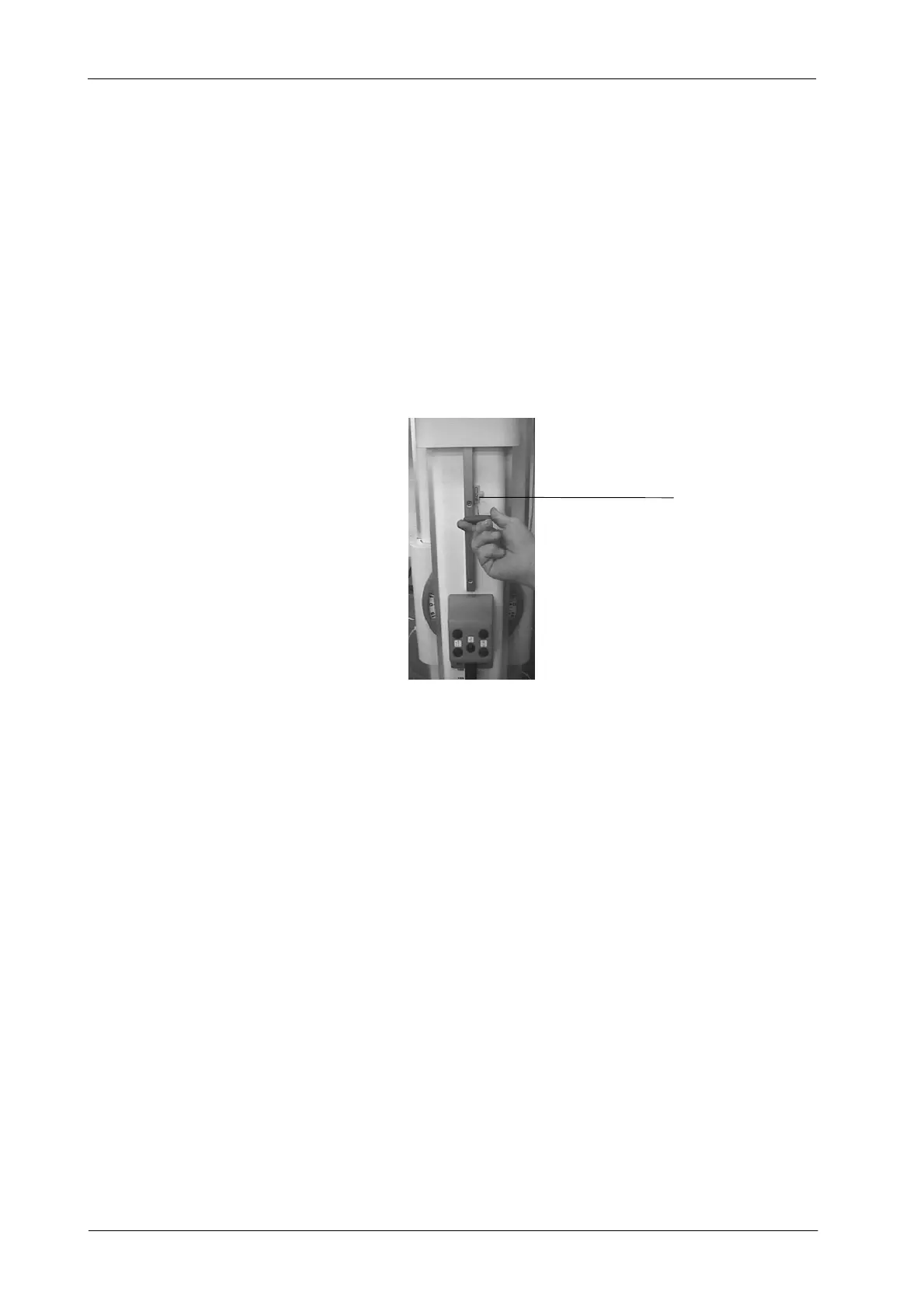
14. For the Motorized Version, if the SID value calculated is out
acceptance limits, it will be necessary to readjust the SID Cam for the
Motorized Universal Radiographic System. For that, loose the two
screws that fix the SID Cam and move it to the required position.
Illustration 4 -15
SID Cam Adjustment
SID CAM
4.6 FIELD SIZE INDICATOR TEST
Before starting with the Field Size Indicator Test, the Alignment of
X- Ray Beam Test, the Alignment of Light Field with X-Ray Field
Test and the SID Indicator Test should be performed.
1. Place the Swivel Arm in vertical position. The Tube-Collimator Assembly
has to be perfectly aligned with the Bucky Assembly. Check with a level
correct horizontal position of both assemblies.
2. Position SID at 1 meter (use the SID scale on the Column).
3. Open the Collimator blades to set a Field Size of 24 x 30 cm for SID 1 m.
4. T urn on the Collimator Light and center the Collimator in relation to the
Bucky Table-Top. Horizontal and transversal position of the light axes
projected by the Collimator Lamp must be in line with the axes or Film
Size marked on the Table-Top.
Note .



 To Next Page