44
EXPLANATION OF TEST AND DATA DISPLAY
9
9-2-2 SYSTEM INFORMATION
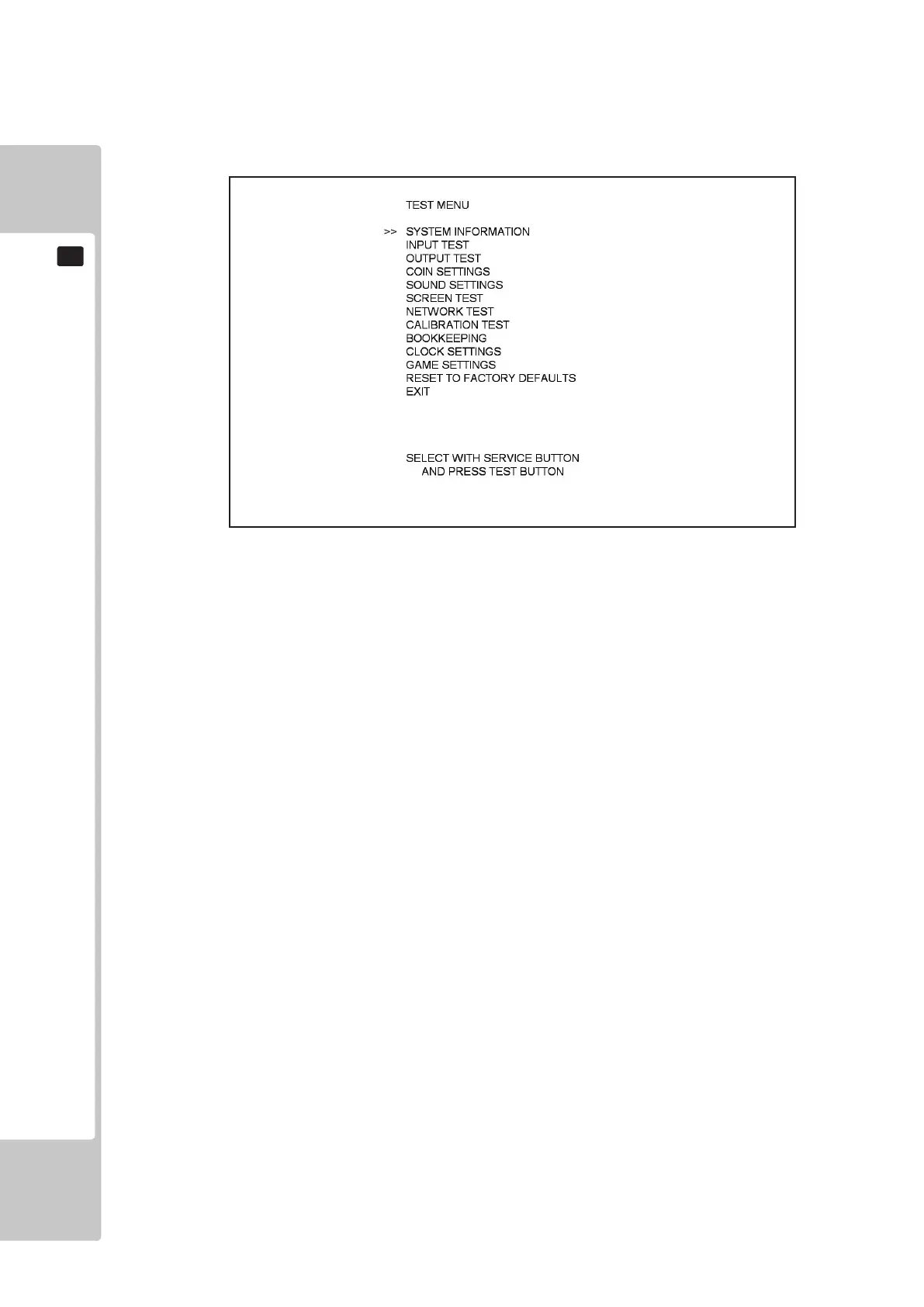
Select ‘System Information’ from the Test Menu to display the System Information menu.
This test displays general system information regarding the hardware conguration and software installed.
DISK IMAGE VERSION: Version number for the Master Disk Image in XX YY ZZ format.
LAUNCHER VERSION: Version number for System Launcher in XX YY ZZ format.
GAMESHELL VERSION: Version number for the Shell in XX YY ZZ format.
GAME NAME: Name of Installed Game.
GAME VERSION: Version number of installed game in XX YY ZZ format.
CABINET TYPE: Cabinet as dened by the type of Security Key being used.
SECURITY KEY: Displays which Security Key is being used.
IO BOARD STATUS: Displays ‘OK’ and a Revision Number if a valid IO Board is tted,
otherwise ‘FAILED’ is displayed.
Move the cursor to EXIT and press the TEST button to return to the Test Menu screen.
9-2-2 FIG. 01













 To Next Page