GRAPHICS DISPLAY
73
11
11-3 ADJUSTMENT METHOD
On-Screen Display (OSD) <continued>
Available Settings
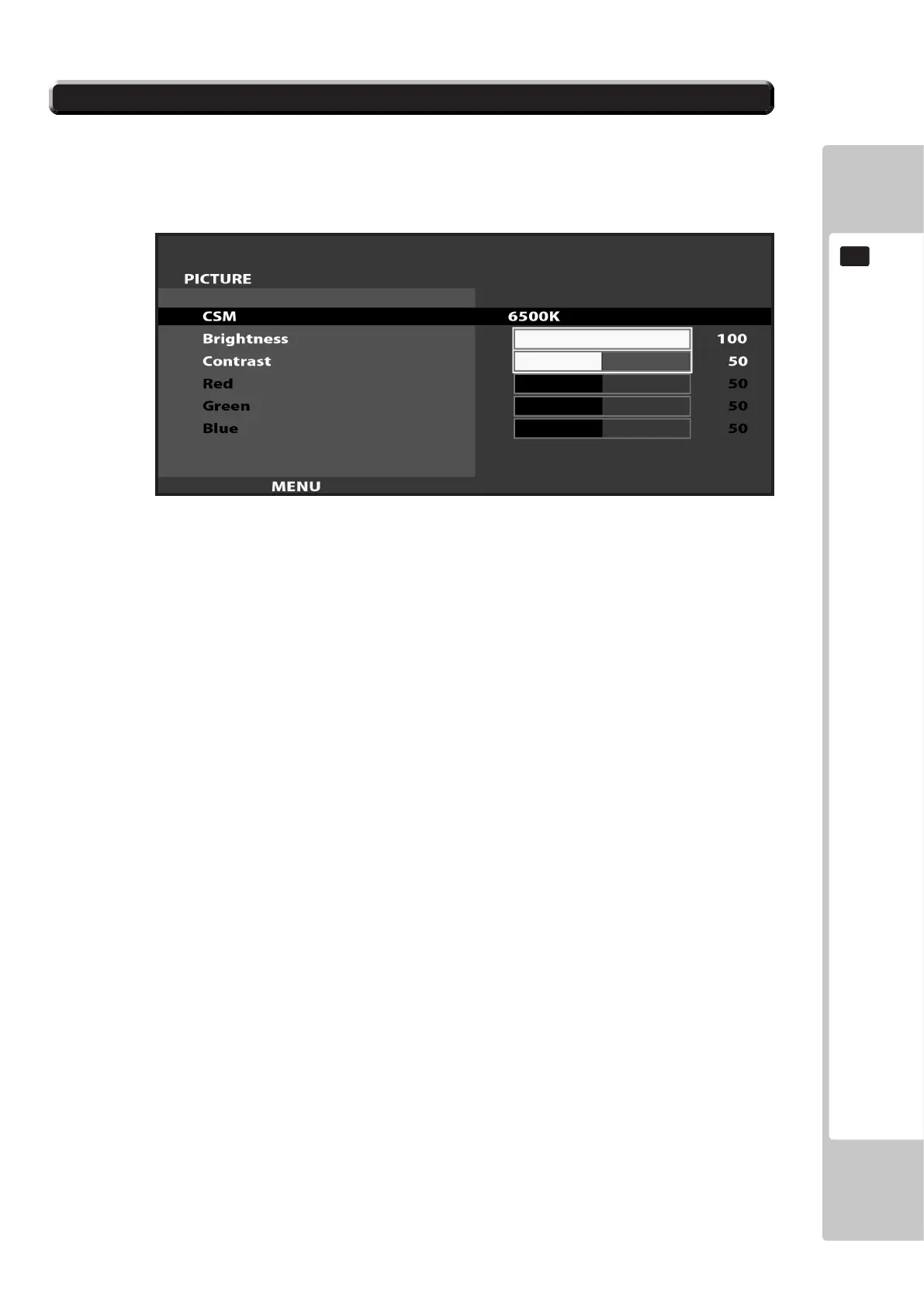
CSM (Selects Operation Mode))
Selection availble - 6500K - 9300K - USER
BRIGHTNESS (Adjust Brightness)
Adjust screen Brightness. - Values: 0 - 100
(0” being the darkest setting, and “100” being the brightest)
CONTRAST (Adjust Contrast)
Adjust Contrast level. - Values: 0 - 100
(0” having the least amount of difference between light and dark, and “100” having the most)
NOTE : The Red, Green, and Blue adjustments are unavailable in the Mode of Operation selected on the Screen
shown in 11-3 Fig. 06. These adjustments can only be made is the CSM option is set to ‘User’.
11-3 Fig. 06













 To Next Page