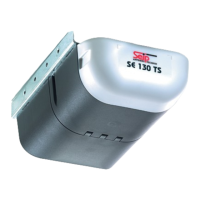
In order to use a remote device it must first be registered with the operator� A total of 10 remote devices may be registered
with one operator, the registration must be made seperately for each device�
If the total of 10 devices is exceeded, the last registered device will be overwritten by the new one�
It is not possible to register more than one button of the same hand transmitter with the operator�
1
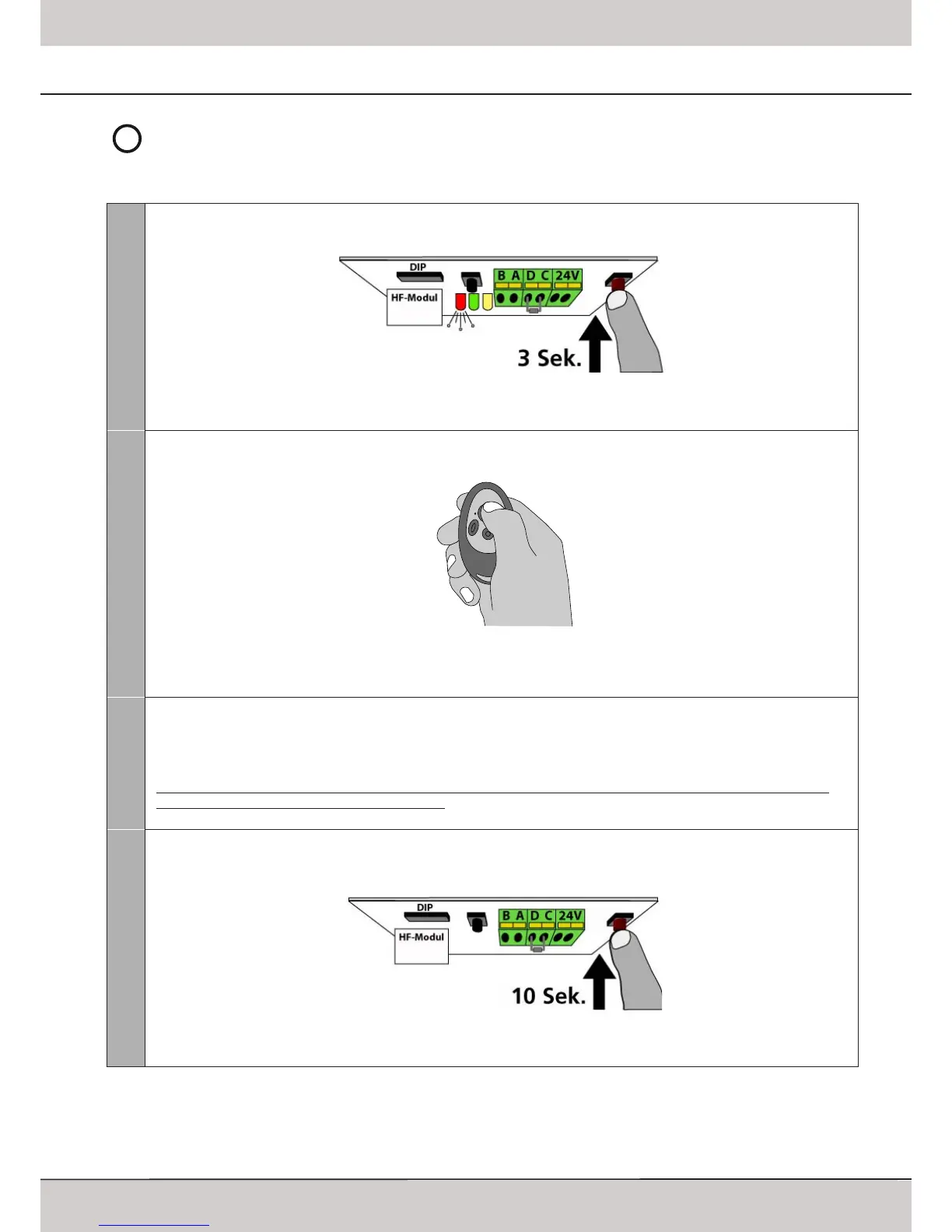
Starting the Registry
Keep the red LEARN-button pressed for 3 seconds� Release it once the red LED and the operators‘ lighting start blinking�
The operator now is in programming mode and awaits the signal from a remote device�
2
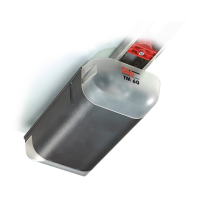
Registering a Device
Press the button that shall be used for controlling the operator for approx� 1 sec�
The red LED and the operators‘ lighting stop blinking - the device was programmed successfully� Pressing the devices‘ but-
ton again will run the operator�
Repeat steps 1 and 2 for any further device�
HomeLink™
Integrated car remotes usually use the HomeLink™ system by Johnson Controls� Systems from version 6 or higher are com-
patible with the operator�
First the hand transmitter must be copied into the HomeLink™ module (closer information on your specific system can be
found on the internet: www�eurohomelink�com)�
The programmed HomeLink™ button will turn to a new Seip-compatible remote device� It therefore must be registered
with the operator just like any other remote device� Proceede as described in steps 1 + 2�
Erasing Remote Devices
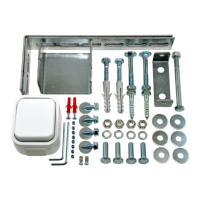
The receivers‘ memory can be erased completely; it is not possible to delete single devices� To erase the receivers‘ memory
keep the red LEARN-button pressed for 10 seconds:
After 3 seconds the red LED and the operators‘ lighting will start to blink; after 10 seconds the red LED will come on perma-
nently, release the LEARN-button then� The memory now is empty�



 To Next Page