44
K600000000SE 030804 011018
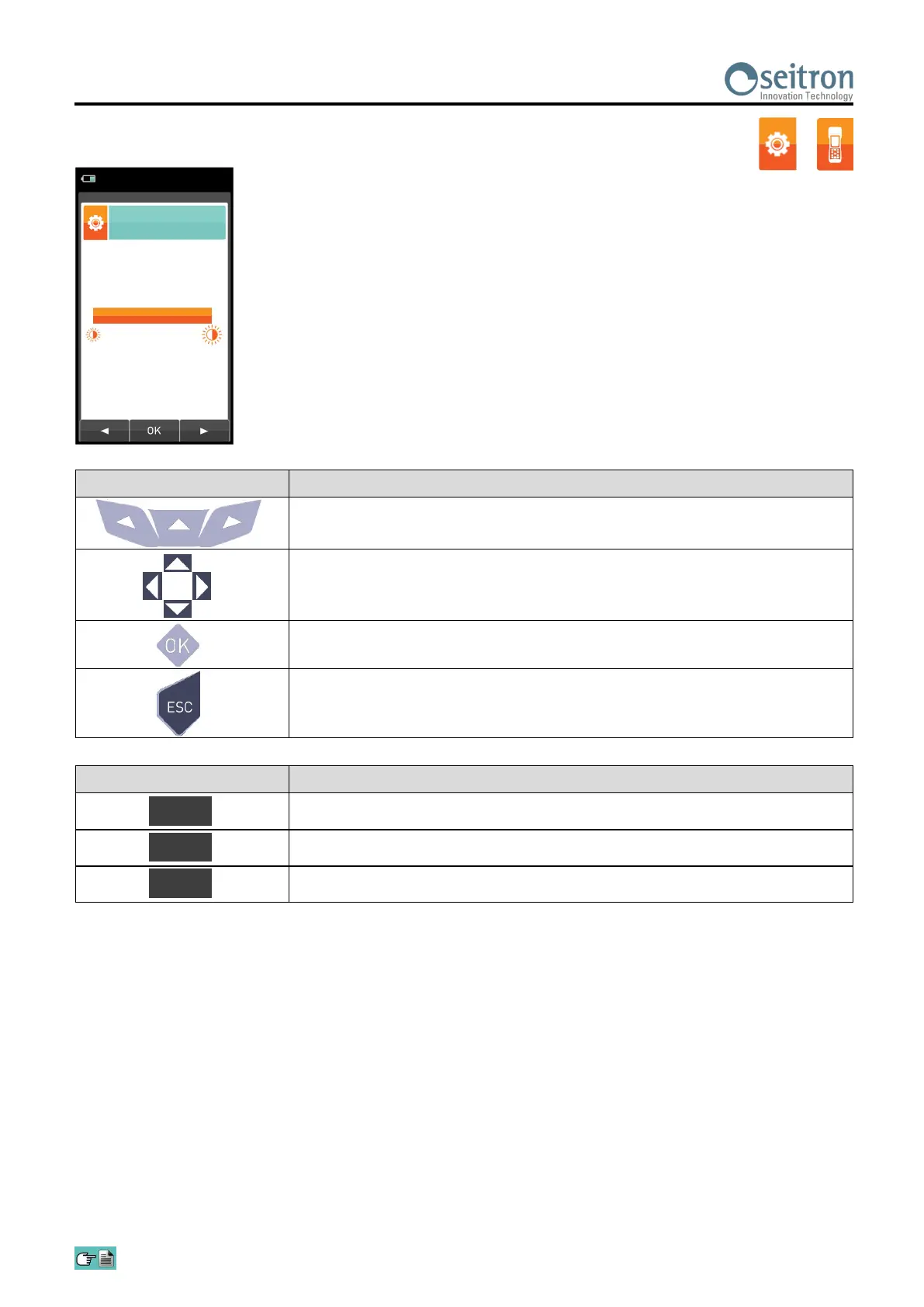
10.3.3 Configuration→Instrument→Brightness
CONTEXT KEY FUNCTION
Decreases the brightness of the display.
Confirms the setting.
Increases the brightness of the display.
OK
◄
►
→
KEY FUNCTION
Activate the context keys shown on the display.
Increases or decreases the brightness of the display.
Confirms the modification.
When pressed in modify mode cancels the selection made, otherwise
returns to the previous screen.
Configuration
Brightness
15/01/14
10:00
100


 To Next Page