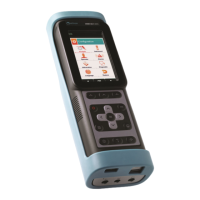
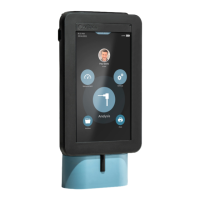
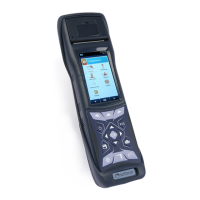
87
K600000000SE 030804 011018
12.0 PRINT
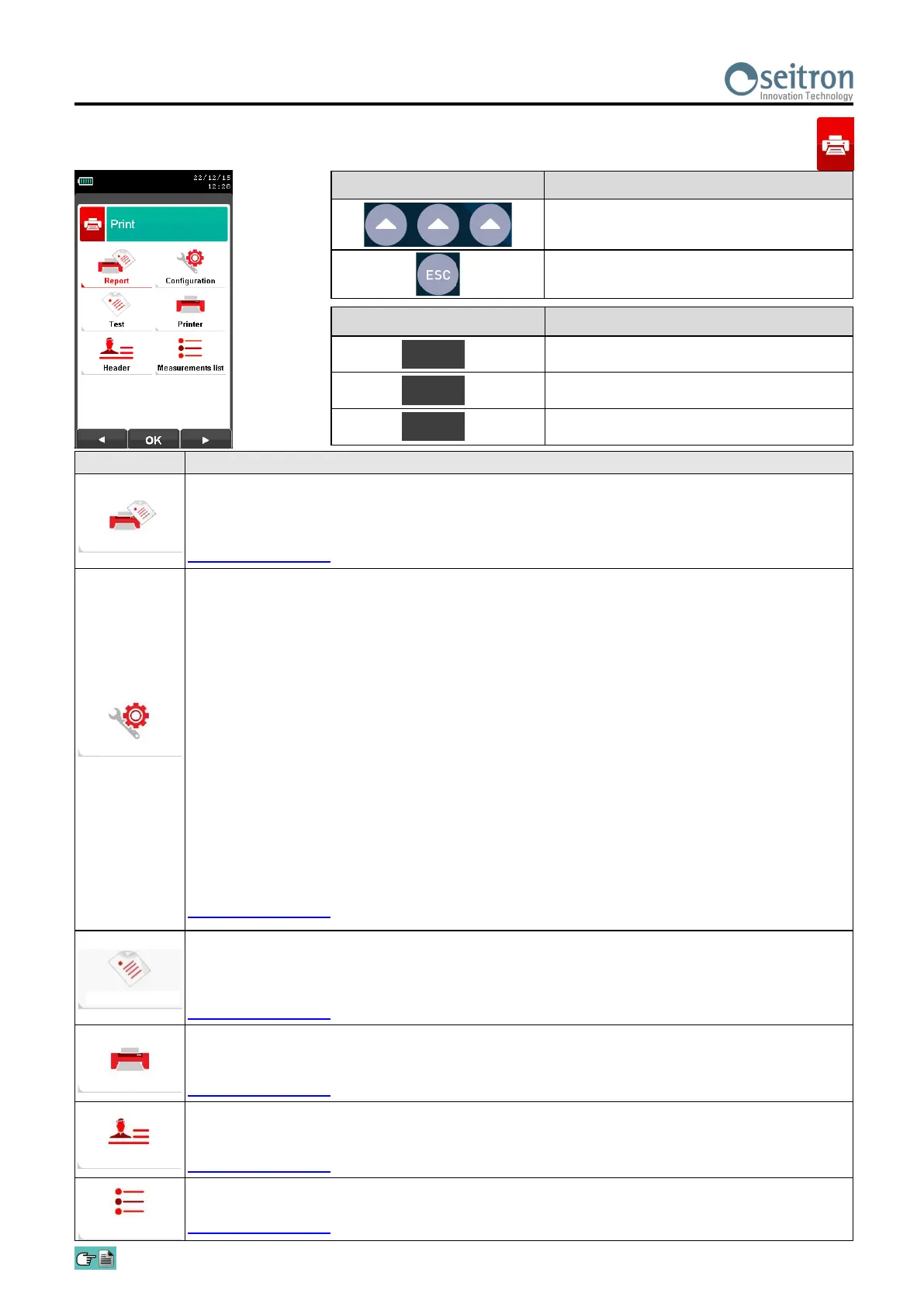
12.1 Print Menu
PARAMETER DESCRIPTION
Enables the Print Menu. A hard copy of the complete combustion analysis can be printed. The
printed values are those shown on the display when the menu is enabled. This menu can be
used for combustion analysis, even when recalled from the memory, for draft, smoke, ambient
gas and for tightness test results.
SEE SECTION 12.2.
The user, by means of this menu, can configure the test report format:
Copies: Allows to set the number of printed copies and layout of the paper print-out. Several
copies of the test paper print-out can be printed, choosing among different layouts
according to the information included.
Report: The paper print-out layout selection is only valid for combustion analysis and can be
chosen among Complete, Partial and Total. Paper print-outs for draft, smoke, ambient
gas concentration and tightness test only allow a specific layout. Layouts options for
combustion analysis are specified as described in the following:
Full: includes a header with company data as well operator data previously
programmed in the configuration menu, measurements sampled in the combustion
analysis and, when sampled, the draft, smoke and CO ambient gas values.
Partial: only reports the combustion analysis measurement values and information,
without any header, comments or blank lines for operator comments.
Total: prints full print-out of average values with individual test data.
Date/Time: It allows you to define whether or not to print the date and time at which the
combustion analysis was performed.
Manual: The date and time are not printed in the header of the analysis report . It is
the responsibility of the operator to enter the data manually .
Auto: The date and time are printed in the header of the analysis report.
SEE SECTION 12.3.
Print: Prints a graphical/alphanumeric test paper print-out for a complete check of the printer
operation.
Paper feed: Feeds paper in the printer; this function is most useful when replacing the paper roll
in the printer.
SEE SECTION 12.4.
Selects the printer type: internal or Bluetooth.
When Bluetooth printer is selected a pairing procedure will be needed in order to match
the printer to the instrument. The pairing procedure has to be performed only once.
SEE SECTION 12.5.
Allows the user to enter, in six lines of 24 characters each the name of the Company or owner of
the device or the information regarding the latter (e.g. address, telephone number), which will be
printed in the header of the analysis report.
SEE SECTION 12.6.
In this submenu the user has the possibility to view the list of measurements that the device
performs. With the interactive keys, the user can add, delete or move a selected measurement.
SEE SECTION 12.7.
KEY FUNCTION
Activate the context keys shown on the
display.
Returns to the previous screen.
CONTEXT KEY FUNCTION
Selects the available parameters.
Enters in the selected parameter setting.
Selects the available parameters.
OK
◄
►
Report
Configuration
Test
Printer
Header
Measurements list


 To Next Page