94
K600000000SE 030804 011018
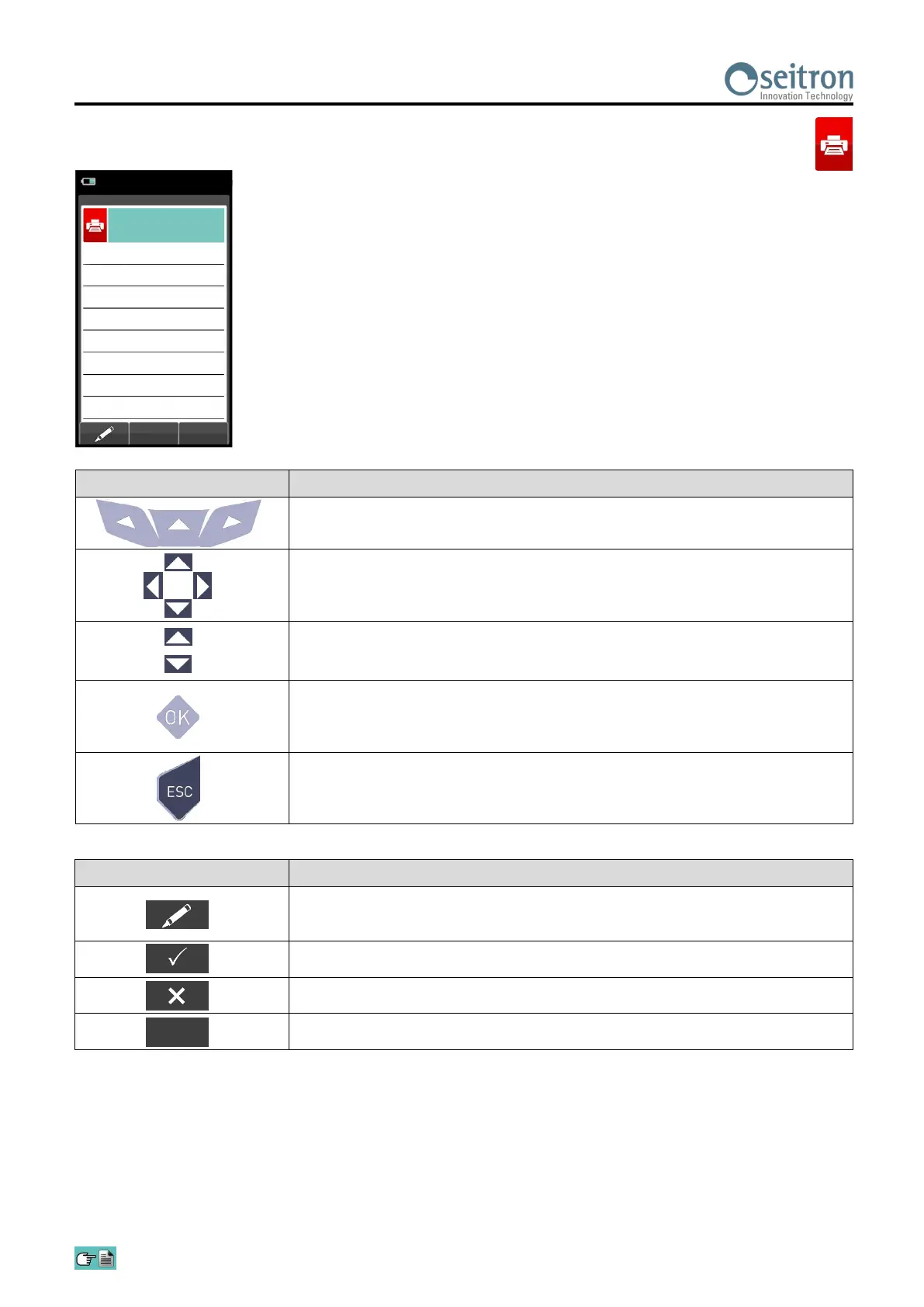
12.6 Print→Header
15/01/14
10:00
Print
Header
Line 2
----
Line 1
----
Line 3
----
Line 4
----
Line 5
----
Line 6
----
CONTEXT KEY FUNCTION
Enters edit mode of the selected line: it is possible to enter the name of the
operator (24 characters available).
Confirms the selected letter or digit.
Cancels the letter or digit before the cursor.
Cycles through uppercase, lowercase, symbols and special characters.
Aa#
KEY FUNCTION
Activate the context keys shown on the display.
In "edit text": It moves the cursor on the box corresponding to the letter or
number required to form the desired word.
In edit mode it moves the cursor through the available lines.
In "edit text": it confirms the text input.
In "Print header": It activates the context key displayed on the left.
Returns to the previous screen.
In "edit text" it goes back to the previous screen without saving the
changes made.


 To Next Page