508.366.1488 | www.semshred.com
27
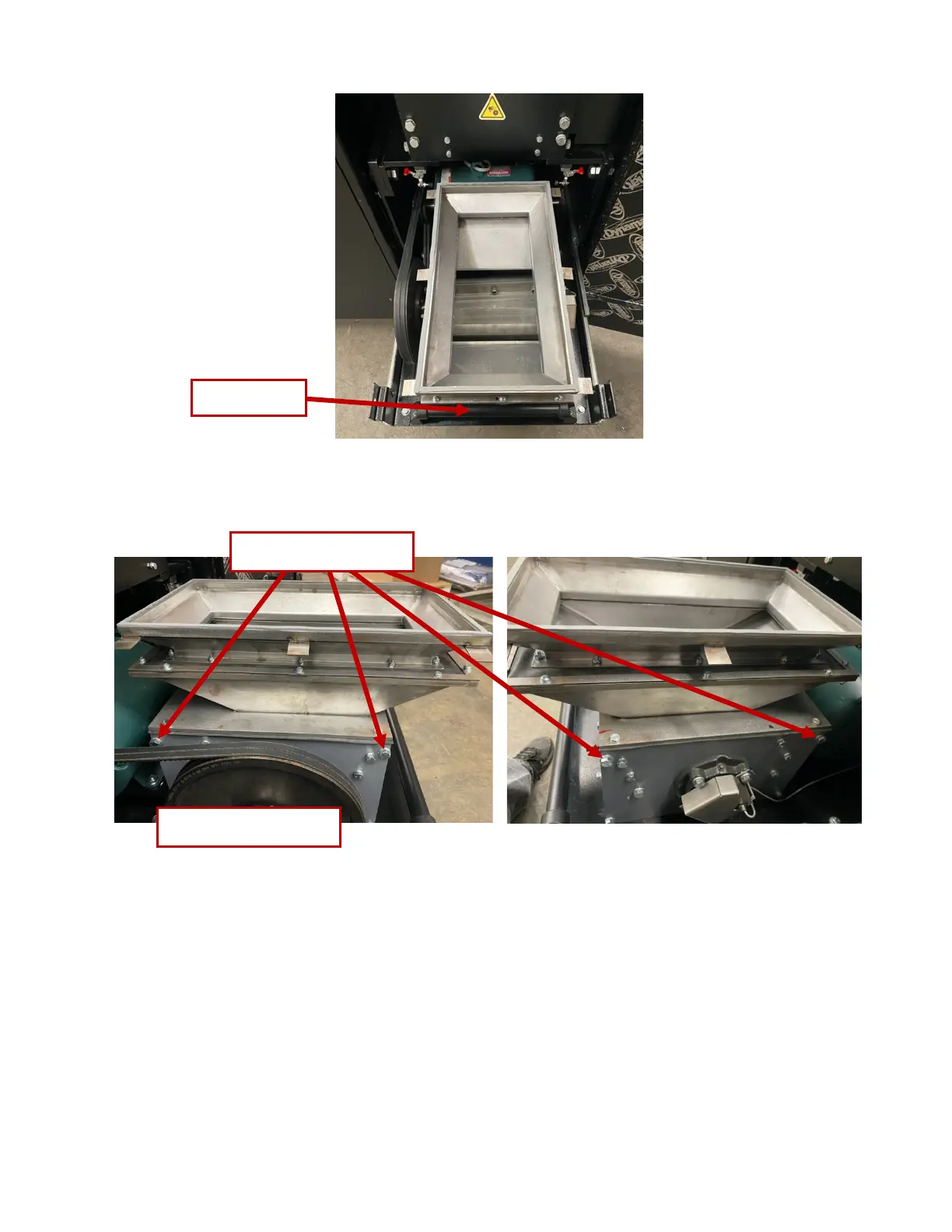
Figure 26. Removing bolts securing the hopper
!"#$%&'()*+"),"-*)./0123)
1. Remove the four bolts in the corners of the rear left panel and remove the panel.
2. Remove the two bolts at the rear of the yellow belt guard (Figure 27), one bolt on the front of the belt
guard (Figure 28) and two on the top of the belt guard.



 To Next Page