508.366.1488 | www.semshred.com
23
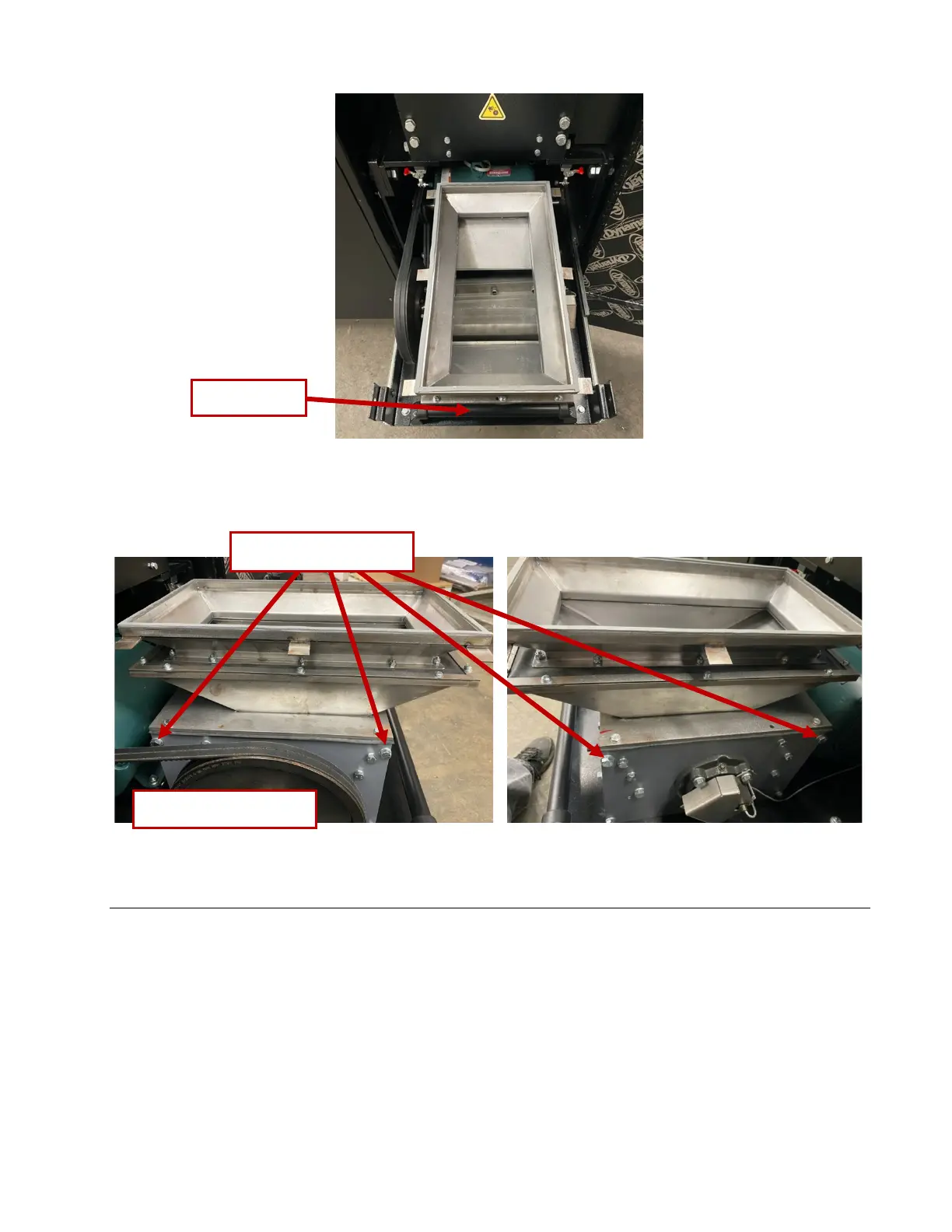
Figure 18. Removing bolts securing the hopper
Removing the Screen
1. Using a 9/16” socket, remove the four 3/8”-16 bolts holding the transition onto the bottom of the shelf.
See Figure 19. Note that two bolts are in the front and two in the back.
2. Using the 1/2” deep socket with extension, remove six 5/16” nuts and their lock washers from the
screen, Figure 20.
3. Lower the screen carefully to prevent spilling any remaining material. Remove jammed material using
needle-nose pliers.
4. Inspect the screen for damage. Particle size integrity cannot be guaranteed if screen is damaged. If
screen is damaged, contact SEM for replacement.



 To Next Page