SPIDER ST1 Motorcycle Mesh Communication System | 18
4 PAIRING THE HEADSET WITH OTHER BLUETOOTH DEVICES
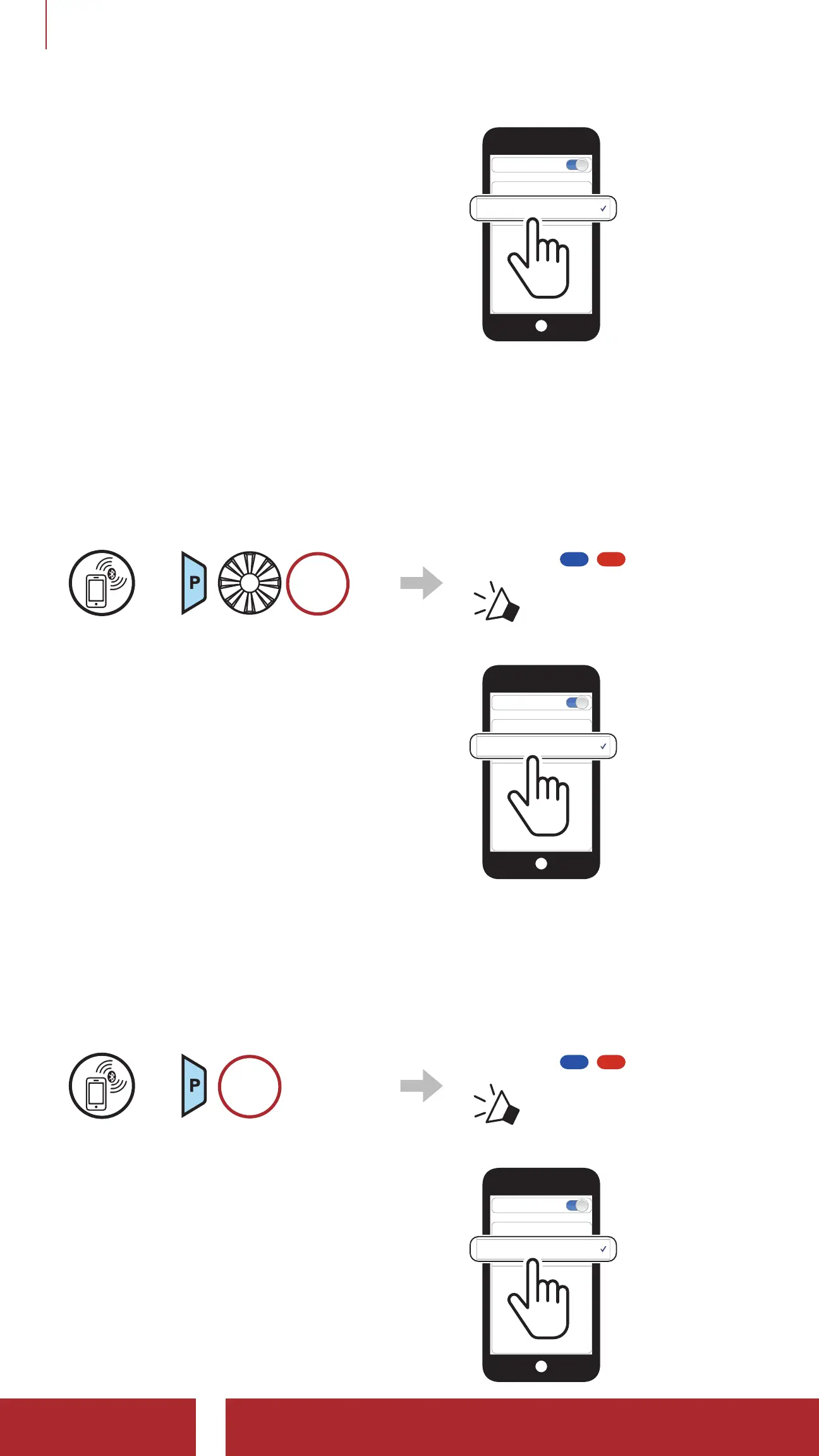
2. Select SPIDER ST1 in the list of
Bluetooth devices detected. If your
mobile phone asks for a PIN, enter
0000.
Device B
Pi
Bluetooth
4.1.2 Pairing When the SPIDER ST1 is Turned Off
1. While the headset is off, press and hold the Phone Button and the
Jog Dial until the LED flashes red and blue alternately and you hear a
voice prompt, “Phone pairing”.
=
HOLD
Blinking
“Phone pairing”
2. Select SPIDER ST1 in the list of
Bluetooth devices detected. If your
mobile phone asks for a PIN, enter
0000.
Device B
Pi
Bluetooth
4.1.3 Pairing When the SPIDER ST1 is Turned On
1. While the headset is on, press and hold the Phone Button for
5 seconds.
=
5s
HOLD
Blinking
“Phone pairing”
2. Select SPIDER ST1 in the list of
Bluetooth devices detected. If your
mobile phone asks for a PIN, enter
0000.
Device B
Pi
Bluetooth



 To Next Page