SPIDER ST1 Motorcycle Mesh Communication System | 28
7 MESH INTERCOM
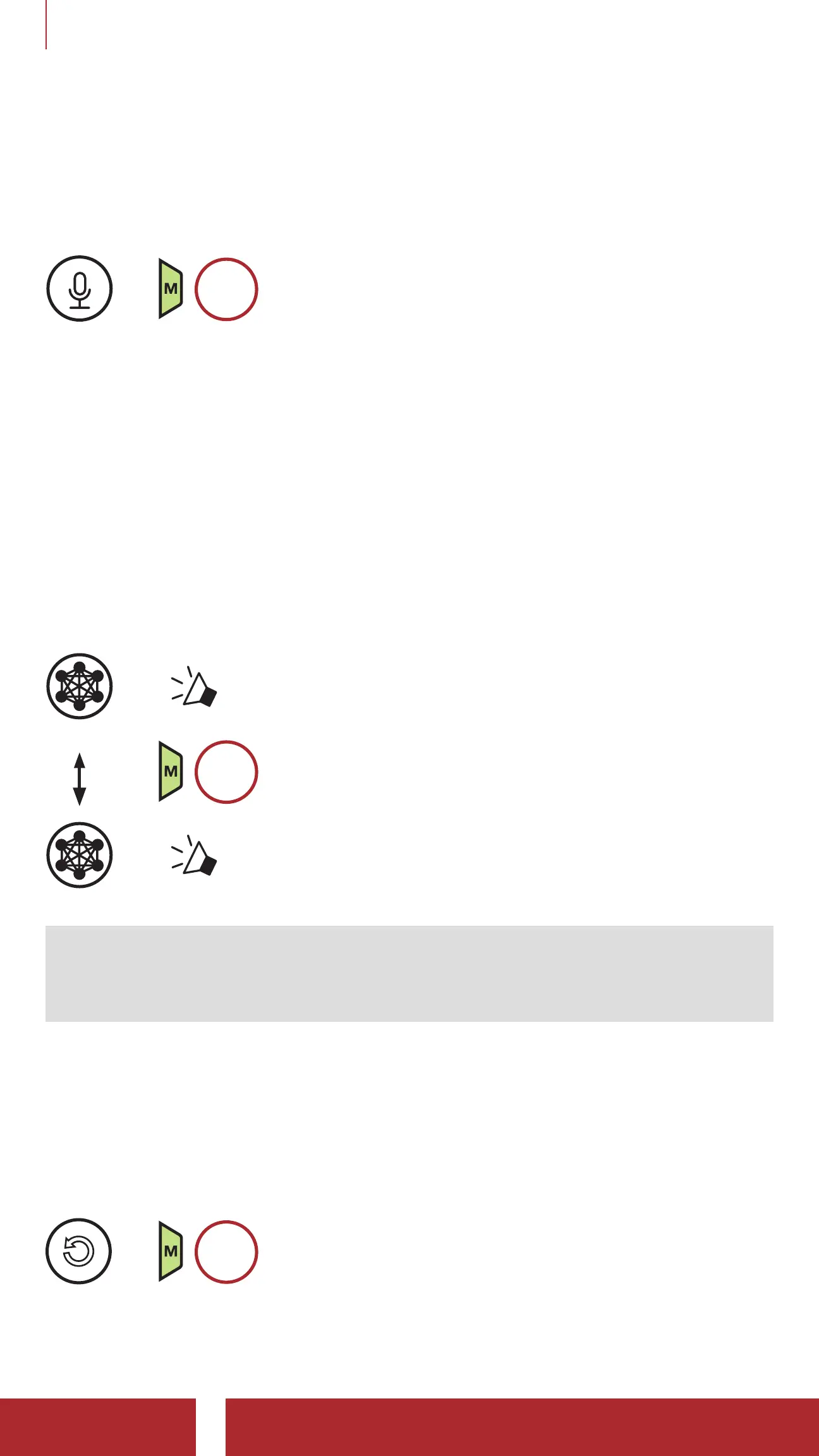
7.5 Enable/Disable Mic (Default: Enable)
Users can enable/disable the microphone when communicating in a
Mesh Intercom.
=
1s
HOLD
7.6 Toggling Open Mesh/Group Mesh
Users are able to toggle between Open Mesh and Group Mesh
without resetting the Mesh. This allows users to keep the Group Mesh
Network connection information while in Open Mesh.
Users can toggle to Group Mesh to communicate with participants from
the stored Group Mesh Network connection information.
Toggle Between Open Mesh and Group Mesh
“Open Mesh”
Open Mesh
=
3s
HOLD
“Group Mesh”
Group Mesh
Note: If you have never participated in Group Mesh, you cannot
toggle between Open Mesh and Group Mesh. You will hear a voice
prompt, “No Group Available”.
7.7 Reset Mesh
If a headset in an Open Mesh or Group Mesh resets the Mesh, it will
automatically return to Open Mesh (default: channel 1).
=
8s
HOLD



 To Next Page