SPIDER ST1 Motorcycle Mesh Communication System | 31
10. CONFIGURATION SETTING
10.1 Headset Configuration Menu
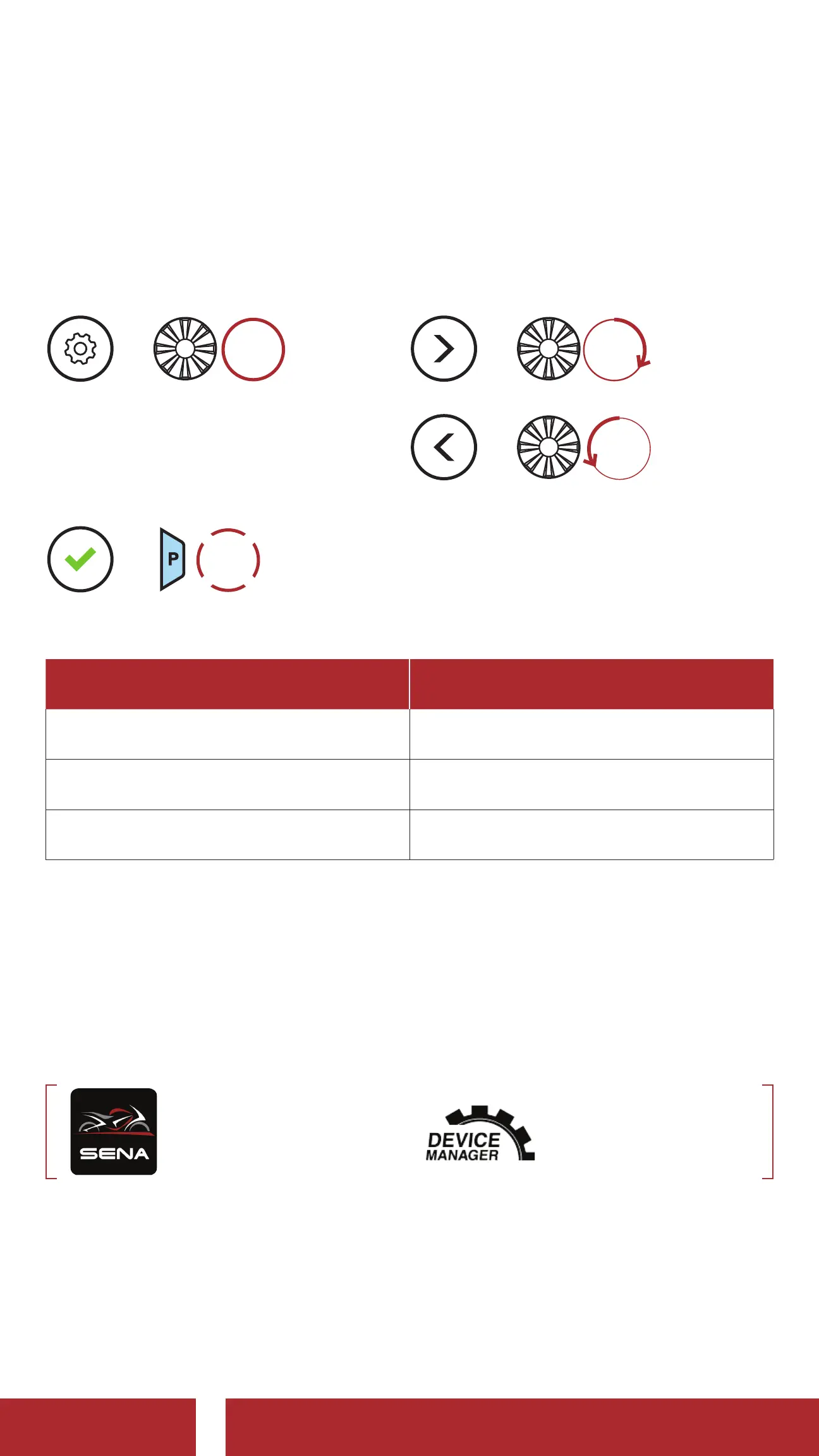
Access the Configuration Menu
=
5s
HOLD
Navigate Between Menu Options
=
ROTATE
R
=
ROTATE
L
Execute Menu Options
=
1x
TAP
Headset Configuration Menu
Voice Configuration Menu Tap the Phone Button
Second Mobile Phone Pairing None
GPS Pairing None
Exit Execute
10.2 Software Configuration Setting
You can change the settings of the headset through the Sena Device
Manager or the SENA MOTORCYCLES App.
SENA MOTORCYCLES Sena Device Manager
CHAPTER



 To Next Page