SPIDER ST1 Motorcycle Mesh Communication System | 12
2 INSTALLING THE HEADSET ON YOUR HELMET
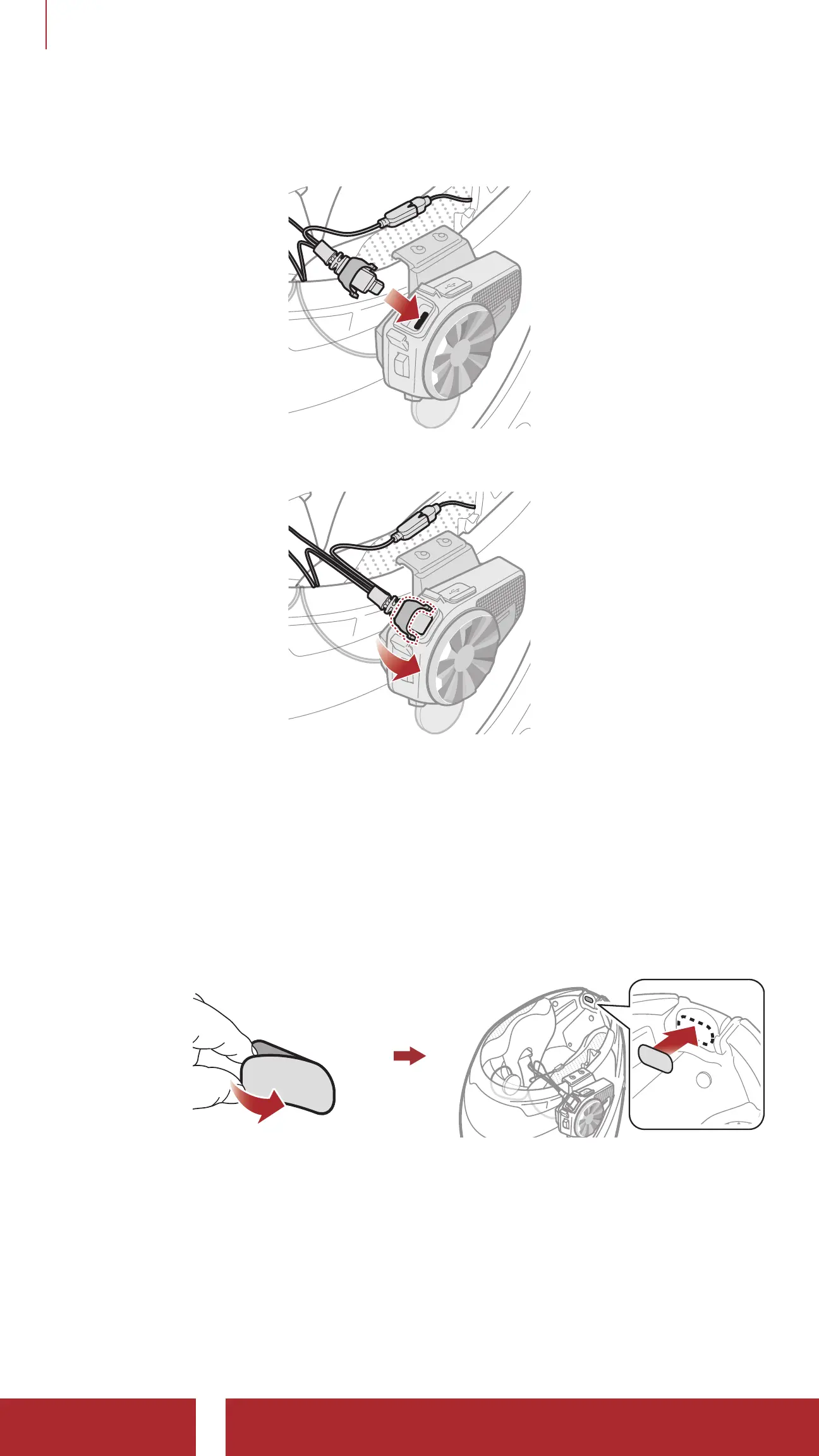
5. Insert the speaker cable into the speaker and microphone port to
connect it to the main unit.
6. Close the cover of the speaker cable to lock the cable to the port.
2.3.2 Installing the Wired Microphone
If you have a full face helmet, you can use the wired microphone.
1. Peel off the cover of the hook and loop fastener for wired microphone
to expose the adhesive tape. Then, attach the hook and loop fastener
on the inside of the helmet’s chin guard.



 To Next Page