Using the SKM 300 G4
100
Lock-off function
You can set the automatic lock-off function in the Auto lock menu (see
“Auto Lock menu item”).
When you have switched on the lock-off function, you will have to turn the
transmitter off and on again in order to operate it.
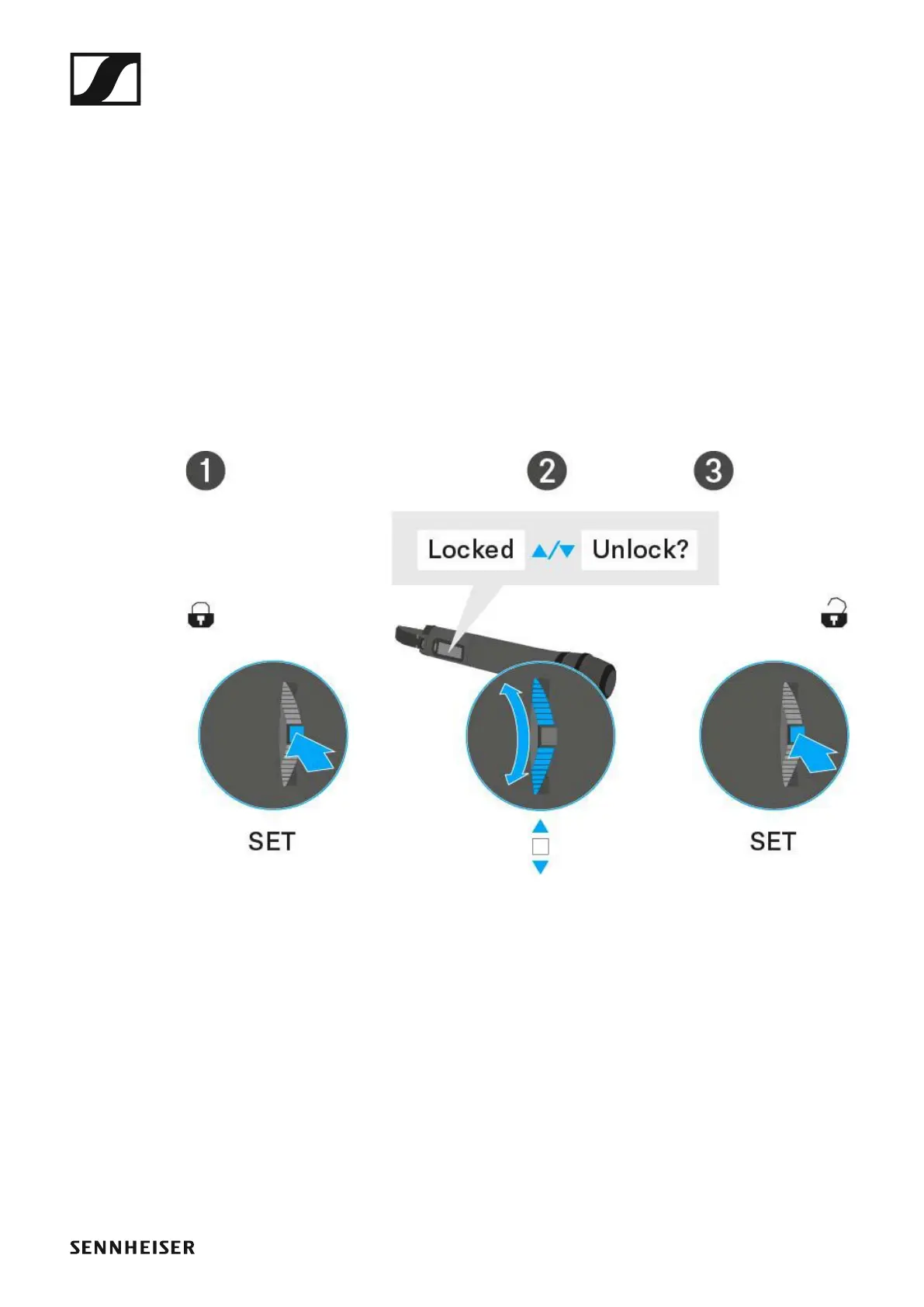
To temporarily deactivate the lock-off function:
▷ Press the SET button.
Locked appears in the display panel.
▷ Press the UP or DOWN button.
Unlock? appears in the display panel.
▷ Press the SET button.
Lock-off function is now temporarily deactivated.













 To Next Page